Opening and Closing the Door
24 SmartLab: Automated Multipurpose X-ray Diffractometer
Closing the door
1 Close the door of the radiation enclosure.
2 Press the DOOR LOCK button on the door.
3 When the door is properly locked, the DOOR LOCK button stops
flashing, and the beeping stops. The instrument is then ready for
operation.
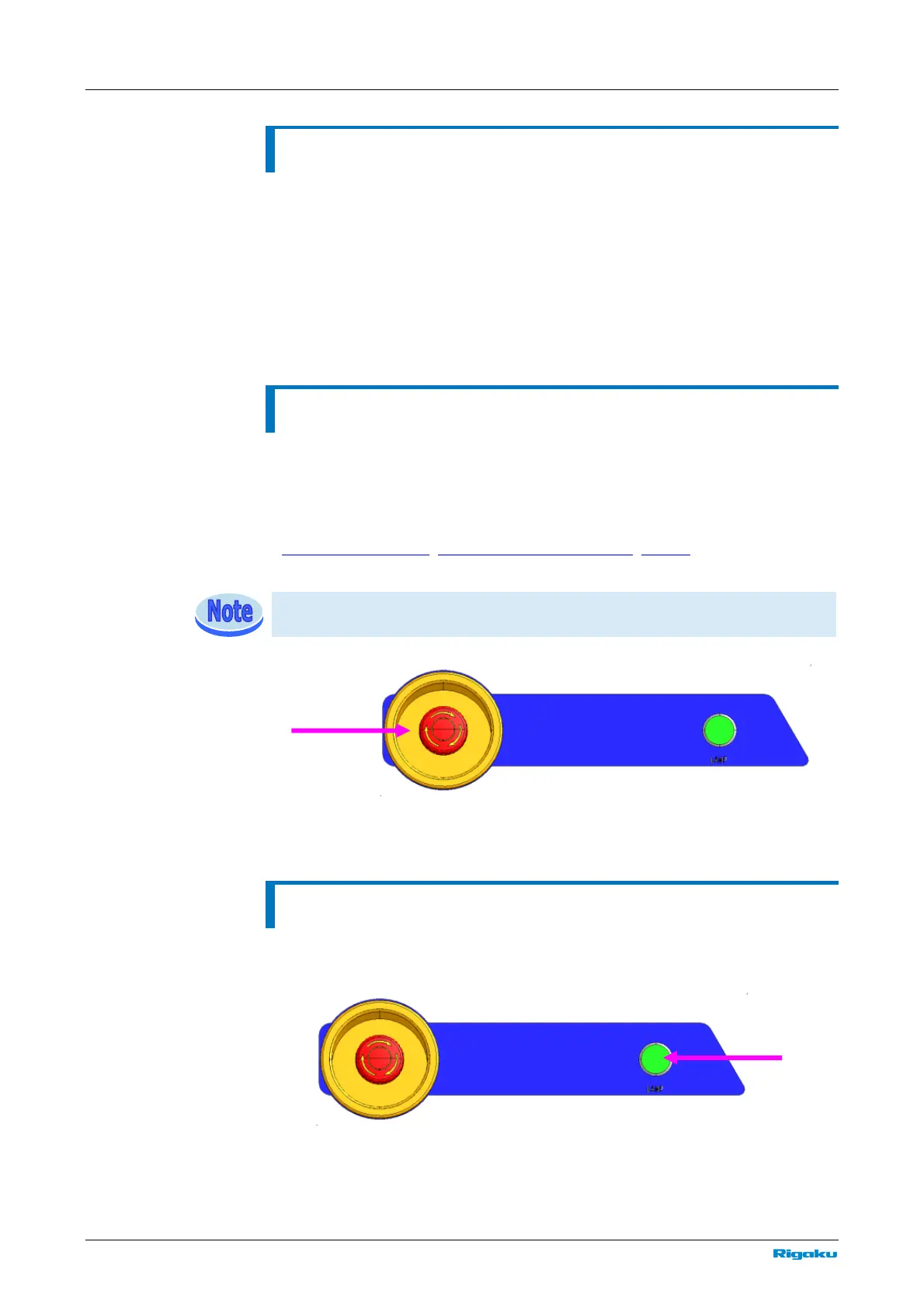
Emergency stop switch (EMO)
Press this switch in the event of an emergency to cut off the power supply to the
main unit.
To cancel the emergency stop status, turn the button clockwise. After confirming
safety, press the “|” ON button on the main panel to restart SmartLab. (see
Turning on SmartLab
, Starting SmartLab Guidance, Startup).
After restarting SmartLab, also restart SmartLab Guidance.
Emergency stop switch (EMO)
Turning on/off the internal lamp (LAMP)
Press once the LAMP button to turn on the internal lamp. Press again to turn it
off.
LAMP button



 To Next Page