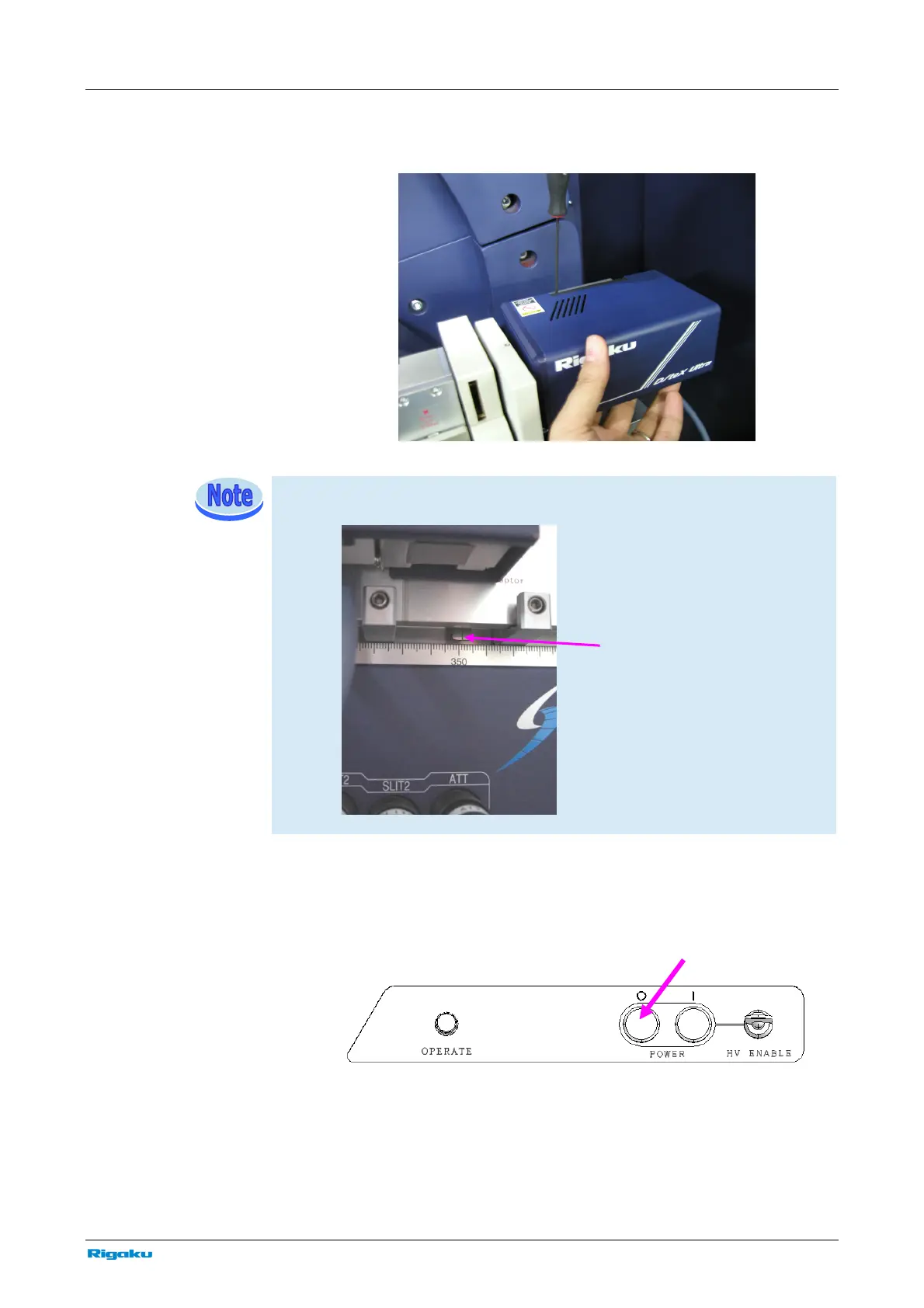
D/teX Ultra (option: 5741A300)
SmartLab: Automated Multipurpose X-ray Diffractometer 75
3 Install the base to the detector adaptor, and secure it in place with the
Allen wrench provided.
When the measurement is made in para-focusing optics, install the detector adaptor
at position 351 mm
4 Connect the power cable and communication cable to the connector on
the back of D/teX Ultra. Before connecting the cables, press the “O”
OFF button to turn off the power of SmartLab.
Detector
osition



 To Next Page