24 ProSYS User Guide
Setting Multiple Partitions
Only users that have been defined to operate multiple partitions during
the system installation can operate more than one partition and
set/unset all partitions at once.
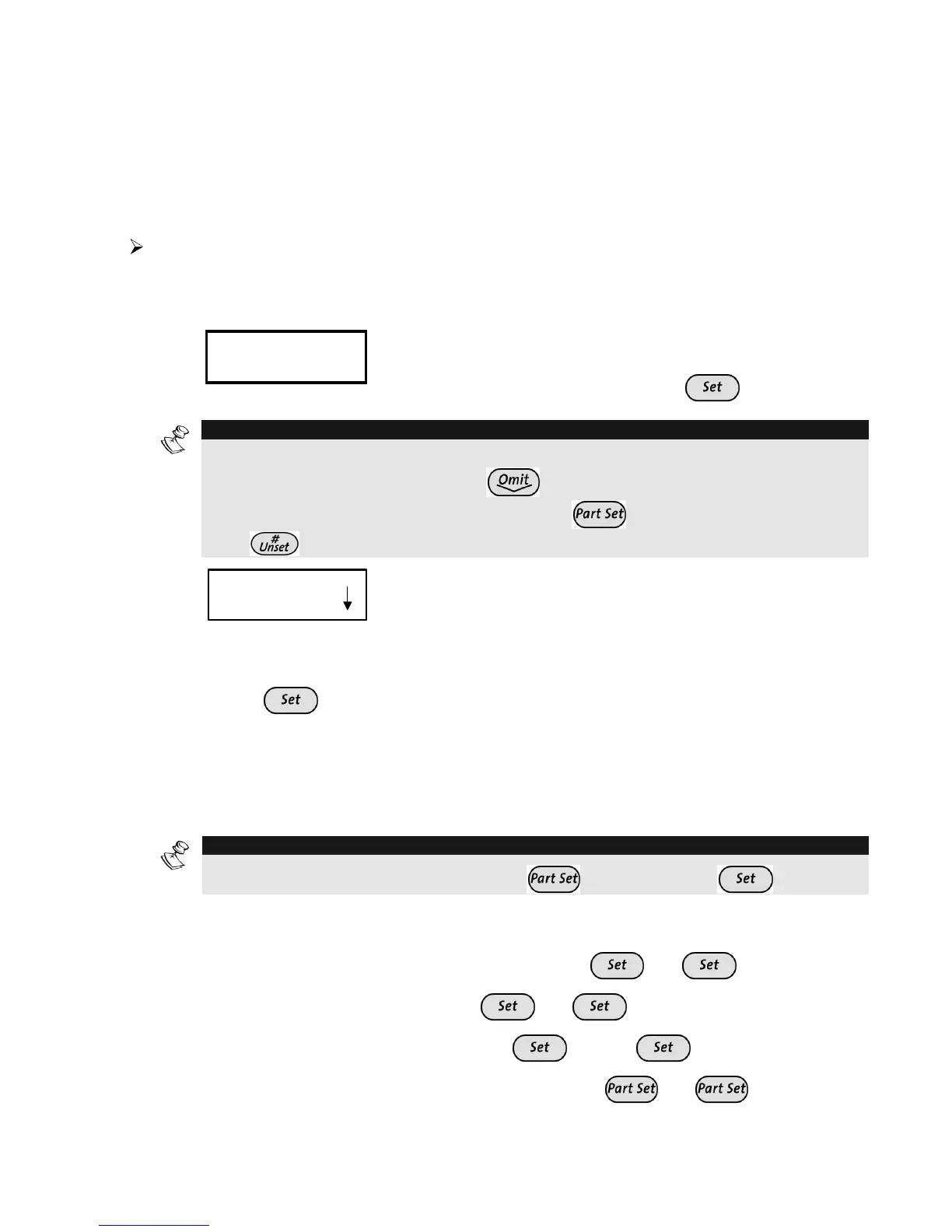
To Full Set multiple partitions:
1)
Check the Ready LED status as described on the Full Setting
procedure on page 20 and then proceed.
2)
THE JONESES
THE JONESES
05:42 DEC 16 TUE
05:42 DEC 16 TUE
THE JONESES
THE JONESES
05:42 DEC 16 TUE
05:42 DEC 16 TUE
Hold the tag close to the keypad's keys or
Enter your user code and press
.
NOTE:
If required, all faults in the system should be confirmed to enable the setting operation.
Scroll down the list of fault/s using the key. At the end of the list the following
question will appear: « OVERIDE FLT? » Use the
key to toggle the option to Y and
press .
3)
SET R
SET R
0) ALL
0) ALL
SET R
SET R
0) ALL
0) ALL
Select the number of the partition you want to set.
-OR-
Select 0 to set ALL partitions.
4)
Press
to set the selected partition(s).
5)
Repeat the above steps to set additional partitions.
The partition(s) will be set when the exit time has expired, on activation
of the Final Exit zone, or by pressing the Exit Terminator button.
NOTE:
To perform a Part set for a partition use the
key instead of the
key).
Examples:
Ê To set partition 3 with code 1234: 1-2-3-4
[3]
Ê To set ALL partitions: 1-2-3-4
[0]
Ê To set partitions 3 and 4: 1-2-3-4
[3] [4]
Ê To set partition 3 in Part Set mode: 1-2-3-4
[3]



 To Next Page