44 ProSYS User Guide
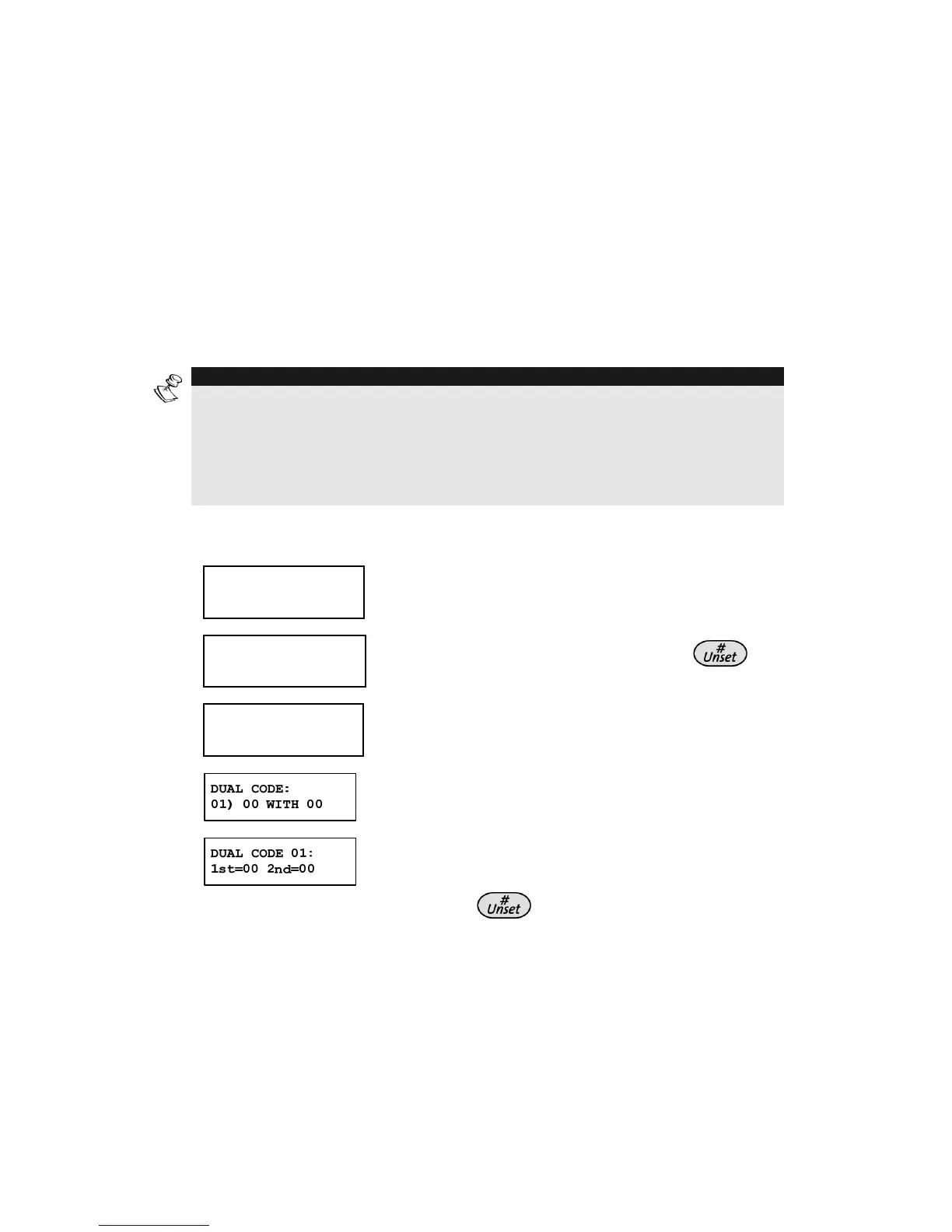
Assigning Dual Codes
[*] [5] [CODE] [#] [7]
Dual codes are a high-security option that ensures that the system
is unset only by pairs of users. This prevents individual users from
unsetting the system alone, by making their user code or proximity
tag active only if accompanied by their partner's user code or
proximity tag. To unset the system, two users must enter their
codes or pass their proximity tags one after the other The time
between entering the two user codes is 60 seconds.
NOTES:
Your engineer must enable the Dual Code feature.
When using the Dual Code feature, there will not be a restriction in operating
with one user through the Access Control module.
The Cleaner, Set Only, PO Only, and Guard authority levels cannot be used to
perform dual-code unsetting.
¾ To assign dual codes:
1)
USER FUNCTIONS:
USER FUNCTIONS:
1) OMIT
1) OMIT
USER FUNCTIONS:
USER FUNCTIONS:
1) OMIT
1) OMIT
From the User Functions menu, select
[5] Access Code.
2)
INSERT CODE:
INSERT CODE:
INSERT CODE:
INSERT CODE:
Enter your user code, followed by
.
3)
ACCESS CODE:
ACCESS CODE:
1) UPDATE CODES
1) UPDATE CODES
ACCESS CODE:
ACCESS CODE:
1) UPDATE CODES
1) UPDATE CODES
Select [6] Dual Codes.
4)
Select the index number of the dual code
that you want to assign.
5)
Enter the user index numbers of the users
you want to pair together for the dual code,
and press
.



 To Next Page