56 ProSYS User Guide
Chapter 12: Proximity Keypad
The proximity keypad enables you to use a proximity tag to set and
unset the security system or to activate and deactivate home
appliances and utilities, such as heating and lights.
Proximity tag programming is performed from the User Functions
menu. When programming a proximity tag, the following three options
are available:
Ê (RE)WRITE TAG: Ads a new proximity tag (described below).
Ê DEL BY USER: Deletes a proximity tag according to the user
serial number, as described on page 57.
Ê DEL BY TAG: Deletes a proximity tag according to the user tag, as
described on page 58.
This section also includes general instructions for using a proximity tag,
as described on page 59.
NOTES:
Users can define or delete their individual proximity tags, but the Grand Master
can define or delete any user's tag.
Each proximity tag can be assigned to only one user.
Adding a New Proximity Tag
You can add a new proximity tag for each user in the system, as
required.
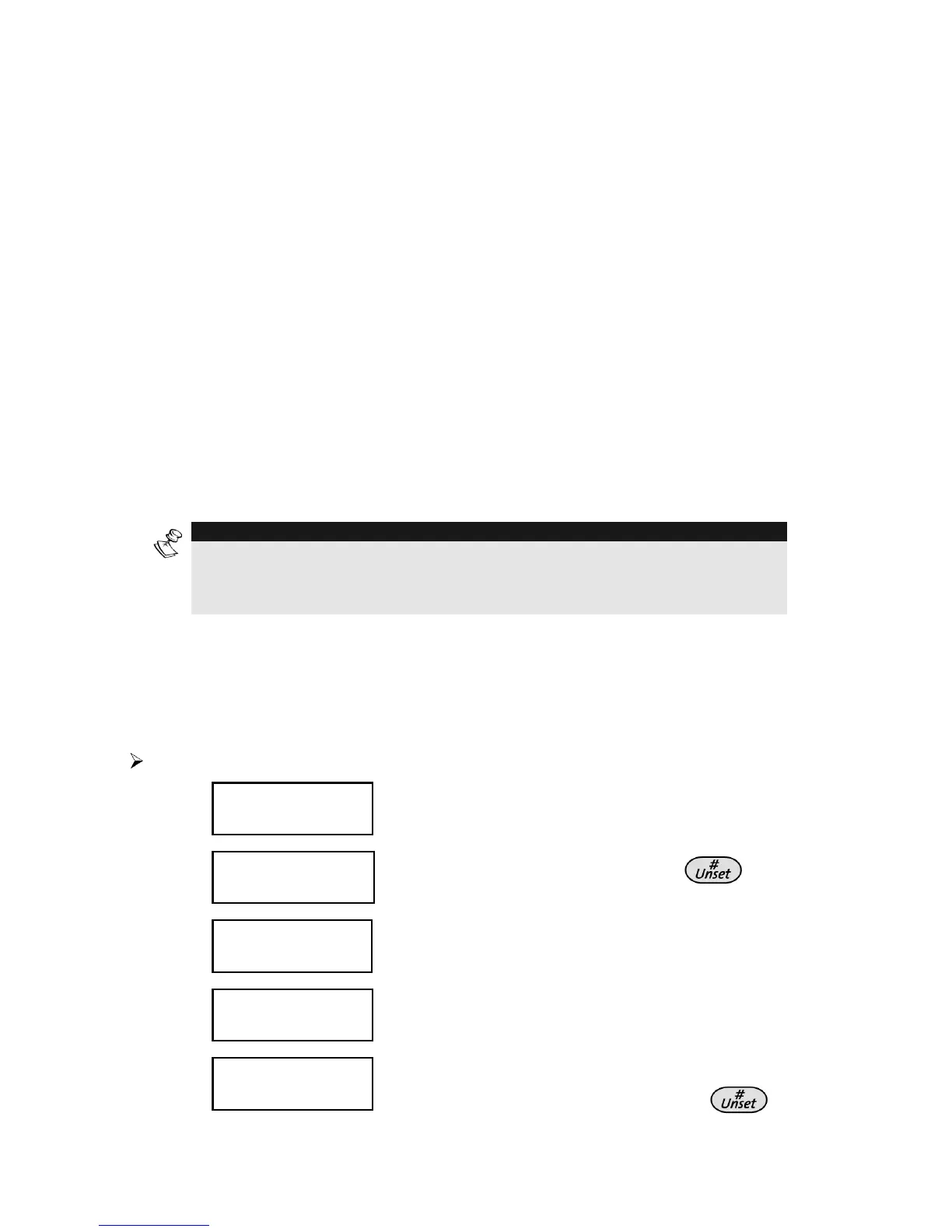
To add a new proximity tag:
1)
USER FUNCTIONS:
USER FUNCTIONS:
1) OMIT
1) OMIT
USER FUNCTIONS:
USER FUNCTIONS:
1) OMIT
1) OMIT
From the User Functions menu, select
[5] Access Code.
2)
INSERT CODE:
INSERT CODE:
INSERT CODE:
INSERT CODE:
Enter your user code and press .
3)
ACCESS CODE:
ACCESS CODE:
1) UPDATE CODES
1) UPDATE CODES
ACCESS CODE:
ACCESS CODE:
1) UPDATE CODES
1) UPDATE CODES
Select [5] Prox Tag.
4)
PROX TAG:
PROX TAG:
1)
1)
(RE)WRITE TAG
(RE)WRITE TAG
PROX TAG:
PROX TAG:
1)
1)
(RE)WRITE TAG
(RE)WRITE TAG
Select [1] (Re) Write Tag.
5)
SELECT USER:
SELECT USER:
00)0 GRAND
00)0 GRAND
SELECT USER:
SELECT USER:
00)0 GRAND
00)0 GRAND
Select the user to which you want to
assign the proximity tag and press
.



 To Next Page