ProSYS User Guide 45
Chapter 8: Viewing Fault Conditions
[3] [1] [CODE]
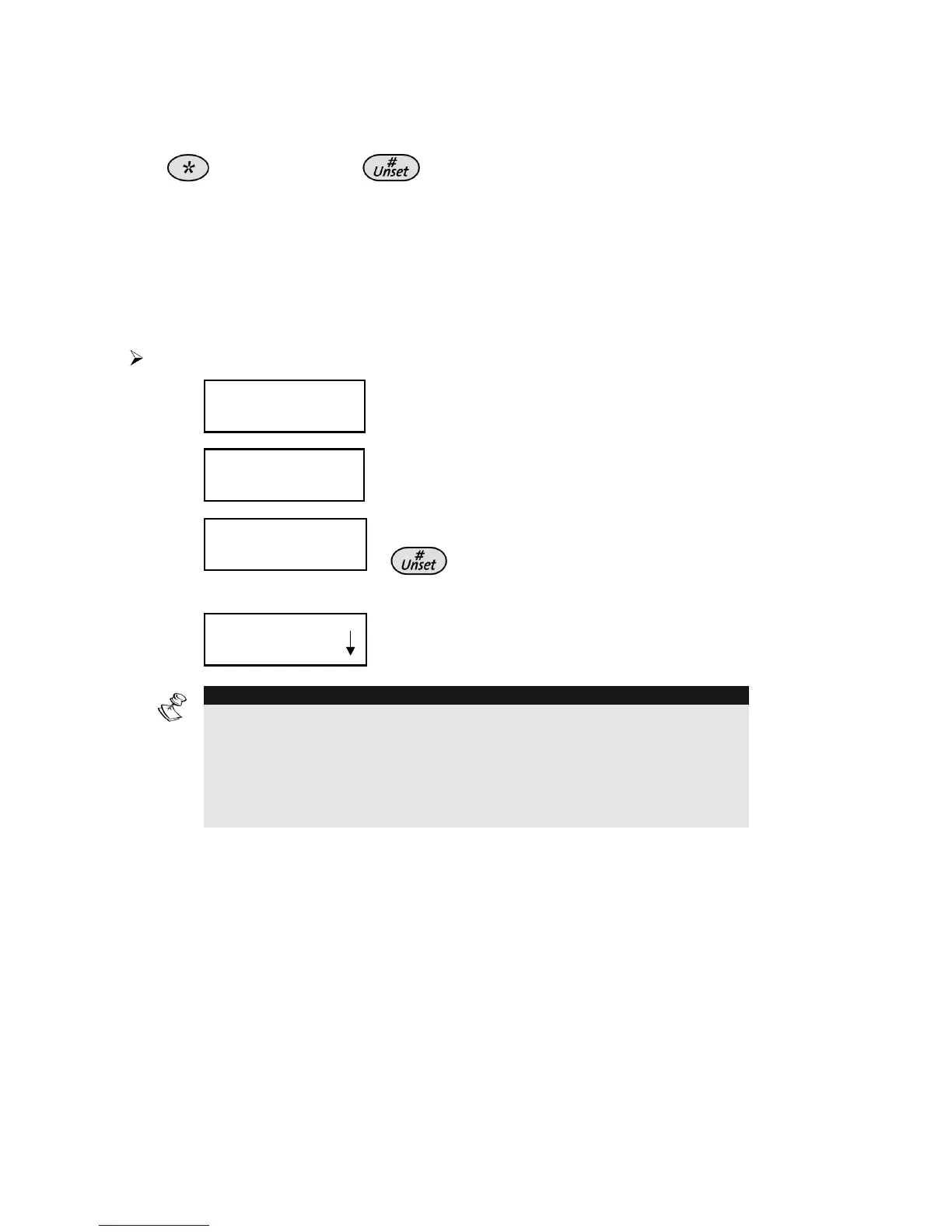
A rapid flashing of the Ready LED indicates a fault condition. The
following procedure describes how to identify the fault condition. Refer
to the table on page 67 for a list of possible fault conditions and their
descriptions.
The system must be unset to view fault conditions.
To view fault conditions:
1)
USER FUNCTIONS:
USER FUNCTIONS:
1) OMIT
1) OMIT
USER FUNCTIONS:
USER FUNCTIONS:
1) OMIT
1) OMIT
From the User Functions menu,
select [3] View.
2)
VIEW
VIEW
1) FAULT
1) FAULT
VIEW
VIEW
1) FAULT
1) FAULT
Select [1] Fault.
3)
INSERT CODE:
INSERT CODE:
INSERT CODE:
INSERT CODE:
Enter your user code and press
. The first fault condition is
displayed.
4)
FAULT
FAULT
MAIN: LOW BATT
MAIN: LOW BATT
FAULT
FAULT
MAIN: LOW BATT
MAIN: LOW BATT
If an (L) appears, other faults exist.
Scroll down to view additional faults.
NOTE:
In some cases, you may be able to correct faults and restore the system
to Normal Operation mode yourself. In other cases, your e (or other
related services) may be required. When all outstanding faults are
resolved, the rapidly flashing Ready LED on your keypad(s) lights
steadily, and all evidence of the faults is automatically removed from your
system.



 To Next Page