40 ProSYS User Guide
Deleting User Codes
At times, it may be desirable to completely delete a user code. Note
that it is impossible to delete the Master Code (although it can be
changed).
The system must be unset in order to delete user codes.
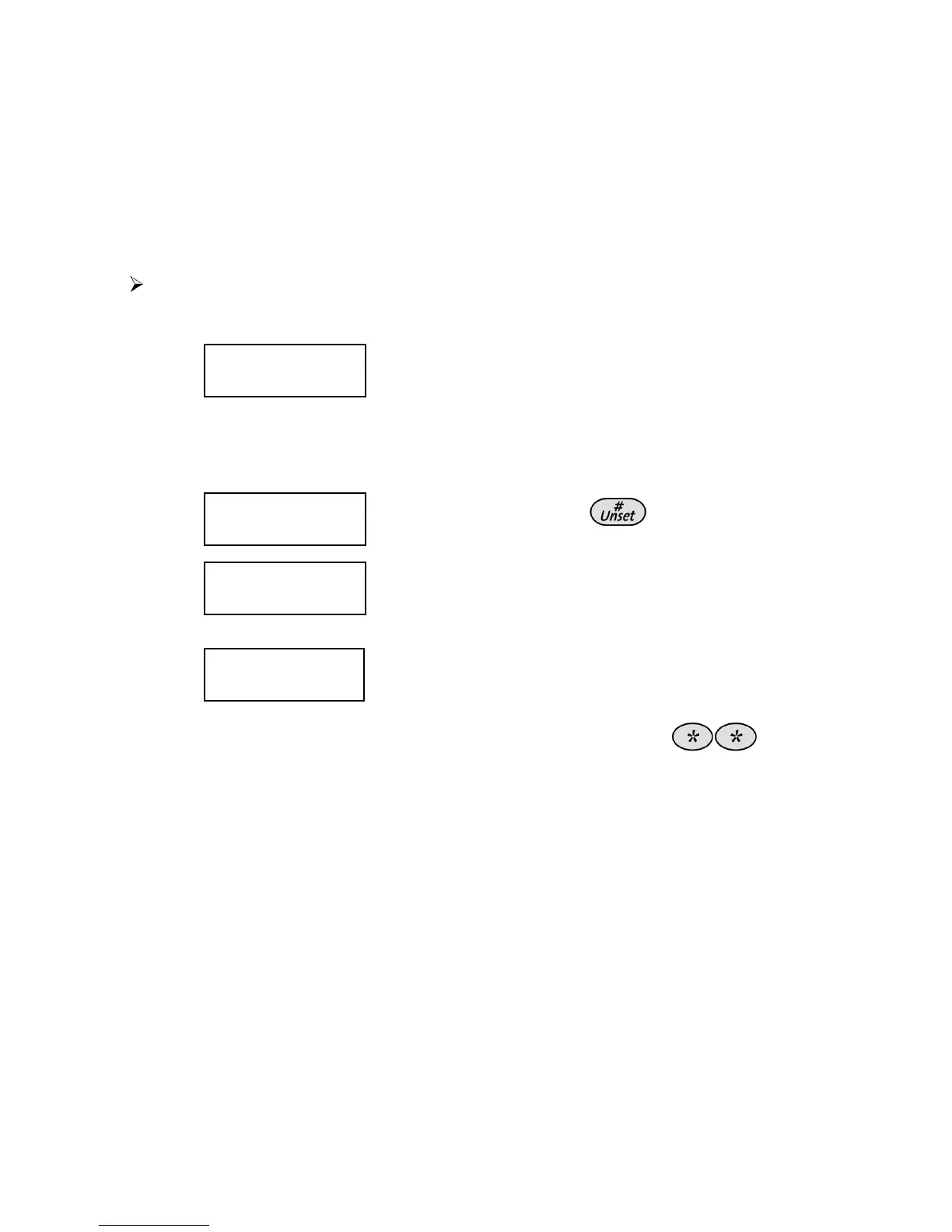
To delete a user code:
1)
Follow steps 1-3 in the previous procedure.
2)
CODE 1234 GRAND
CODE 1234 GRAND
00) USER 00
00) USER 00
CODE 1234 GRAND
CODE 1234 GRAND
00) USER 00
00) USER 00
Enter the two-digit User Index number for
which the code is to be deleted.
For example, to delete the user code
assigned to user index number 6, press
[0] [6].
3)
CODE 06, USER
CODE 06, USER
ENTER: 6543
ENTER: 6543
CODE 06, USER
CODE 06, USER
ENTER: 6543
ENTER: 6543
Press [0] followed by
.
4)
CODE 06, USER
CODE 06, USER
ACCEPTED
ACCEPTED
CODE 06, USER
CODE 06, USER
ACCEPTED
ACCEPTED
If successful, a single confirmation beep is
sounded, and a message is displayed. If
not, three quick error beeps are sounded.
5)
SELECT CODE:
SELECT CODE:
07) 0 USER
07) 0 USER
SELECT CODE:
SELECT CODE:
07) 0 USER
07) 0 USER
Repeat the above steps for additional
codes until complete.
6)
When all required codes have been deleted, press
quickly to reset and exit the User Functions menu.



 To Next Page