22 ProSYS User Guide
Part Setting
Part Setting activates only perimeter detectors (as programmed by
your engineer), enabling individuals to remain inside and move about
the premises even after the system is set.
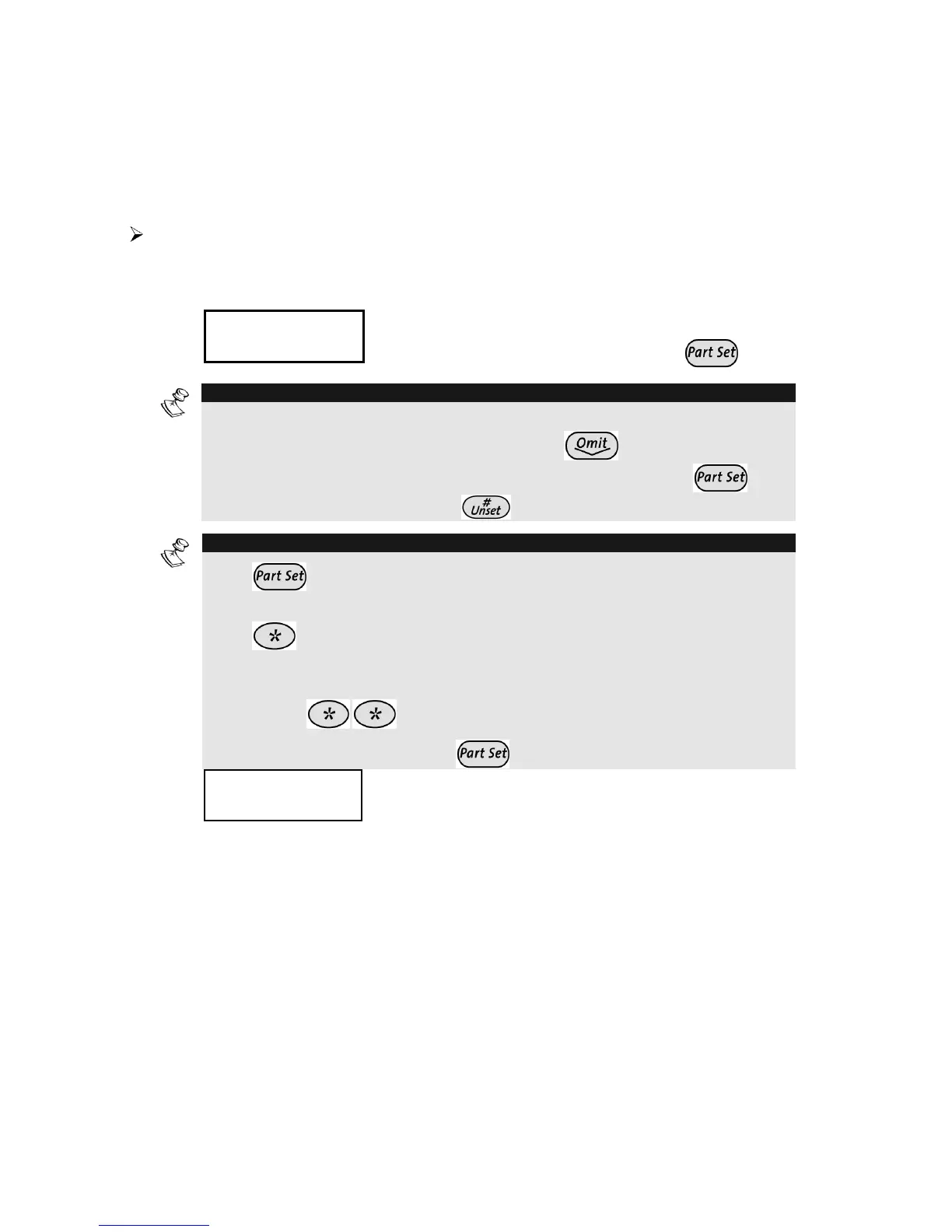
To Part Set:
1)
Check the Ready LED and make sure that the system is ready
for Part (Night) setting).
2)
THE JONESES
THE JONESES
05:42 DEC 16 TUE
05:42 DEC 16 TUE
THE JONESES
THE JONESES
05:42 DEC 16 TUE
05:42 DEC 16 TUE
Hold the tag close to the keypad's keys or
Enter your user code and press
.
NOTE:
If required, all faults in the system should be confirmed to enable the setting
operation. Scroll down the list of fault/s using the key. At the end of the
list the following question will appear: « OVERIDE FLT? » Use the
key
to toggle the option to Y and press ..
NOTES:
Press
twice to cancel the Entry Delay time period. The display will show
a confirmation message “NO Entry Delay”.
Press during the Exit Delay time period to silence the beeps from the
keypad.
If you make a mistake entering your user code, the keypad produces three short
beeps. Press
quickly and re-enter the above sequence correctly.
If defined by your engineer press
for quick Part setting
3)
THE JONESES
THE JONESES
P.SET:
P.SET:
EXIT
EXIT
=
=
O:45
O:45
THE JONESES
THE JONESES
P.SET:
P.SET:
EXIT
EXIT
=
=
O:45
O:45
If required, leave the premises via the
authorized exit route and close the door.
During the Exit Delay time period a
continuous sound will sound from the
keypad’s buzzer, the Set LED flashes, and
the Omit LED lights, indicating that the
interior zones are being omitted. The exit
tone will change if any detectors are violated
during exit time.
If so programmed, the system will be part set
when the exit time has expired, on activation
of the Final Exit zone or when the Exit
Terminator button is pressed.



 To Next Page