ProSYS User Guide 53
Chapter 11: Programming Function Keys
[9] [Grand Master Code] [5]
The ProSYS enables you to record a series of commands and assign
them to a Function key. When the Function key is pressed, the
recorded commands are executed from beginning to end.
NOTE:
The default function for all Function keys is group setting, as described on
page 25.
If Group setting is used, this option is not available.
Before programming a Function key, it is recommended to perform
your required series of commands, making a note of every key you
press while doing so. These keys will be entered in the form of
characters in step 4 of the procedure for programming the Function
key.
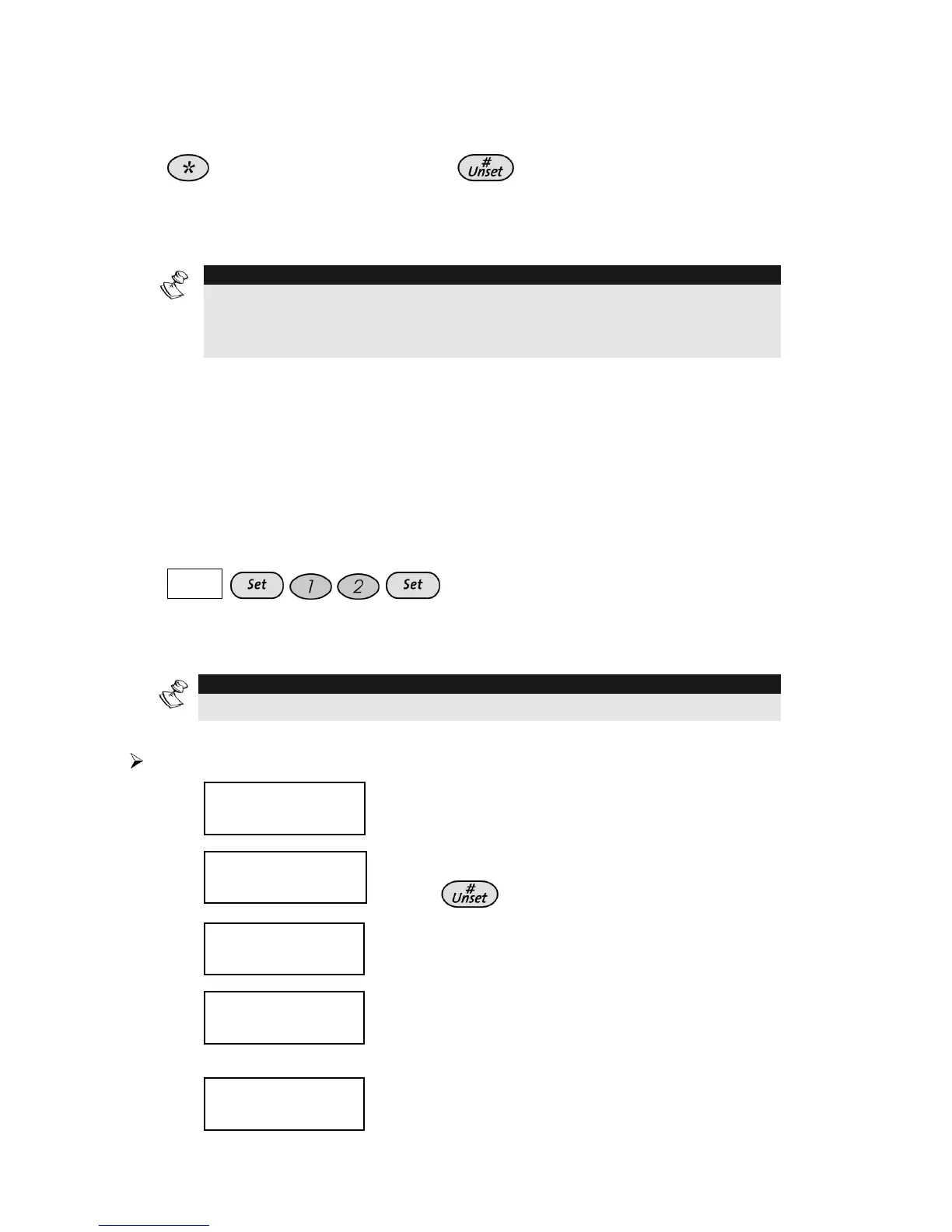
For example, to set partitions 1 and 2 in a 3-partitioned system, you
would press the following keys in step 4:
COD E
This example requires the following sequence of characters:
1234a12a
NOTE:
Function keys cannot be programmed to perform unsetting commands.
To program a Function key:
1)
USER FUNCTIONS:
USER FUNCTIONS:
1) OMIT
1) OMIT
USER FUNCTIONS:
USER FUNCTIONS:
1) OMIT
1) OMIT
From the User Functions menu, select [9]
Miscellaneous.
2)
INSERT CODE:
INSERT CODE:
INSERT CODE:
INSERT CODE:
Enter the Grand Master code and
press
.
3)
MISCELLANEOUS:
MISCELLANEOUS:
1)
1)
PRINTER CNTRL
PRINTER CNTRL
MISCELLANEOUS:
MISCELLANEOUS:
1)
1)
PRINTER CNTRL
PRINTER CNTRL
Select [5] Key Custom.
4)
CHOOSE KEY:
CHOOSE KEY:
1)
1)
KEY A
KEY A
CHOOSE KEY:
CHOOSE KEY:
1)
1)
KEY A
KEY A
The Choose Key menu lists the four
function keys. Select the function key that
you want to program.
5)
PRESS A TO
PRESS A TO
START/STOP
START/STOP
PRESS A TO
PRESS A TO
START/STOP
START/STOP
Press [A] (or the function key you selected
in step 4).



 To Next Page