48 ProSYS User Guide
6)
SET/UNSET S:01
SET/UNSET S:01
1)
1)
PARTITION
PARTITION
SET/UNSET S:01
SET/UNSET S:01
1)
1)
PARTITION
PARTITION
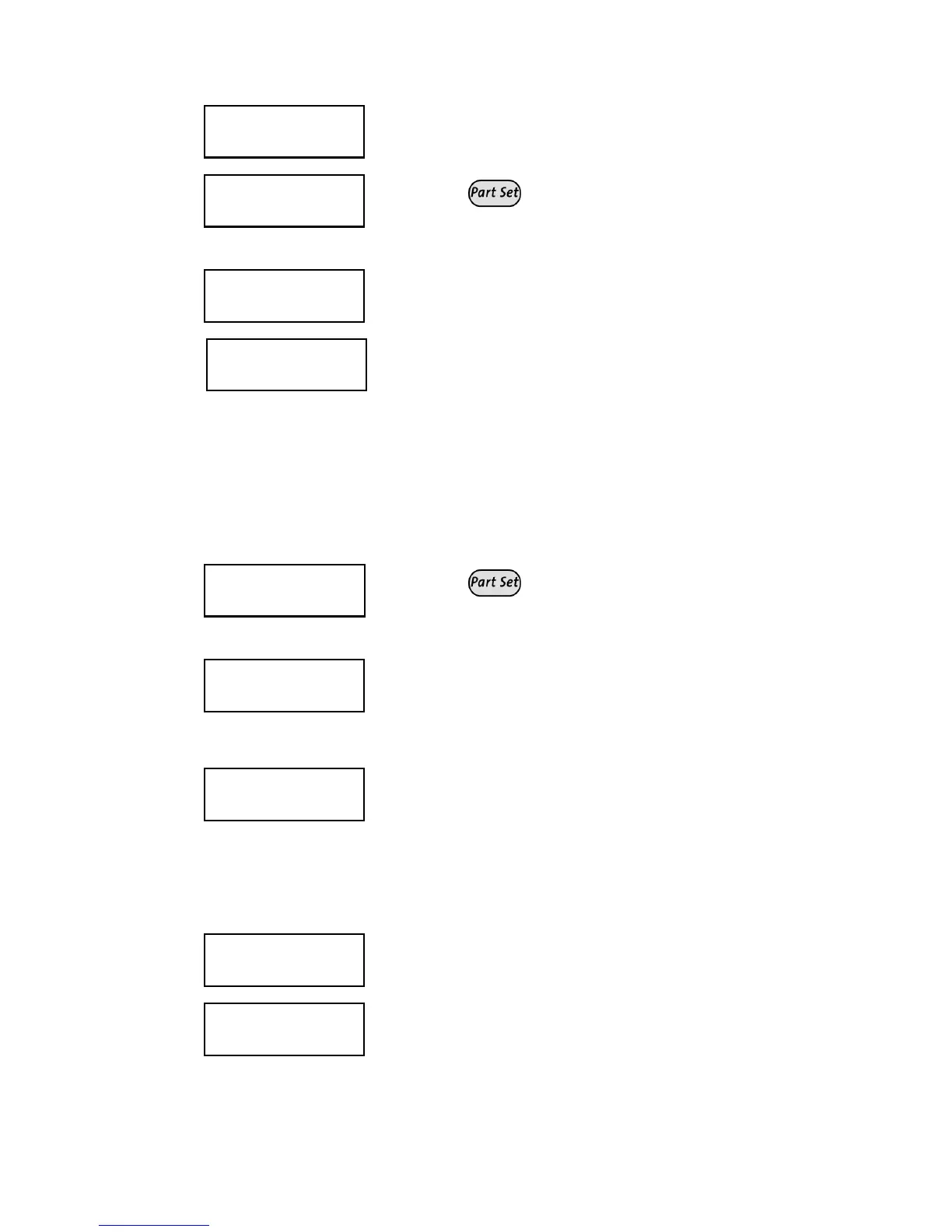
Select [1] Partition.
7)
P:123456768 S:01
P:123456768 S:01
Y
Y
-------
-------
P:123456768 S:01
P:123456768 S:01
Y
Y
-------
-------
Use the
key to enter Y under each
partition that will be automatically set and
unset.
8)
SET/UNSET S:01
SET/UNSET S:01
2)
2)
SETTING MODE
SETTING MODE
SET/UNSET S:01
SET/UNSET S:01
2)
2)
SETTING MODE
SETTING MODE
Select [2] Setting Mode.
9)
SETTING MODE:S:01
SETTING MODE:S:01
1) FULL SET
1) FULL SET
SETTING MODE:S:01
SETTING MODE:S:01
1) FULL SET
1) FULL SET
Select one of the following options:
[1] Full Set: To fully set the system.
Proceed to step 11.
[2] Part Set: To set the system's external
detectors. Proceed to step 11.
[3] Group: To set groups within the
assigned partitions. Proceed to step 10.
10)
P
P
.SET=ABCD
.SET=ABCD
S:01 _
S:01 _
_ _
_ _
_ _
_ _
P
P
.SET=ABCD
.SET=ABCD
S:01 _
S:01 _
_ _
_ _
_ _
_ _
Use the
key to enter Y under each
group that will be automatically set and
unset.
11)
SET/UNSET S:01
SET/UNSET S:01
3)
3)
DATE/TIME
DATE/TIME
SET/UNSET S:01
SET/UNSET S:01
3)
3)
DATE/TIME
DATE/TIME
Select [3] Date/Time.
12)
SELECT A DAY
SELECT A DAY
1) MONDAY
1) MONDAY
SELECT A DAY
SELECT A DAY
1) MONDAY
1) MONDAY
Select [1] Monday.
-OR-
Select [8] All to set the same time
intervals for every day in the week.
13)
MON:SET1 S:01
MON:SET1 S:01
00:00
00:00
MON:SET1 S:01
MON:SET1 S:01
00:00
00:00
Enter the first time at which the system is
set on Monday.
14)
MON:UNSET1 S:01
MON:UNSET1 S:01
00:00
00:00
MON:UNSET1 S:01
MON:UNSET1 S:01
00:00
00:00
Enter the first time at which the system is
unset on Monday.



 To Next Page