WisDom User Manual
49
Using the Control Keys to Program Function Keys
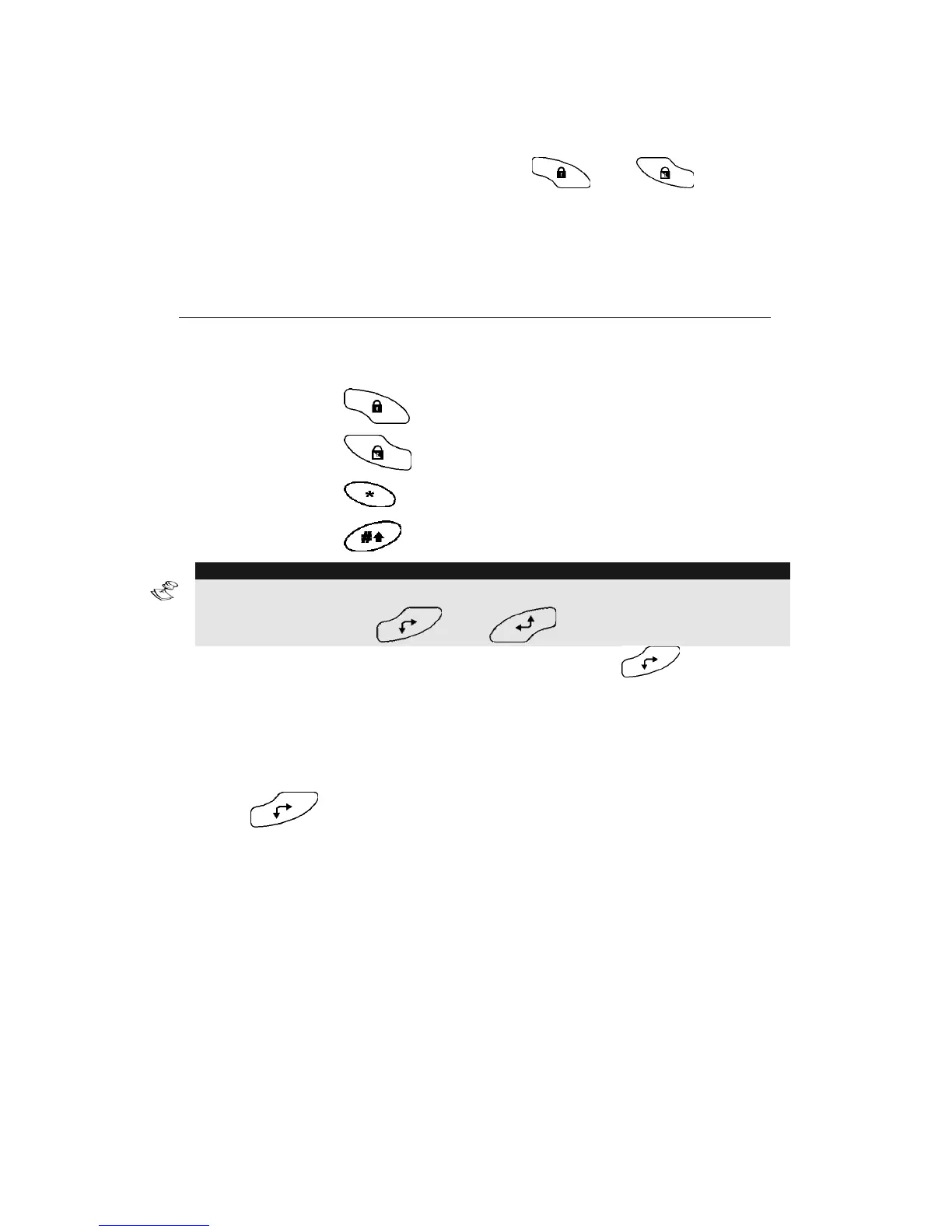
In step 5 of the previous procedure, the and keys are
used to toggle between and enter characters that represent keys on the
WisDom keypad. The following is a list of these characters and the
keys they represent:
Character Represents
0-9
The Numerical keys from 0 to 9.
A-C
The Function keys from A to C.
a
The
key - Full setting.
S
The
key - Stay setting.
¾
The
key.
#
The
key.
NOTE:
You can also use the Numerical keys to enter numbers when programming
Function keys. Use the [ ] and [ ] keys to move the cursor.
When your required character is displayed, press to move the
cursor to the next field in the LCD, where you can enter the next
character in the series.
When you have finished entering a series of characters, ensure that the
cursor is placed in the field after the last character in the series by
pressing
again.
¾ To Activate a Function key:
1)
Press the numeric key [1/2/3] for 2 seconds to activate
Function [A/B/C] respectively. A function activation
confirmation message will be heard: "[Function X]
Activated “
2)
If there is no pre-programmed function for the key system
the following message will be heard: “Function Not
Defined”



 To Next Page