11
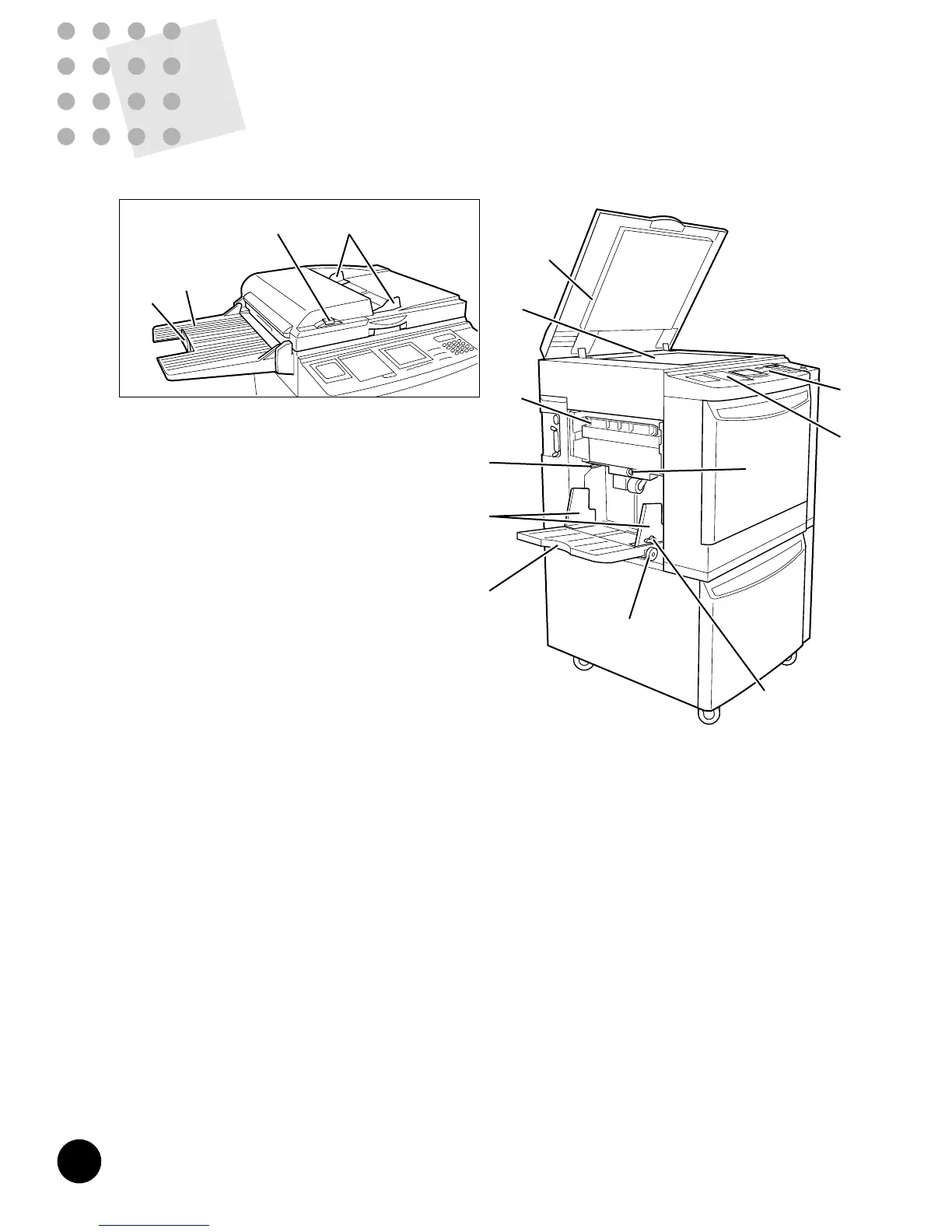
Master-Making Area
!6 Master Roll Cover (☞ p.98)
Protects the Master Roll.
!7 Master Roll (☞ p.98)
!8 Scanner Table Support (☞ p.99)
Holds the Scanner Table when it is opened.
!9 Master Making Unit (☞ p.98)
Makes a master.
@0 Master Making Unit Release Lever
(☞ p.98)
Opens the Master Making Unit.
@1 Scanner Table Release Lever (☞ p.98)
Unlocks and opens the Scanner Table.
@2 Disposal Entrance Cover
Opened to remove jammed used master.
Front Area
@3 Front Cover
@4 Print Cylinder (Drum) (☞ p.74)
Holds the master.
@5 Ink Cartridge Locking Lever (☞ p.96)
Secures the Ink Cartridge in position.
@6 Ink Cartridge (☞ p.96)
@7 Print Cylinder (Drum) Release Button
(☞ p.74)
Positions and unlocks the Print Cylinder (Drum) for
removal.
@8 Main Power Switch (☞ p.26, 82)
Paper Receiving Area
@9 Paper Ejection Wing Adjustment Levers
Change the position of the Paper Ejection Wings 1 and
2 according to the paper being used.
#0 Receiving Tray Paper Guide Adjustment
Knob (☞ p.21)
#1 Receiving Tray Paper Guides (☞ p.21)
Aligns printed paper neatly.
#2 Paper Receiving Tray (☞ p.21)
#3 Paper Stop (☞ p.22)
Stops printed paper ejected into the Paper Receiving
Tray.
#4 Paper Arranger (☞ p.21)
Helps arrange printed paper ejected into the Paper
Receiving Tray.
#5 Paper Arranger Adjustment Knob (☞ p.21)
Knowing the Parts and Components
10
Knowing the Parts and
Components
Upper Area
q Sub Control Panel (☞ p.13)
w Main Control Panel (☞ p.12)
e Stage Cover (☞ p.119)
Secures the original placed on the Stage Glass.
r Stage Glass (☞ p.119)
=With the optional ADF Unit=
t ADF Original Guides
Holds and guides originals in the ADF Unit.
y ADF Original Release Button
Releases the original fed in the ADF Unit for removal
or realignment.
u ADF Original Receiving Tray
Receives originals after scanning in the ADF Unit.
i ADF Original Stop
Stops originals ejected into the Original Receiving
Tray.
Paper Feed Area
o Master Disposal Box (☞ p.100)
Holds discarded masters.
!0 Paper Feed Pressure Adjustment Lever
(
☞ p.20)
Adjusts the paper feed pressure according to the
paper being used.
!1 Feed Tray Paper Guides (☞ p.20)
Holds and guides paper.
!2 Paper Feed Tray (☞ p.20)
!3 Horizontal Print Position Adjustment
Dial (
☞ p.39)
Moves the print position to the left or right.
!4 Feed Tray Paper Guide Lock Lever
(☞ p.20)
Locks the Feed Tray Paper Guide.
!5 Feed Tray Descent Button (☞ p.21)
Lowers the Paper Feed Tray for replacing or adding
printing paper.











 To Next Page