31
Producing Proof
Copies
If changes have been made to the print position and other
settings, check the print quality by producing proof copies.
By holding down the TEST PRINT key, you can print
continuously.
Test printing does not affect the quantity in the
Print Quantity Display.
NOTE
30
Photo/Half-Tone
Processing
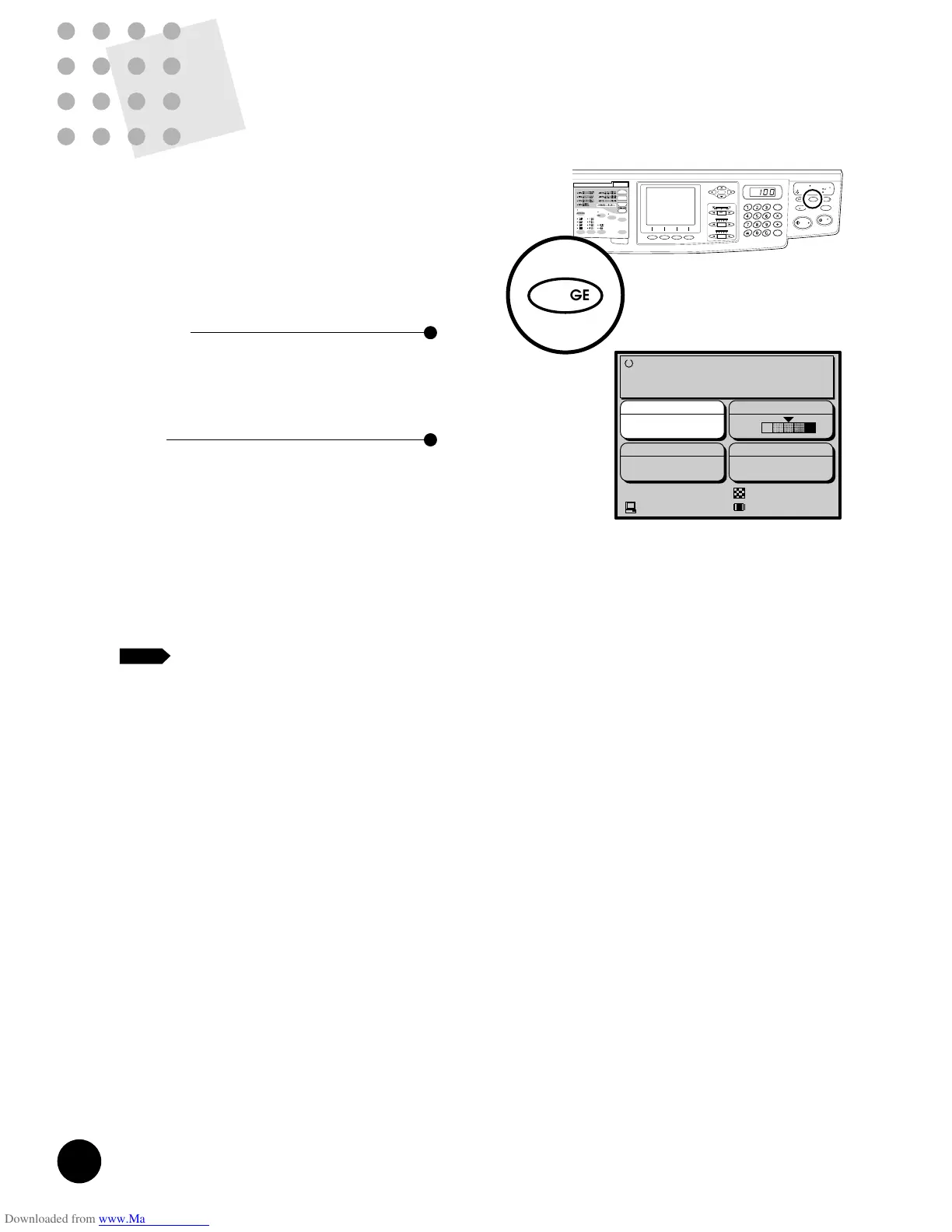
If an original contains photographs or half-tone images, or
a multi-colored original is used, select PHOTO or DUO
processing by pressing the IMAGE PROCESSING
Selection key. The current selection appears in the Main
Display.
Since the image is processed graphically, degrees of
shading are accurately reproduced.
PHOTO
Reproduces different shades of photograph or
half-tone images most clearly.
Lines and texts become less sharp if they are
included in an original.
DUO
Reproduces photograph or half-tone images
clearly without deteriorating the sharpness of
lines and texts.
This processing mode is recommended for
multi-colored originals or photo originals with
sharp lines and texts included.
☞ p.36 ....The scanning contrast setting should be
checked and adjusted according to image
density, if necessary.
• If DUO is selected for light-density originals,
lines might be broken. In this case, select
LINE.
• If LINE is selected to print an original that
contains a darkly shaded photograph, on the
other hand, copies might be smudged. In this
case, select PHOTO or DUO.
Holding down the RESET key longer than one second
returns processing to the initial setting.
☞ p.62 ....The selected processing can be saved in
memory for quick recall.
☞ p.70 ....You can customize initial settings.
NOTE











 To Next Page