19
Originals and
Processing
Size and Weight Restrictions
Using the Stage Glass
The Stage Glass can be used to print from bound originals or sheet originals.
Usable originals are as follows:
Size: Max. 11
5
⁄8" × 17" (297 mm × 432 mm) Weight: Max. 22lbs. (10 kg)
Min. 2" × 3
1
⁄2" (50 mm × 90 mm)
The margins indicated on the figure to the right are required for the original.
Reduce the original if necessary to fit it inside these margins.
• If an original is wrinkled, curled, or creased, flatten it thoroughly so that the
originals can be pressed directly onto the Stage Glass during processing.
• If correction fluid or glue is used on an original, thoroughly dry it before you
place the original on the Stage Glass.
Using the Optional ADF
You can use the optional ADF (Automatic Document Feeder) to feed automatically up
to 50 original sheets.
Usable original sheets are as follows:
Size: Max. 11
5
⁄8" × 17" (297 mm × 432 mm) Weight: Max. 28-lb bond (110 g/m
2
)
Min. 3
1
⁄2" × 5
1
⁄2" (90 mm × 140 mm) : Min. 15-lb bond (50 g/m
2
)
Use the Stage Glass when printing the following originals:
• Patched or worn originals
• Wrinkled, curled, folded, or torn originals
• Transparent originals (such as tracing paper or OHP transparencies)
• Chemically treated originals (such as thermal or carbon paper)
• Originals with correction fluid or glue
• Extremely thin originals (less than 15-lb bond (50 g/m
2
))
• Extremely thick originals (greater than 28-lb bond (110 g/m
2
))
• Heavy drawing paper
• Bound originals
• Originals with staples or clips
Guides for Selecting Processing
You can use various image processing modes to produce printed copies according to
the contents of the original.
- IMAGE PROCESSING Selection Key - ☞ p.30
• LINE For ordinary documents with lines and text.
• PHOTO To reproduce different shades of photo or half-tone images.
• DUO To reproduce photo or half-tone images clearly without deteriorating
line sharpness.
- DOT PHOTO Selection Key - ☞ p.37
To process a photo original using a dot screen.
- BOUND ORIGINAL Selection Key - ☞ p.38
To print a two-page spread of a bound original on one sheet with the binding
shadow erased.
• WIDE Erases the binding shadow horizontally.
• LONG Erases the binding shadow vertically.
NOTE
NOTE
18
Paper
Recommendations
Size and Weight Restrictions
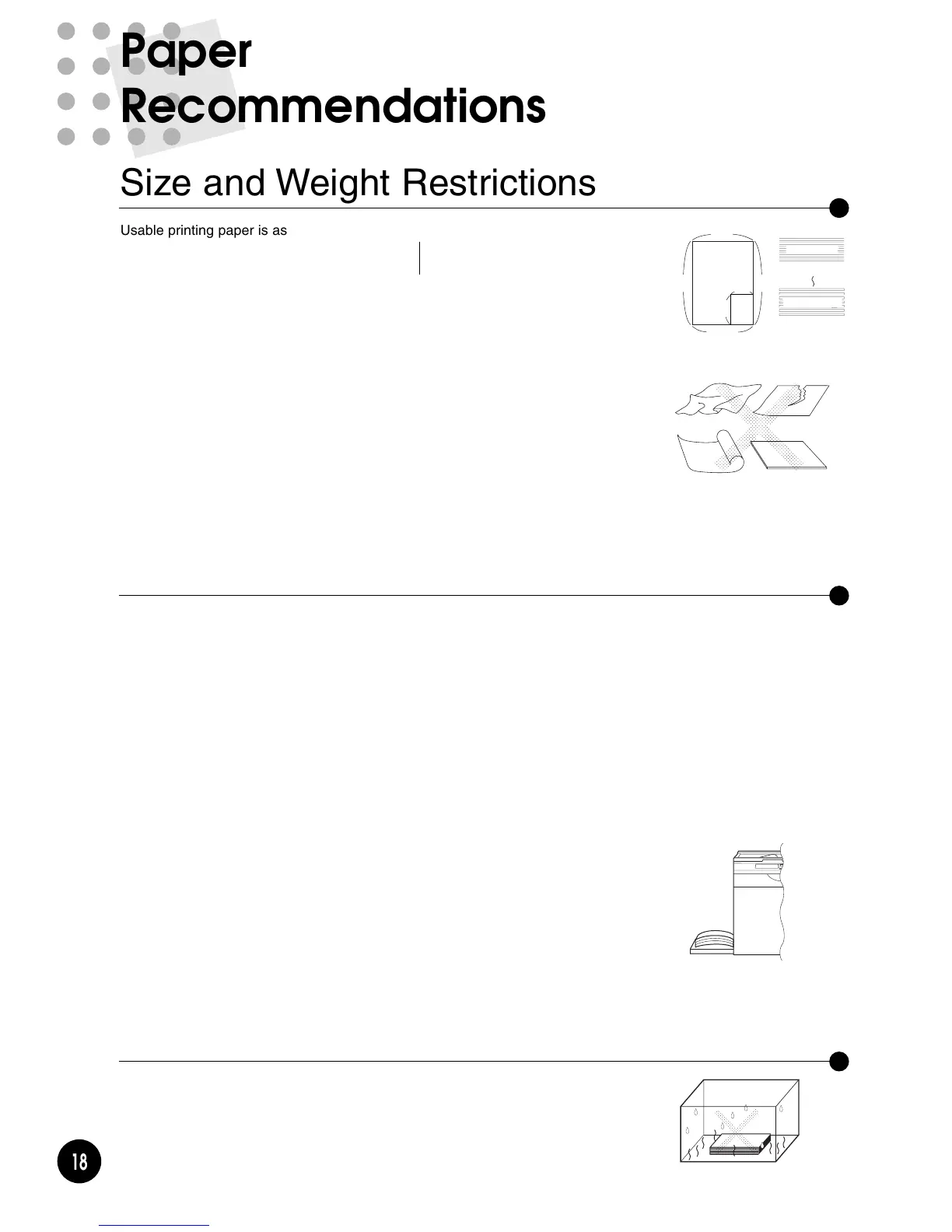
Usable printing paper is as follows:
Size: Max. 11
1
⁄2" × 15
1
⁄2" (290 mm × 395 mm) Weight: Max.110-lb index (210 g/m
2
)
Min. 3
1
⁄2" × 5
1
⁄2" (90 mm × 140 mm) Min. 13-lb bond (46 g/m
2
)
The maximum printing area is as follows:
= RN2000 =
• Letter Cylinder (Drum) - 8
1
⁄4" × 11
1
⁄2" (210 × 290 mm)
= RN2030/2130 =
• Legal Cylinder (Drum) - 8
1
⁄4" × 14" (210 × 357 mm)
= RN2050/2150 =
• B4 Cylinder (Drum) - 9
7
⁄
8" × 14" (251 × 357 mm)
Important!
Do not use the following types of paper, as they can cause jams or misfeeds:
• Extremely thin paper (less than 13-lb bond, or 46 g/m
2
)
• Extremely thick or heavy paper (greater than 110-lb index, or 210 g/m
2
)
• Wrinkled, curled, folded, or torn paper
• Chemically treated or coated paper (such as thermal or carbon paper)
Guides for Trouble-Free Use
To prevent paper jams and misfeeds, follow the directions below:
• When using standard paper, set the Paper Feed Pressure Adjustment Lever and
the Paper Ejection Wing 1 Adjustment Lever to "NORMAL", select "Sandard" in the
Paper feed mode and open all four Paper Arrangers. ☞ pp.20-22
• When using thick paper (such as card stock), set the Paper Feed Pressure
Adjustment Lever and the Paper Ejection Wing 1 Adjustment Lever to "CARD",
select "Card Stock" in the Paper feed mode and open the two inner Paper
Arrangers. Note that the Paper Ejection Wing 2 Adjustment Lever should be
lowered as well. ☞ pp.20-22
• When using light-weight paper, set the Paper Feed Pressure Adjustment Lever and
the Paper Ejection Wing 1 Adjustment Lever to "NORMAL", select "Light-Weight" in
the Paper feed mode and open all four Paper Arrangers. ☞ pp.20-22
• When using slippery paper, set the Paper Feed Pressure Adjustment Lever to
"CARD". ☞ p.20
• Slide the Feed Tray Paper Guides, Receiving Tray Paper Guides, and Paper Stop
to fit the paper size. ☞ pp.20-22
• Use flat printing paper that is free of folds. If curled paper is unavoidable, place the
printing paper so that the curl faces down.
• Paper may stick to the Cylinder (Drum) surface if the top margin is too narrow on
the original or if the upper portion of the original uses a large amount of ink. To
solve this problem, lower the print position to provide a wider top margin or reverse
the top and bottom of the original. Then restart printing from the beginning. ☞ p.39
Storing Environment
Store printing paper in a level, dry area. Storing the paper in an excessively humid
area could cause paper jams as well as poor print quality.
After unpacking printing paper, keep the remaining paper wrapped and store it in a
moisture-proof box. It is highly recommended to put silica gel in the paper storage
box.











 To Next Page