C2 User Manual, Release 1.0.0
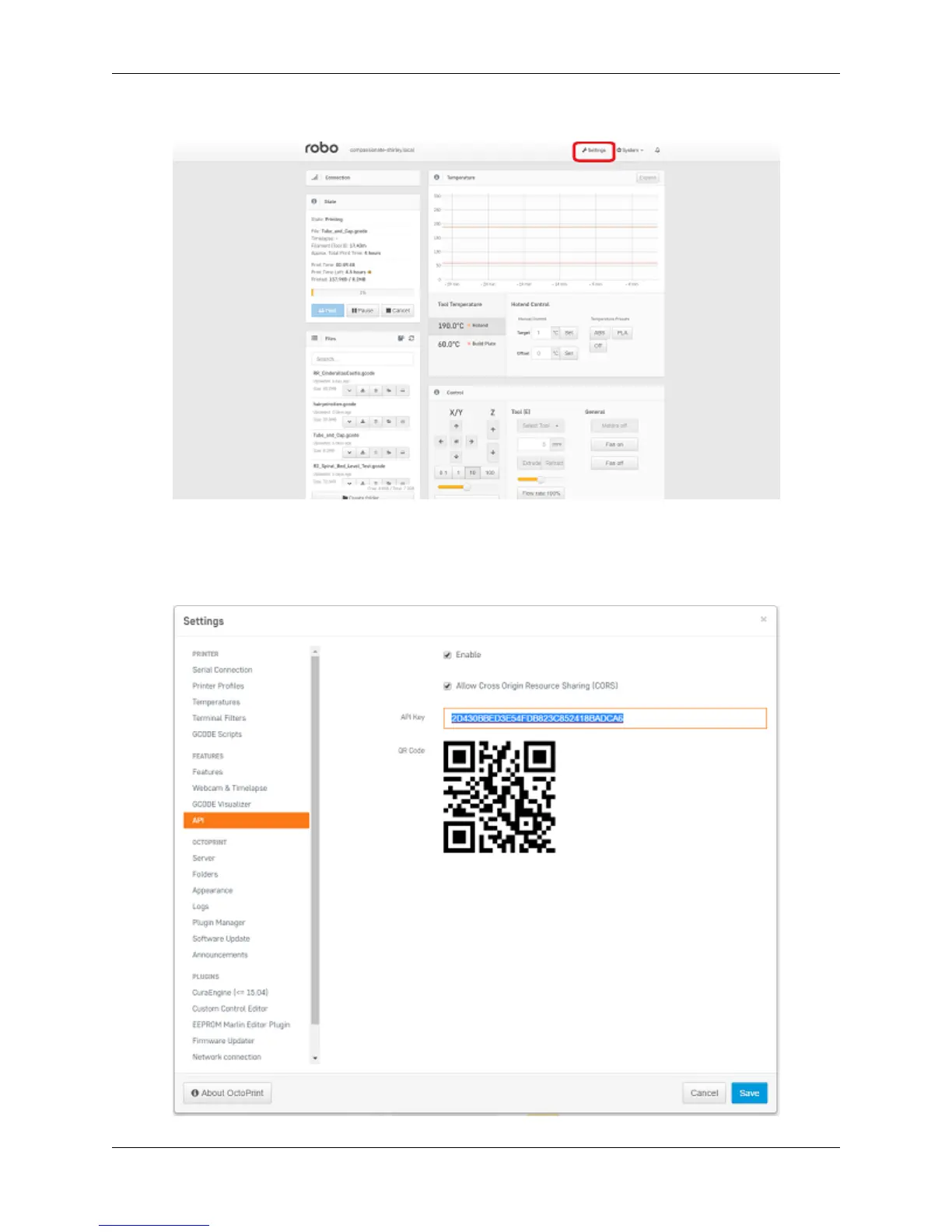
7. Click on the ‘settings’ button in the top right corner of the window.
8. A settings window will pop up. On the left hand side, scroll down and select the item labaled ‘API’ under
‘Features’.
9. An API key will be present just above a QR code. It is usually a long string of numbers and letters. Go ahead
and highlight this number and copy it by pressing ctl+C on windows or command+C on a mac.
78 Chapter 5. Cura for Robo Desktop



 To Next Page