C2 User Manual, Release 1.0.0
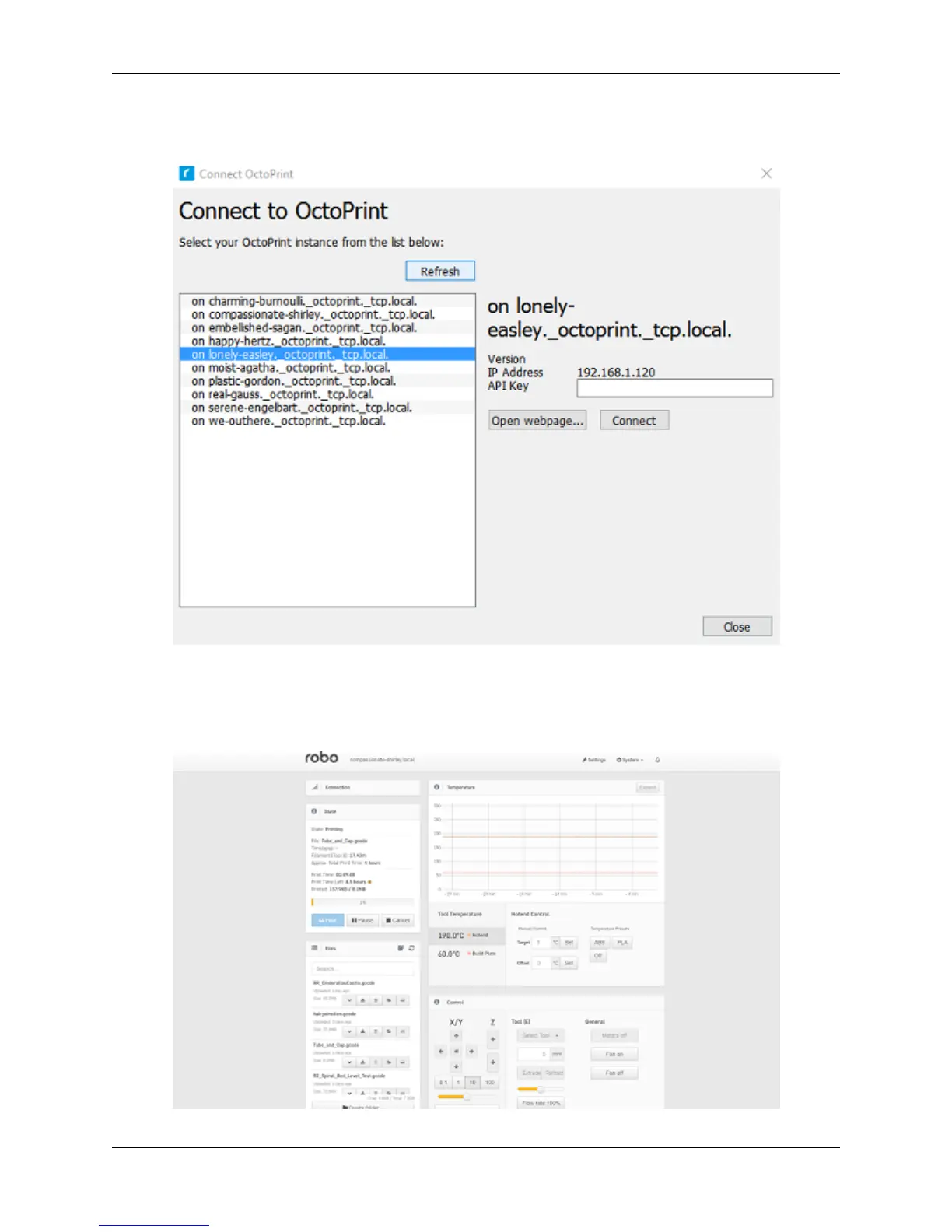
labeled ‘Refresh’. This will bring up all of the printers that are connected to the same wifi network that your
computer is connected to.
5. Once you see your printer name populated in the list of printers, select it. Next, select the button labeled ‘open
webpage’ located in the middle right of the window. This will then open your browser and direct you to the
printers’ web interface.
6. Once you are in the web interface you will see a webpage that looks like this.
5.4. Connecting a Printer via Wifi 77



 To Next Page