ORBIT 16
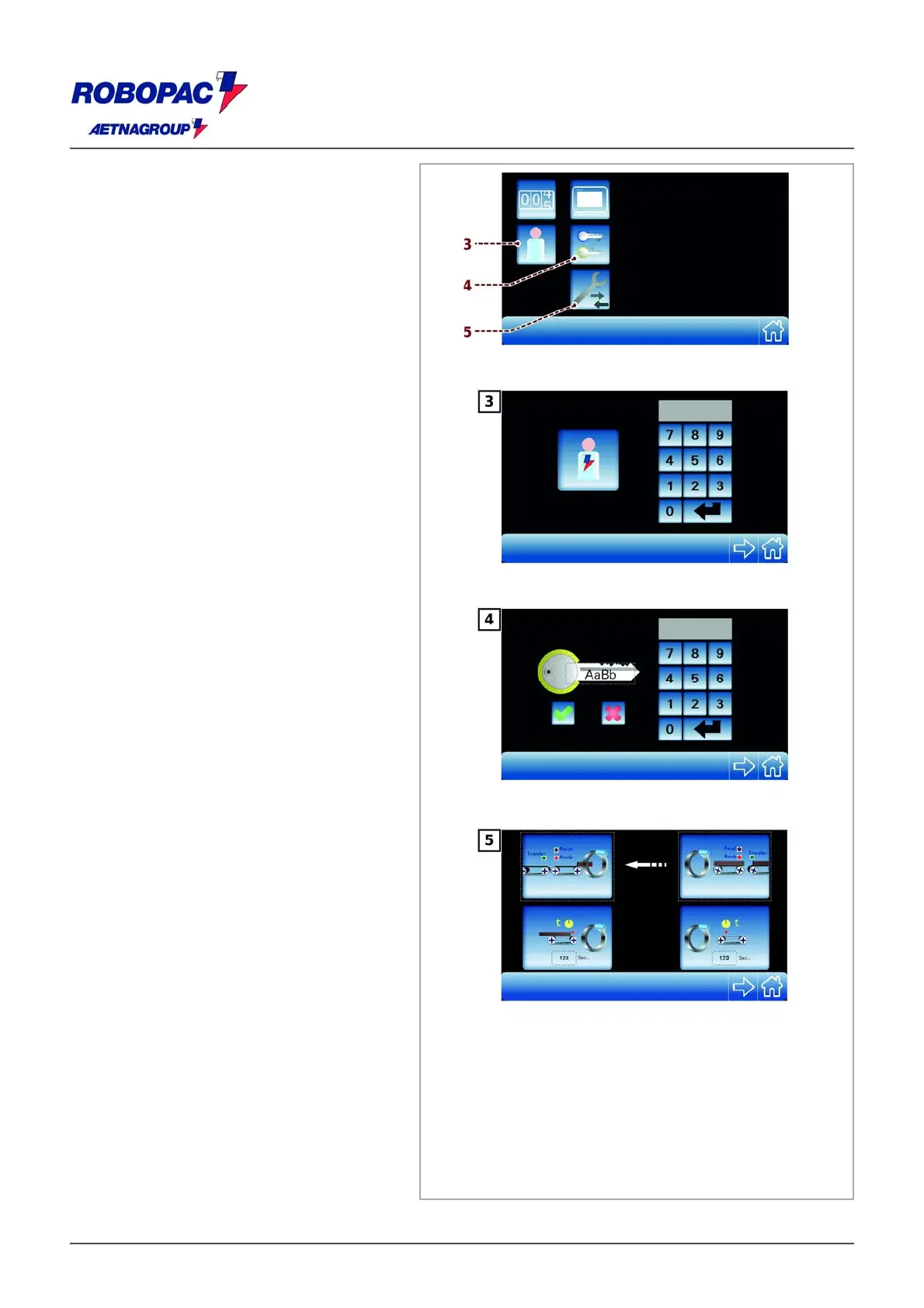
‒ Press the key (3) to open the “Login
password” window (See 6.3.3.1.
“Operator change“).
‒ Tap the key (4) to open the password
change window (See 6.3.3.2. “Password
change“).
‒ Tap the key (5) to open the “product
loading and unloading” screen.







 To Next Page