ORBIT 16
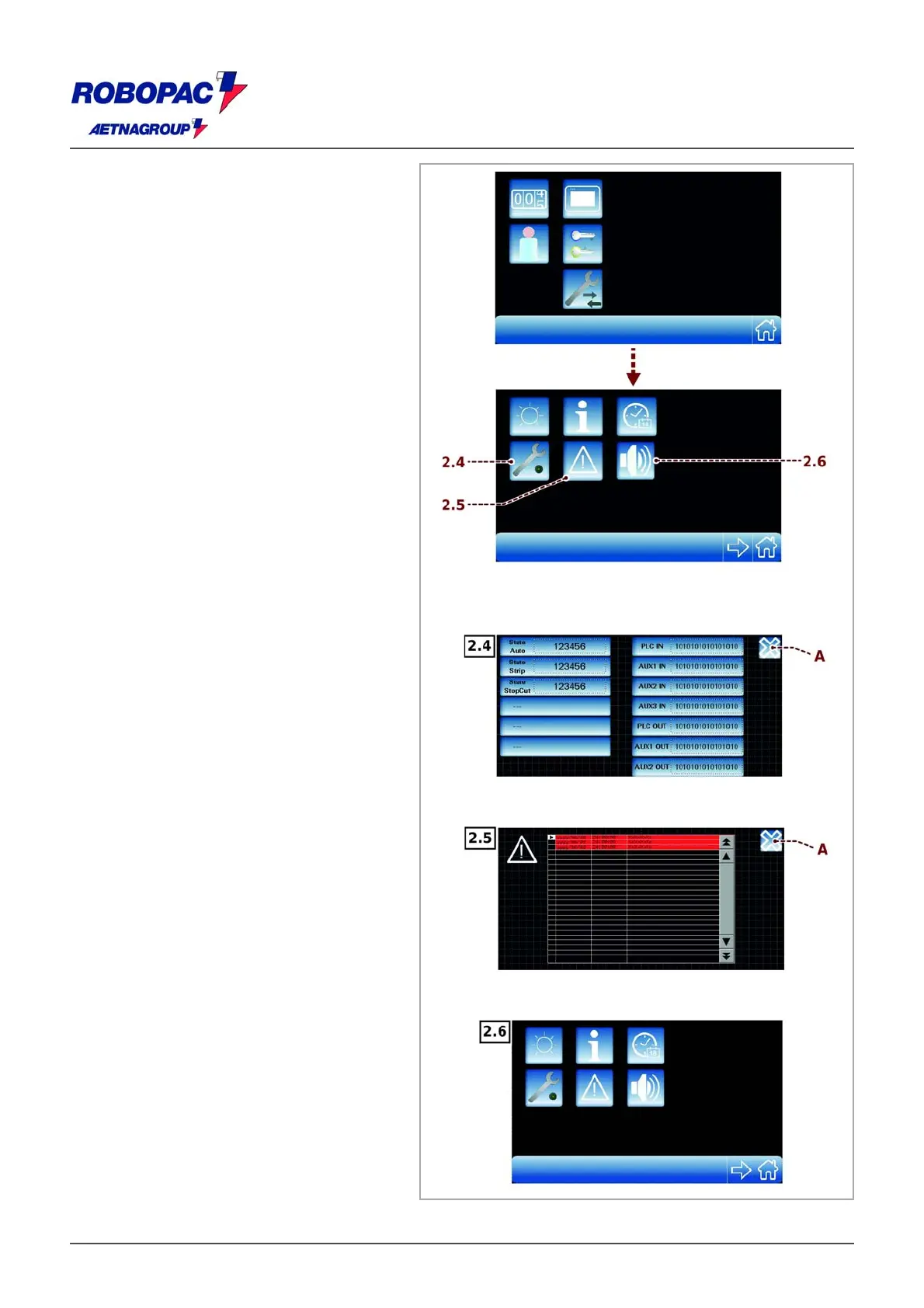
2.4) Display information on machine status
for assistance purposes.
2.5) Display a summary of machine last
alarms tripped.
2.6) Enable / disable the sound by pressing
the keys.
‒ Change the various parameters, confirm
with "ESC" push-button (A).
∗) These buttons are only displayed if the
machine manager enters the software
via passwords (see 6.3. “Operating
terminal description” - “Operator and
password change”).







 To Next Page