Opening the Utility Window
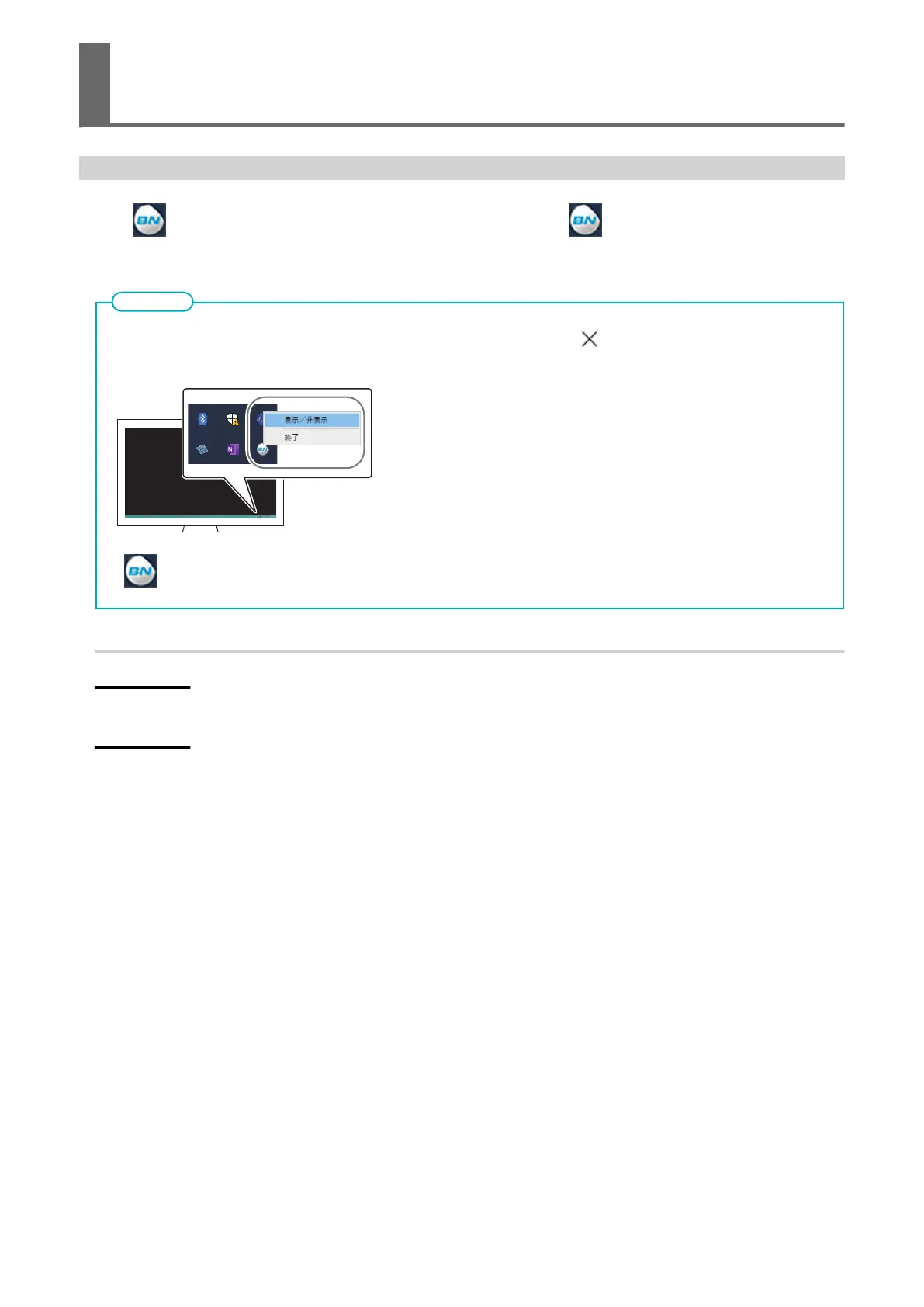
Click
(the Utility icon) in the notification area. (Or, right-click , and then click [View/Hide].)
The Utility window is displayed.
Utility is "resident software" that is always running. To hide the window, click in the upper-right corner of the
window or click [Close]; Utility will not terminate.
If is not displayed in the notification area, start Utility from the Windows Start menu.
MEMO
Starting Utility from the Windows [Start] menu
Windows 11
From the Start menu, click [BN-20 Utility for Windows]>[BN-20 Utility for Windows].
Windows 10
From the Start menu, click [BN-20 Utility for Windows]>[BN-20 Utility for Windows].
Opening the Utility Window/Exiting Utility
10 Basic Information















 To Next Page