Replacing the Cap Top
The cap top is a part that prevents ink clogging due to the print heads drying out. The cap top sticks close
to the print head surface and sucks out the ink, thereby preventing the print heads from drying out.
To maintain stable printing at all times, replace the cap top once every 6 months.
For information about purchasing cap tops, contact your authorized dealer.
When the warning alarm sounds during cap top replacement
During this operation, the print heads may dry out, leading to print head failure. Therefore, complete the cap top re-
placement within 30 minutes.
IMPORTANT
Be sure to perform operations as specified by the instructions, and never touch any area not
specified in the instructions.
Sudden movement of the machine may cause injury.
WARNING
Depending on this machine's installation environment, the work location may be shadowed, making the cap top difficult
to see. In this situation, it is recommended that you shine light on the cap top to allow the replacement work to pro-
ceed smoothly.
MEMO
Use the following link to view a reference video for this procedure. We recommend that you view this video to under-
stand the overall flow of work.
https://youtu.be/1eU9UKVuMSo
MEMO
Required items
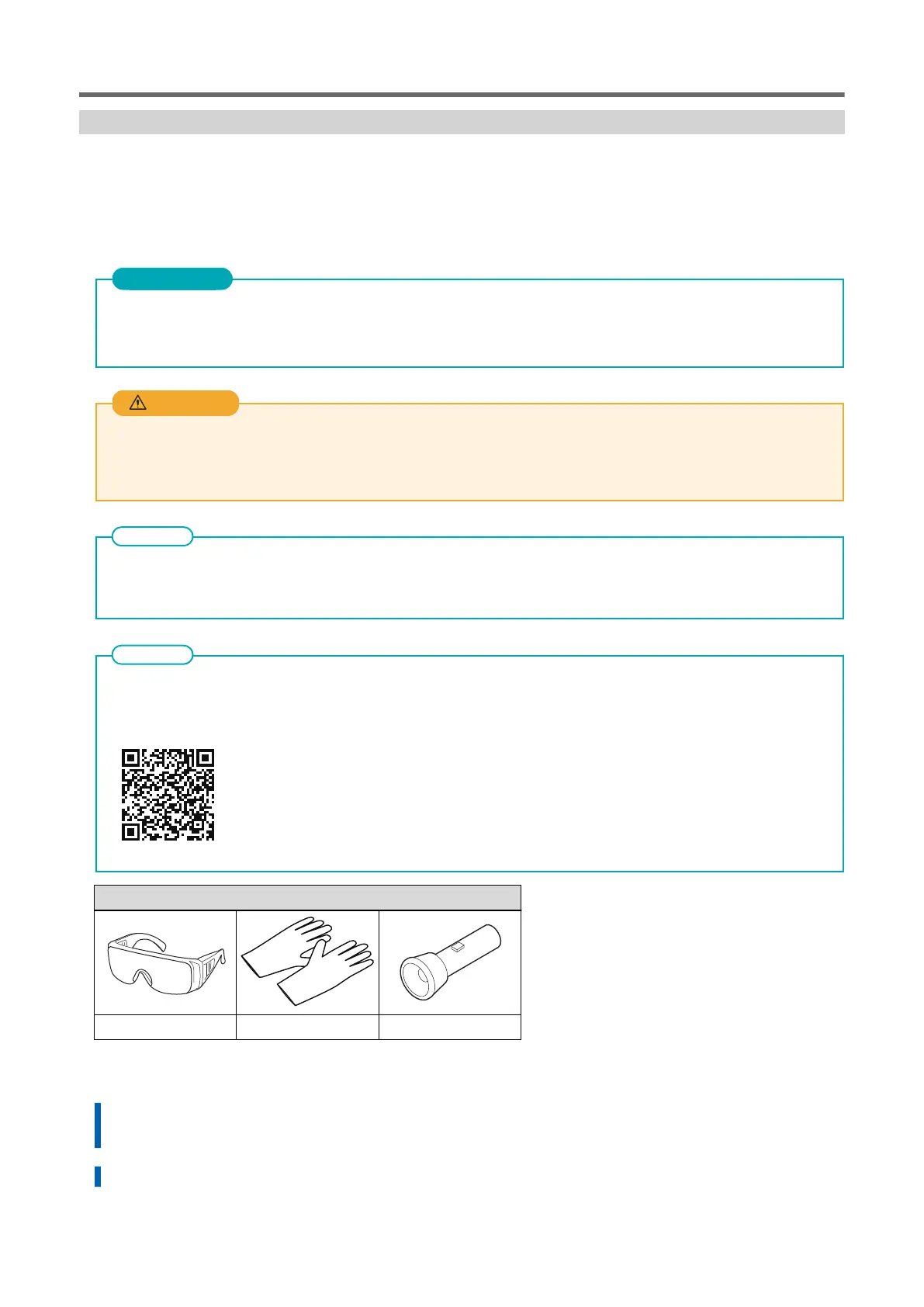
Protective eyewear Gloves Light
Procedure
1. Open the Utility window.
P. 10Opening the Utility Window/Exiting Utility
2. On the [Replace Tools] tab, click [Replace Cap Top].
Replacing Parts for Maintenance
Replacing Consumable Parts 83















 To Next Page