16
Reference Manual
00809-0100-4803, Rev GA
Configuration
September 2017
Configuration
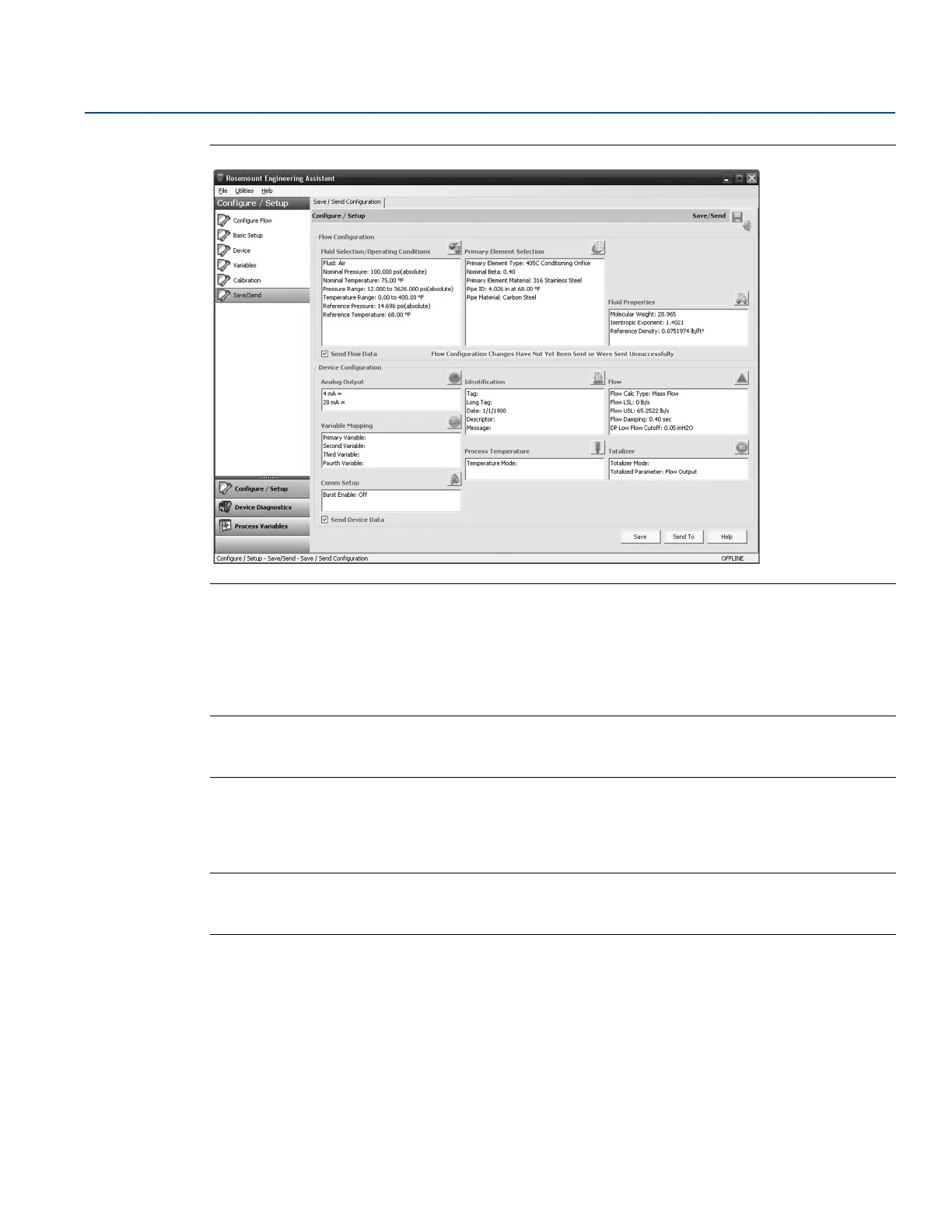
Figure 2-11. Save/Send Configuration Tab (Offline Mode)
2. Select the icon above each window to be taken to the appropriate screen to edit the configuration
information. To return to the Save/Send tab, select Save/Send in the left menu.
3. When all information is correct, see “Sending a configuration in offline mode” on page 16 or “Sending
a configuration in online mode” on page 17.
Note
The user will be notified if the configuration has been modified since it was last sent to the transmitter. A
warning message will be shown to the right of the Send Flow Data and/or Send Device Data check boxes.
Sending a configuration in offline mode
1. To send the configuration, select the Send To button.
Note
The Send Flow Data and/or Send Device Data check boxes can be used to select what configuration data is
sent to the transmitter. If the check box is unselected, the corresponding data will not be sent.
2. The Engineering Assistant Device Connection screen will appear, see Figure 2-12 on page 17.











 To Next Page