Rev 3 (XXXX 2019)
NexU INSTALLATION MANUAL
87
First column: There is a little picture of the device (tank in this case).
Second column: The tank address is shown.
Third column: If shows if the tank is for delivery (fresh product) or recovery (used
product)
Fourth column: It shows a combination of the name of the tank and the name &
reference of the fluid that is contained in the tank.
Fifth column: It shows the contained quantity, the maximum capacity and the
percentage. For instance, for tank 1 the contained quantity 200 litres, the maximum
quantity is 2000 litres and the percentage is 10 %.
Sixth column: It shows the warning and the stop levels set in the configuration menu.
Seventh column: It shows the status of the tank in case which are
OK – If level is above warning level.
ALARM – If level is between warning level and Stop level
STOP – If level is in stop point
UNKNOWN – If there is a connected probe and there is any fault.
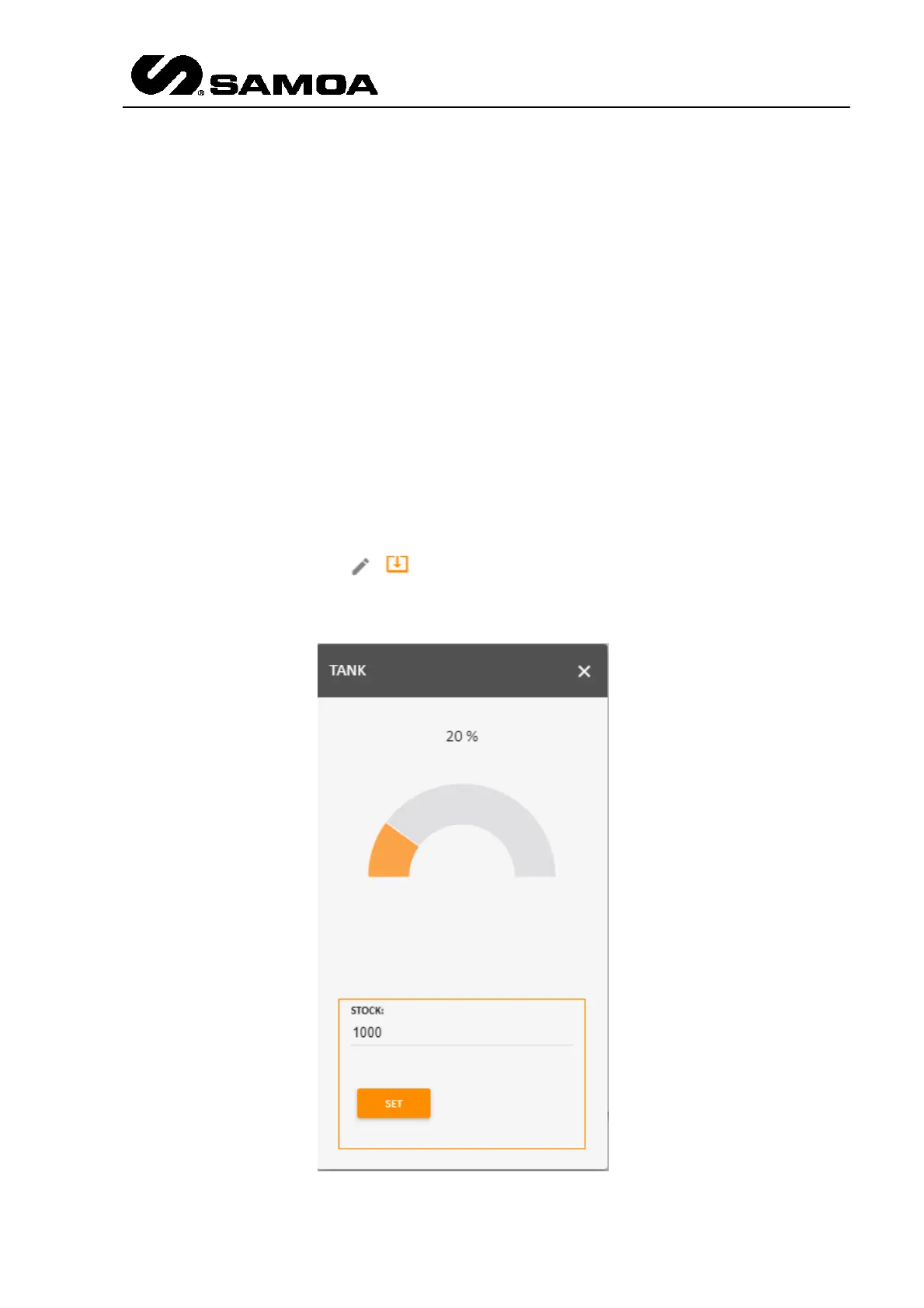
Eigth column: If you press a pop up window appears and you can see the
stock level (if a UTank is not installed. If it is installed, the icon will be gray colour)



 To Next Page