Rev 3 (XXXX 2019)
NexU INSTALLATION MANUAL
88
You can change the stock level and then you have to press the SET button. NOTE: The
maximum quantity has to be lower than the capacity of the tank.
The upper part of the pop up window shows the percentage of the filling percentage
and a semicircle that shows the filling sector.
Ninth column: It shows if there is a connected probe or not. If so, an icon will appear
: Volumetric Probe
: Contact Probe
In the upper right part of the window there are three icons.
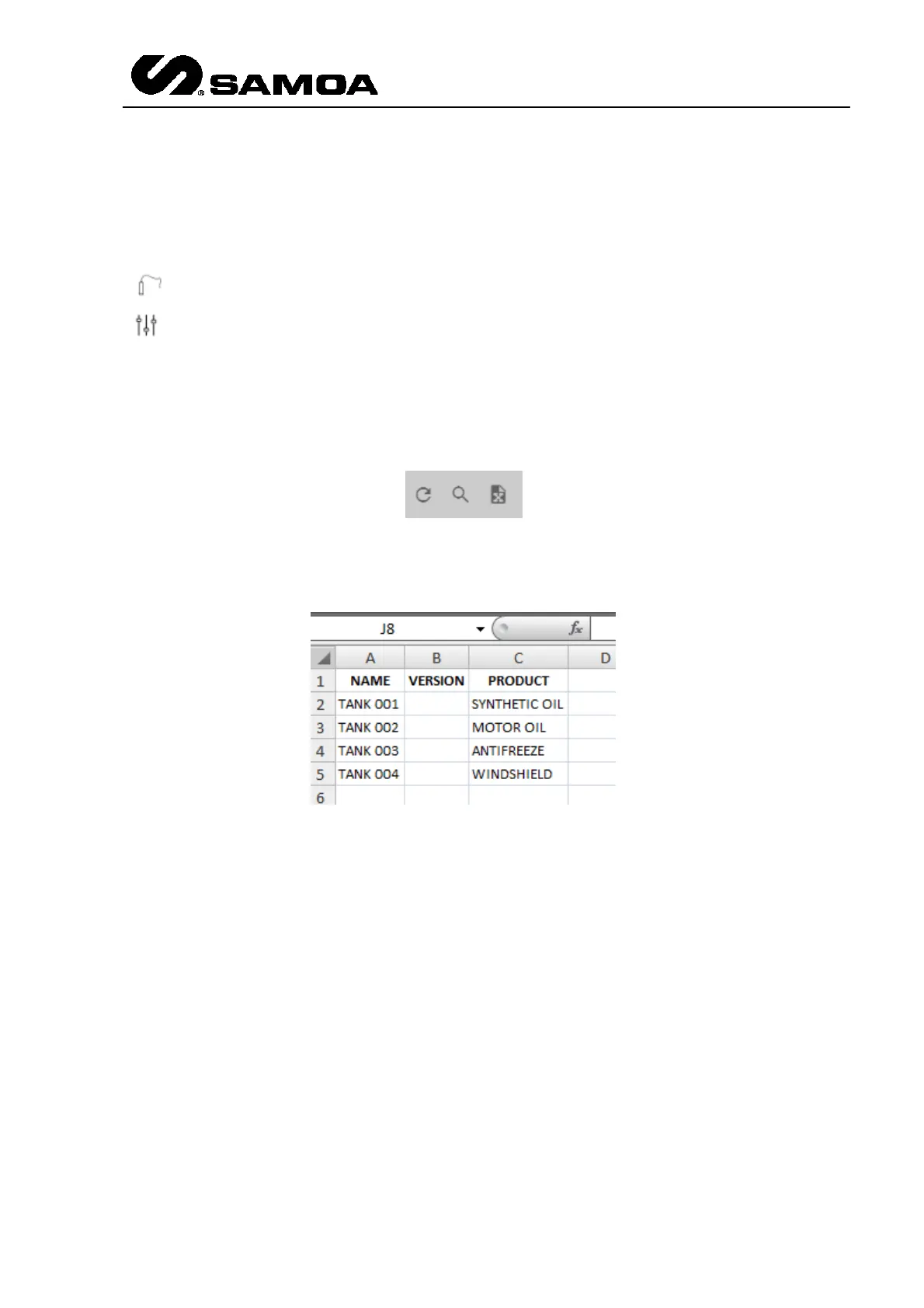
The first one refreshes the readings; the second one allows to make a search in the
table and the third one allows to export data to a MS Excel spreadsheet.



 To Next Page