100
Easy Display Manager (Optional)
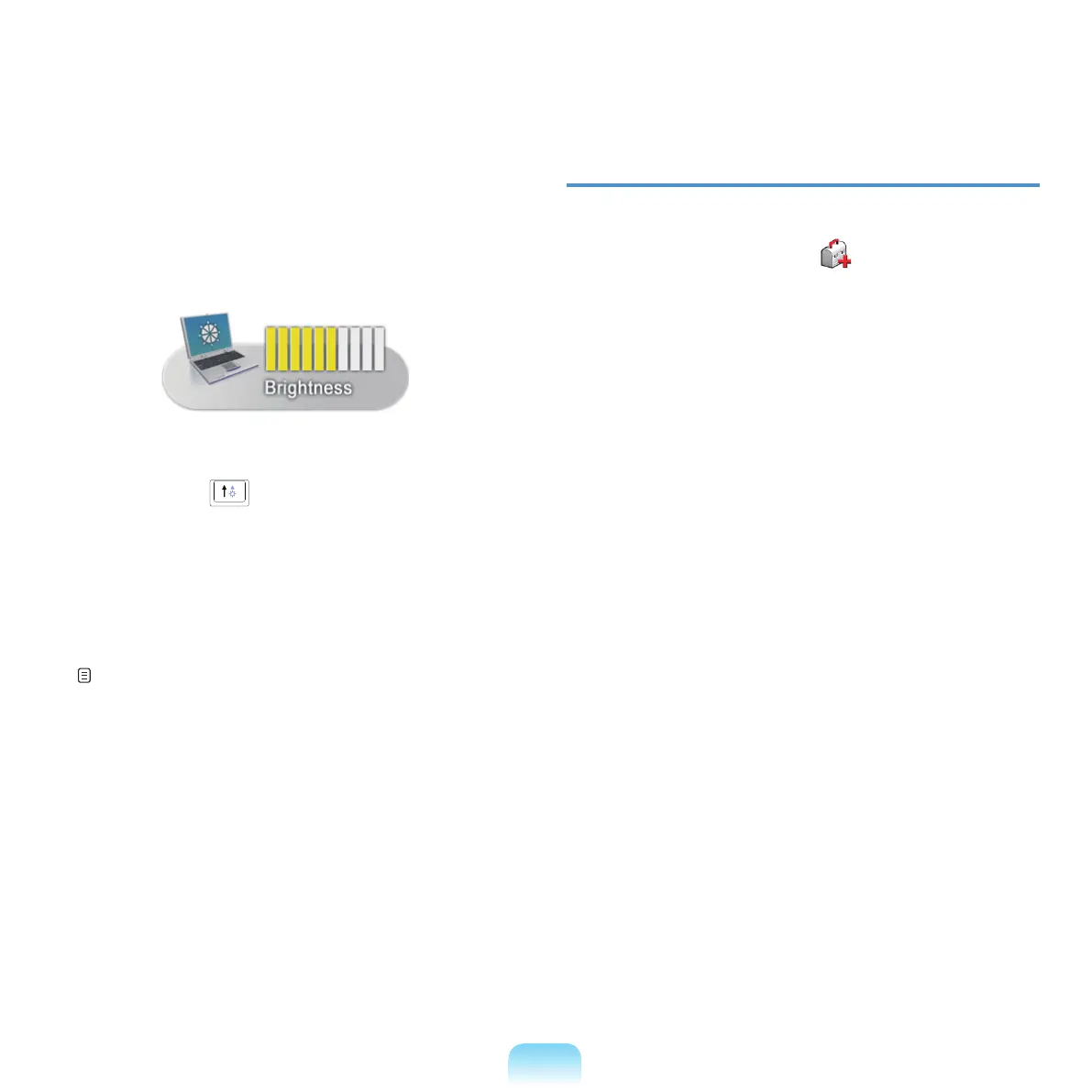
Easy Display Manager is a program that displays
the changed setting on the screen when a setting is
changed
bypressingtheshortcutkeys,andenables
changing the display mode through the Display
Settings window.
Example)Theiconthatappearswhenpressingthe
Fn + (
) keys to change the screen
brightness.
Easy SpeedUP Manager (Optional)
This
programenablesyoutoselectoperationmode
whenyouneedmaximumsystemperformanceor
low-noise/low
powerconsumptionwithone-click.
p. 42
Troubleshooting Functions
SAMSUNG Magic Doctor ( ) (Optional)
SAMSUNGMagicDoctoristroubleshootingsoftware
providedbySamsungComputerforsystemdiagnosis,
and restoring the system.
The
systemdiagnosisfunctionenablesusersto
diagnosesystemproblemswithoutassistancefrom
others.



 To Next Page