89
File Transmission
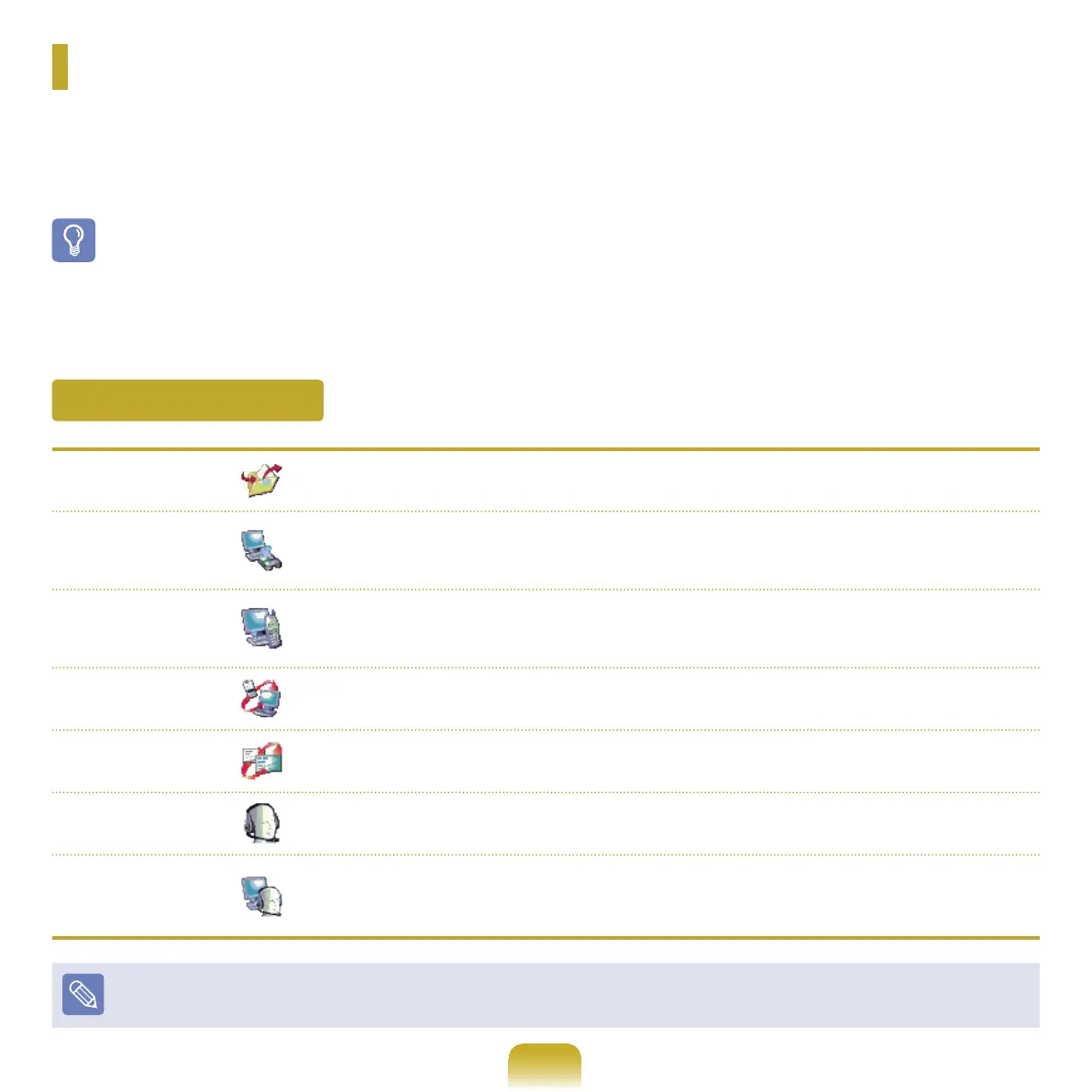
Youcanexchangelesbetween2Bluetoothdevices.Youcanexchangeleswithother
computers,mobilephones,PDAs,etc.
Network Access
You can connect to another computer with the Bluetooth function as you access a
wirelessLANinAd-HocmodeorconnecttotheInternetthroughanAPorInternet
Connecting Sharing Server.
Network Access
through a Phone
Connection
YoucanconnecttotheInternetthroughaBluetoothmobilephone.
Data Sync
(Synchronization)
YoucansynchronizethePIMSdata(OutlookE-mailaddressdata)withmobilephones,
PDAs,notebookcomputers,etc.supportingBluetooth.
Electronic Business
Card (Vcard)
Youcanexchangeelectronicbusinesscardswithmobilephones,PDAs,notebook
computers,etc.supportingBluetooth.
Sound Output
You can listen to audio from the computer through another Bluetooth device or listen to
audio of another Bluetooth device through the computer.
HID Connections
Youcanconnectakeyboard,mouse,joystick,etc.supportingBluetooth.
FormoreinformationaboutusingtheBluetoothfunction,seetheonlinehelpofthe
Bluetooth Device.
FormoreinformationaboutusingtheBluetoothfunction,seetheonlinehelpoftheBluetoothDevice.
Bluetooth
Bluetoothisawirelesscommunicationtechnologythatallowsaccesstodevicesnearbysuchasacomputer,mobile
phone,printer,keyboardormousewithoutacableconnection.
Bluetoothenablesletransmissions,Internetaccess,aprivateareanetworkfunction,andaccesstoakeyboard,
mouseandprinterbetweendevicessupportingtheBluetoothfunctionwithoutacableconnection.
Before Use!
■
TheBluetoothfunctionisonlyavailablebetweendevicessupportingBluetooth(computers,mobilephones,PDAs,printers,etc.),andthe
functionmayberestricteddependingonthedeviceprole.
■
TheBluetoothfunctionisoptionalandmaynotbesupporteddependingonyourmodel.
■
CompatibilitywithaBluetoothdevicenotcertiedbyaBluetoothcerticationorlogoisnotguaranteed.
Bluetooth Functions



 To Next Page