37
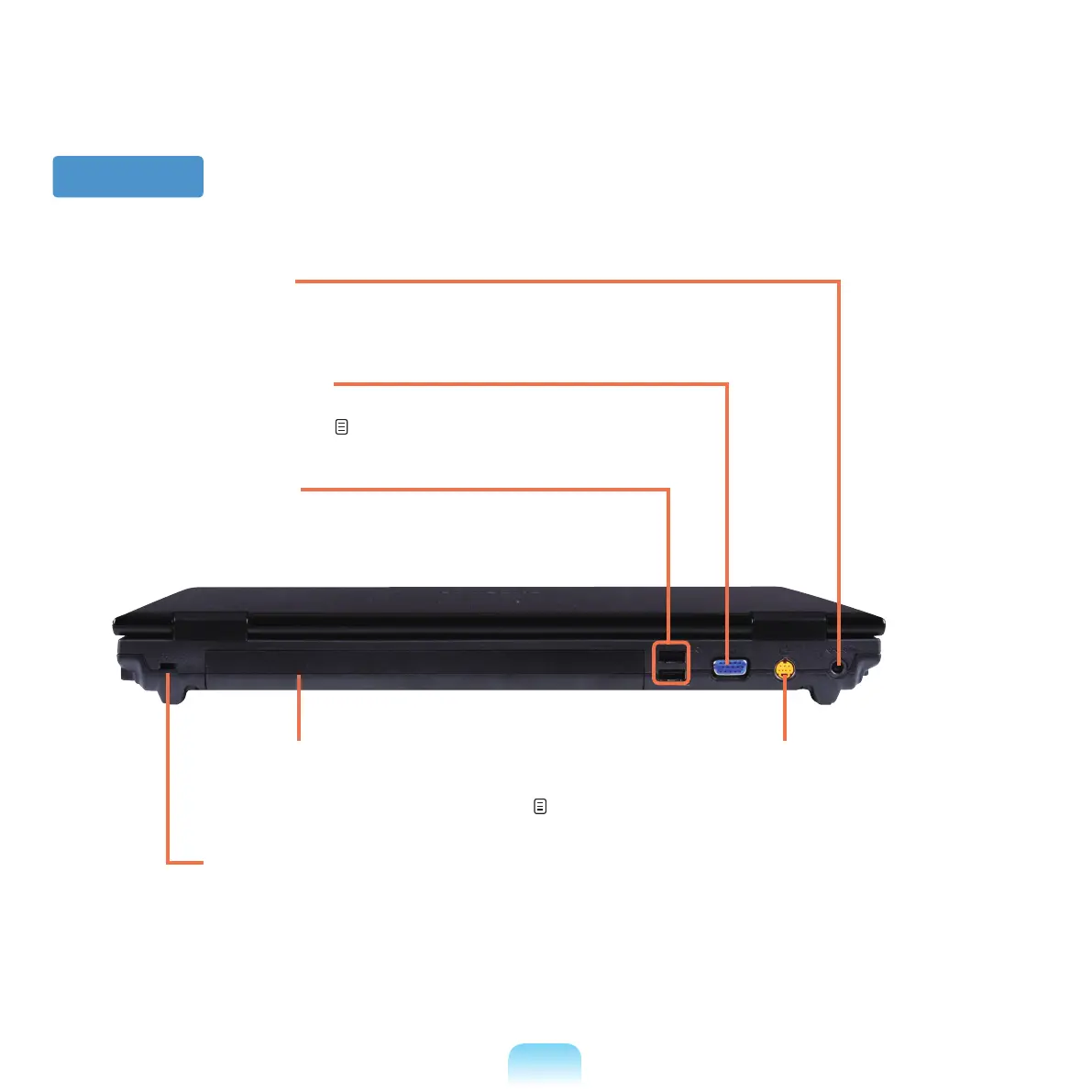
Back View
1
Security Lock Port
YoucanconnectaKensingtonlocktotheSecurity
LockPorttopreventthecomputerfrombeingstolen.
2
Battery
ThisisaLithium-Ionrechargeablebatterythat
supplies power to the computer.
p.134
5
TV Output Port
A port used to connect a TV to
display the computer screen on
the
TV.(S-VideoSupport)
6
DC Jack
AjacktoconnecttheACadapterthatsuppliespowertothecomputer.
4
Monitor Port
Aportusedtoconnectamonitor,TVorprojectorsupportinga15pin
D-SUBinterface.
p. 53
3
USB Port
You can connect USB devices to the USB port such
asakeyboard/mouse,digitalcamera,etc.



 To Next Page