139
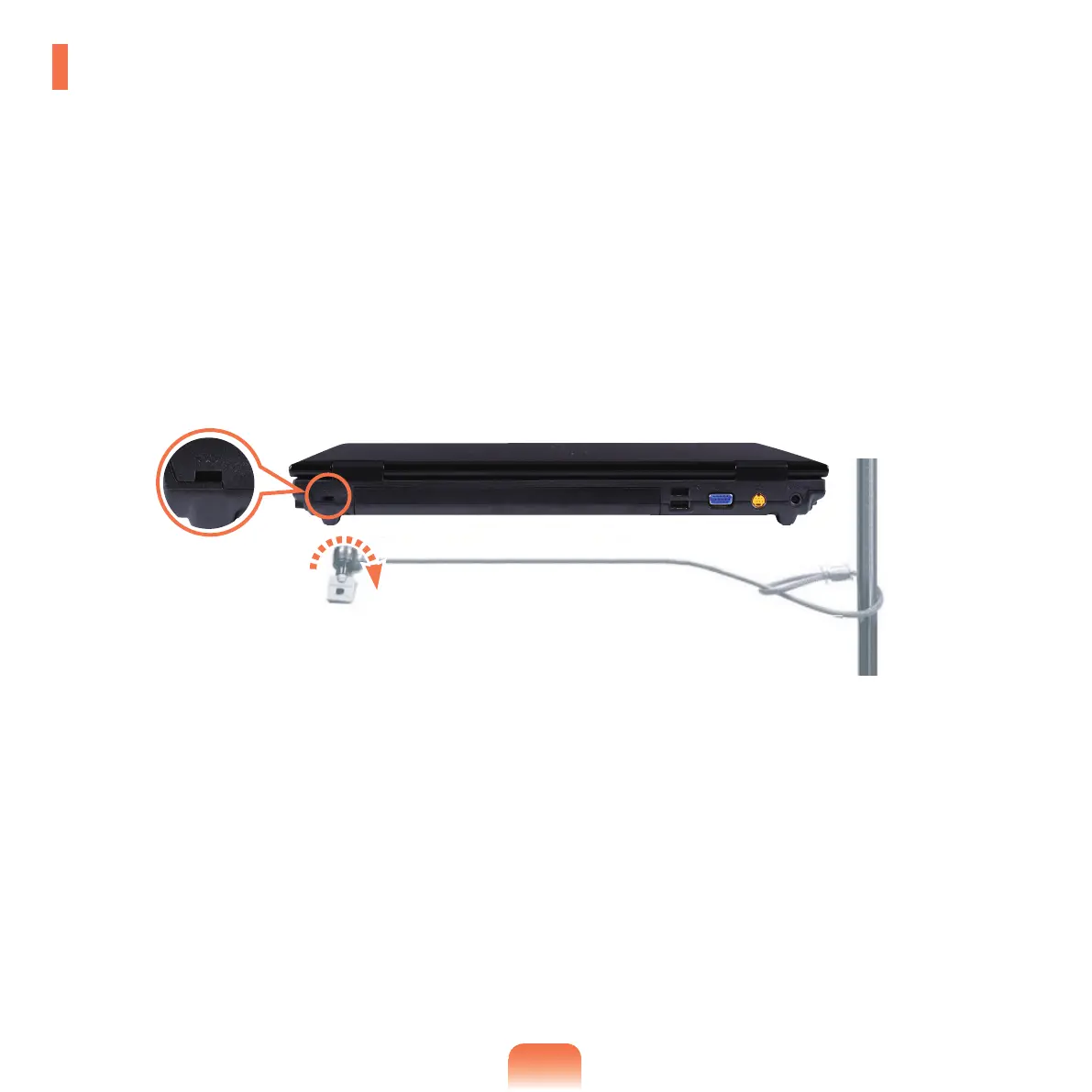
Using the Security Lock Port
YoucanconnectaKensingtonlocktotheSecurityLockporttopreventyourcomputerbeingstolenwhenyouhaveto
usethecomputerinapublicplace.
Tousethisfeature,youhavetopurchasetheKensingtonlockadditionally.TousetheKensingtonlock,refertothe
product manual.
TietheKensingtonlockcabletoaxedobjectandinstalltheotherendofthecabletotheSecurityLockport.



 To Next Page