36
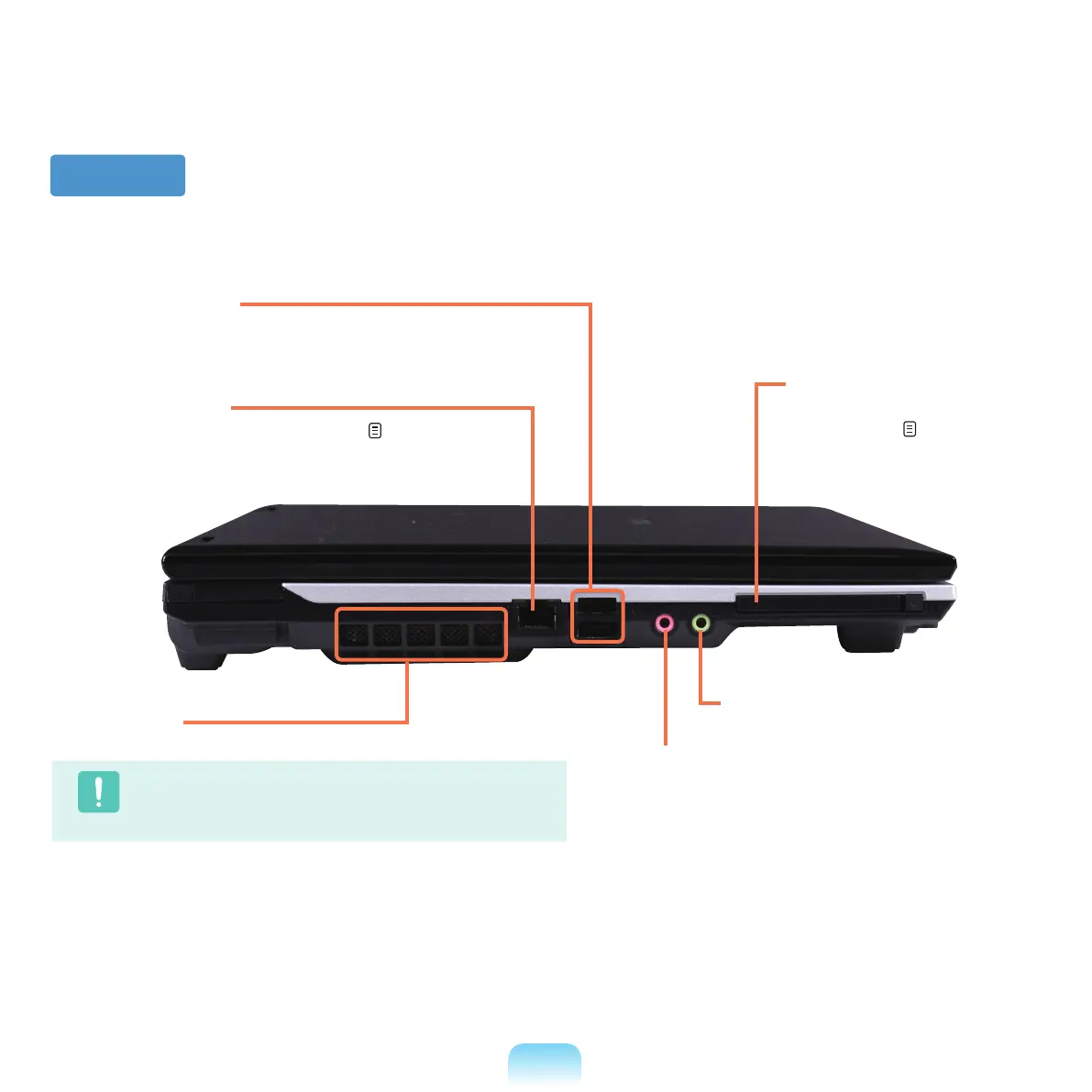
Left View
1
Fan Vents
The internal heat of the computer is emitted through these holes.
Caution
Iftheventsareblockedthecomputermayoverheat.Avoid
blockingtheventsasthismaybedangerous.
2
Wired LAN Port
*
ConnecttheEthernetcabletothisport. p. 70
4
Microphone Jack
Ajackusedtoconnectthemicrophone.
5
Headphone Jack
Ajackusedtoconnecttheheadphones.
6
PC Card Slot
*
A slot into which a PC card
is inserted.
p. 52
3
USB Port
You can connect USB devices to the USB port such as a
keyboard/mouse,digitalcamera,etc.



 To Next Page