117
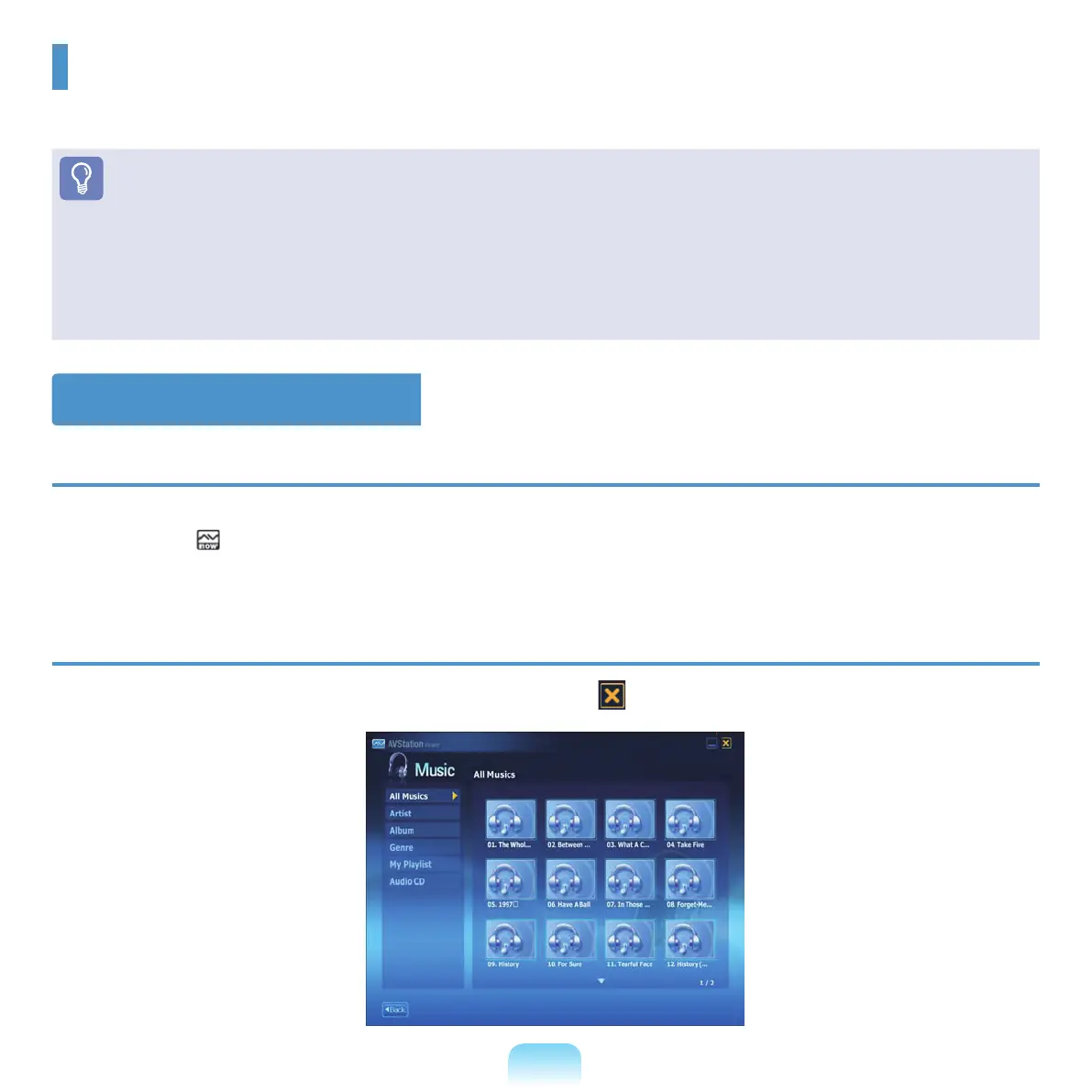
Start / Exit AVStation Viewer
To start AVStation Viewer
■ Select Start > All Programs > Samsung > AVStation premium > AVStation ViewerfromWindows.
■ PresstheAV ( )buttonwhenthecomputerisonorofftolaunchAVStationViewer.
To exit from AVStation Viewer
Move the mouse pointer to the top of the screen and click the Exit ( )button.
AVStation Viewer
Thisisamultimediaprogramthatcanplaymusic,photos,video,movies,etc.infullscreen.
Before You Start!
■
TheAVStationViewerprogramisoptionalandmaynotbeprovideddependingonthecomputermodel.
■
AVStation Viewer Restrictions
UsingAVStationViewer,youcanonlyplaylesregisteredtotheAVStationpremiumLibrary.
■
Thescreenguresmaydifferfromactualonesdependingontheprogramversion.
■
TV Station is only available for systems supporting the TV function.



 To Next Page