144
1
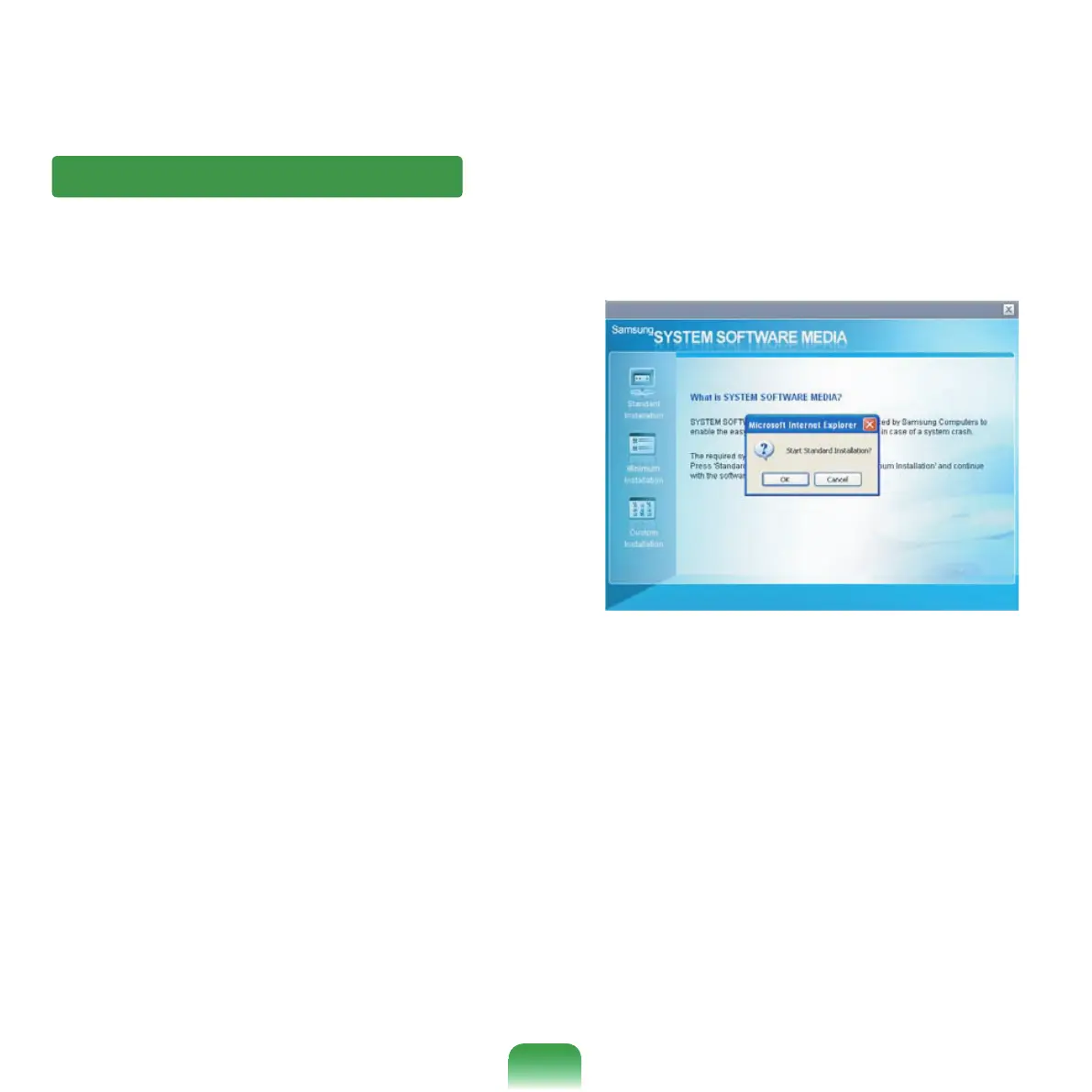
Click Standard Installation in the main window of
the System Software Media. (Standard Installation is
recommended)
2
The system is scanned to display the drivers and
programsthatneedtobeinstalled.
3
Click OK. The drivers and programs are
automatically installed as factory defaults.
4
Whendone,restartthesystem.
Installing drivers and programs



 To Next Page