122
MOVIE Station
Theprocedurestoplayavideo(movie)learedescribedbelow.
Playing a Movie File
TheprocedurestoplayavideoleregisteredtotheMOVIELibraryaredescribedbelow. p.116
1
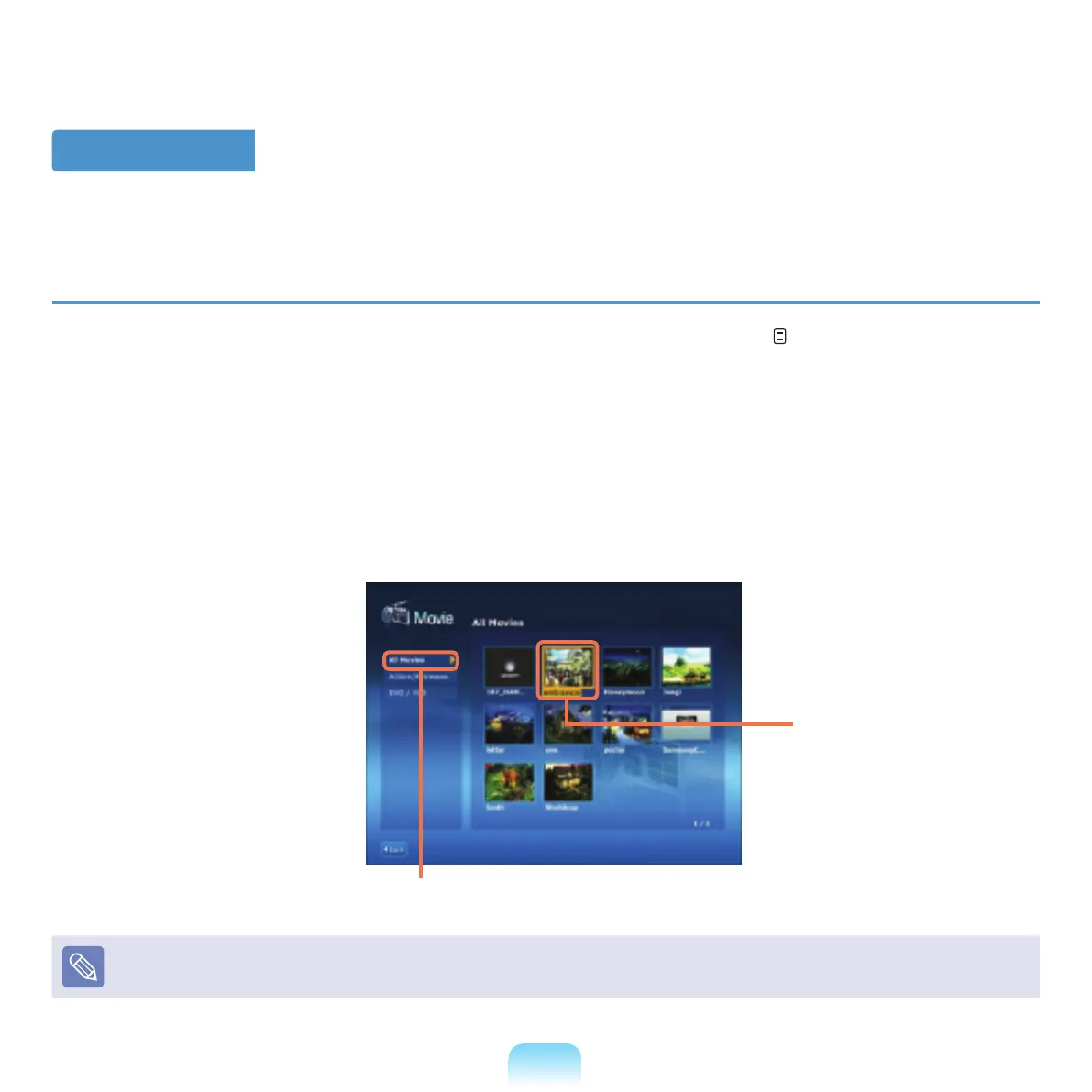
Launch AVStation Viewer and click Movie.
2
Click All Moviesanddouble-clickamovieleintherightpane.
Themovielestartstoplay.
All movies
movie File
Showing the Play Control window
Press the Spacebar
keyormovethemousepointer.ThePlayControlwindowappearsatthebottom.



 To Next Page