1
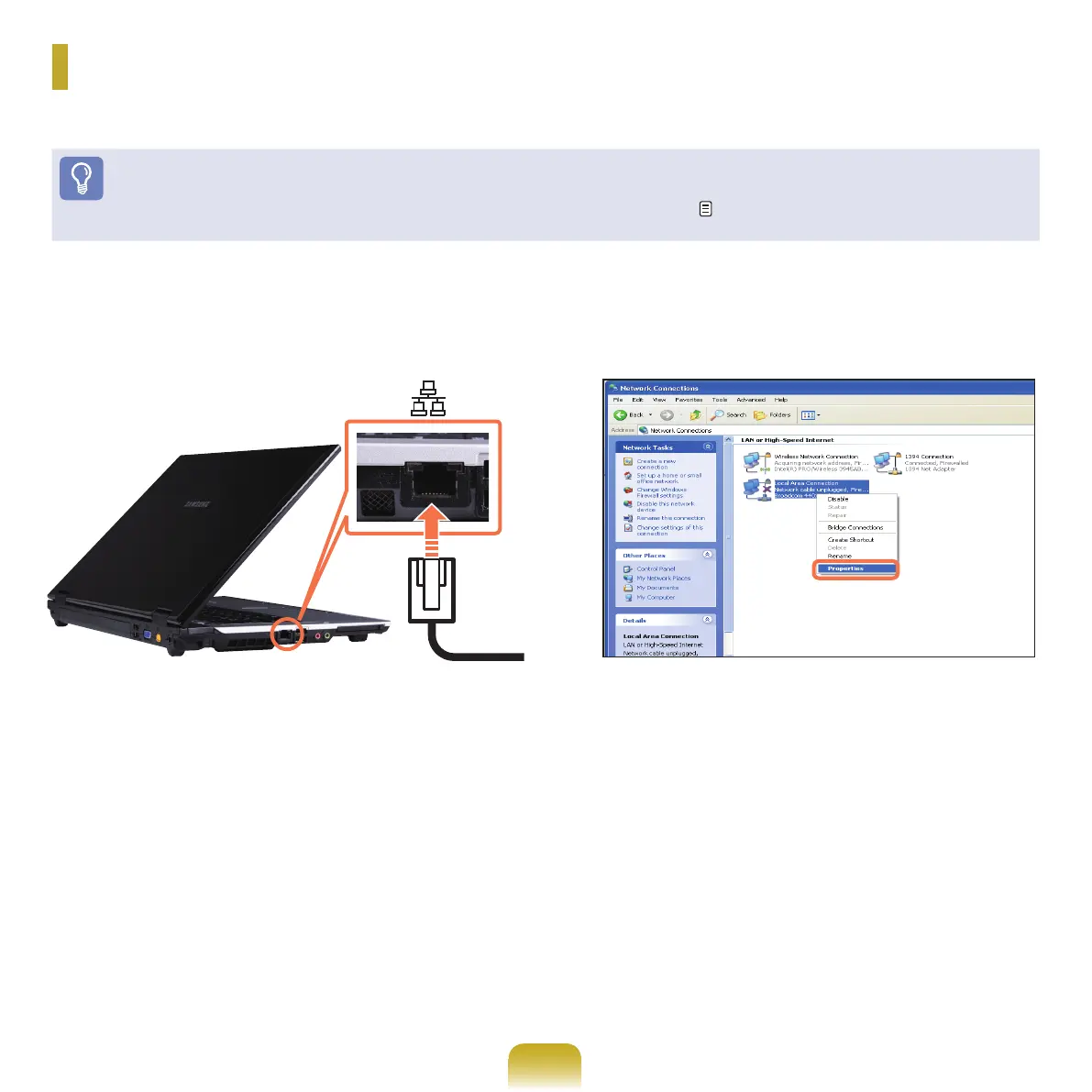
ConnectaLANcabletothecomputer’sLANport.
2
Click Start > Control Panel > Network and Internet
Connections > Network Connection.
3
Click Manage Network Connections from the left
pane.
4
Select Local Area Connection and click the right
buttonofthetouchpadandselectProperties.
Wired Network
Awirednetworkisanetworkenvironmentusedforacompanynetworkorbroadbandinternetconnectionathome.
Before You Start!
YoucanalsocongurethenetworksettingsusingtheSamsung Network Manager. p. 79



 To Next Page