121
PHOTO Station
The procedures to view images registered to the PHOTO
Libraryaredescribedbelow.
(FortheprocedurestoregisterimagelestotheLibrary,
see page 113.)
1
Launch AVStation Viewer and click Photo.
2
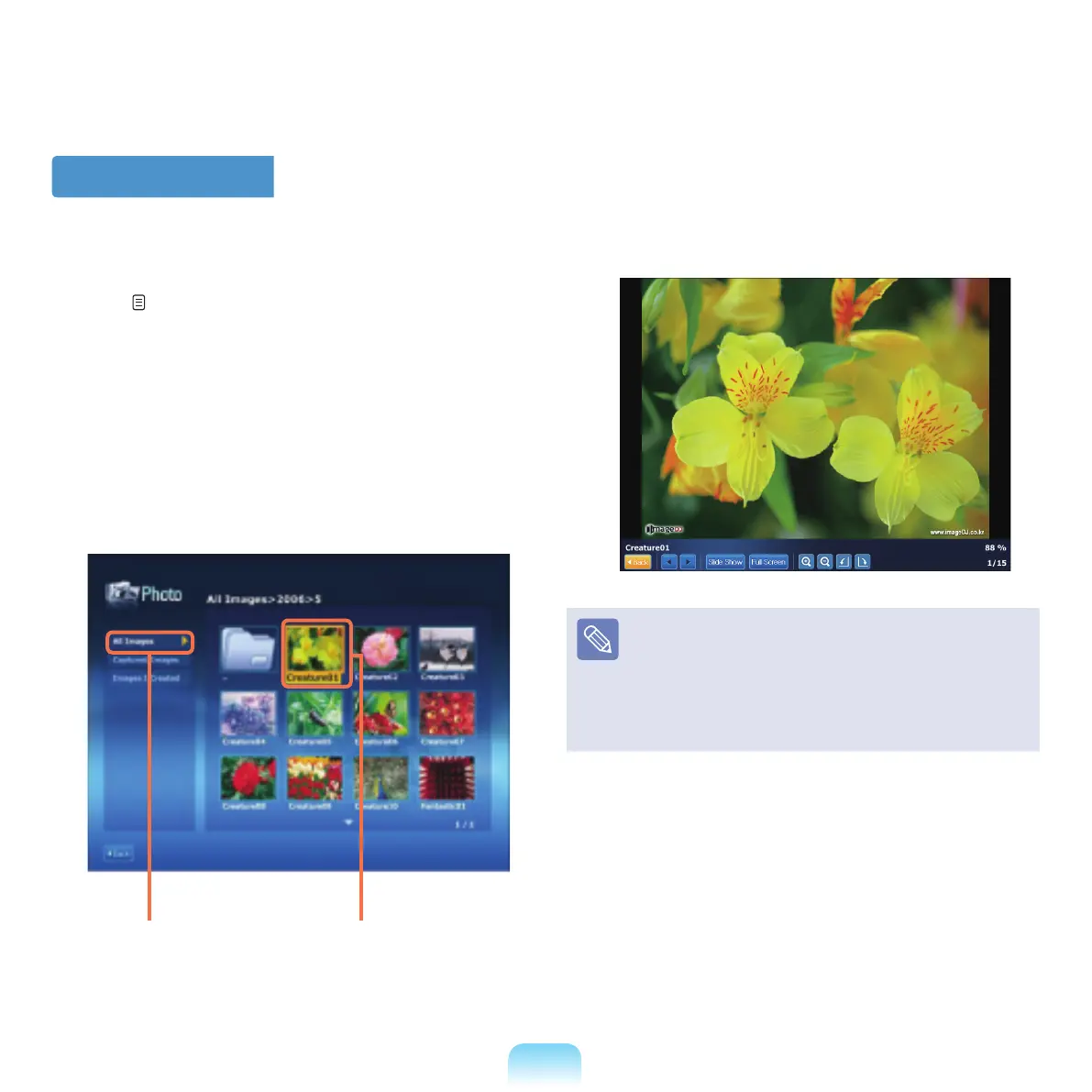
Click All Imagesanddouble-clickanimagelein
the right pane.
3
Theselectedimageiszoomedinon.
To view an image in full sreen or through a
SlideShow.
Click the SlideShow or Full Screen
buttonbelowthe
zoomedinimage.
To return to the previous status in SlideShow or full
screen,
pressthe<Esc>
keyordouble-clickthescreen.
All Images Image File



 To Next Page