48
IfyourcomputerhasawritableCDdrive,youcanwrite
dataontoaCDorDVDorburnanaudioCD.
Cyberlink DVD Solution is supplied with the System
Software Media (or an additional CD) so that you can
burn
aCDusingtheprogram.
Install the provided software and use the software
functions referring to the software help.
Burning a CD
2
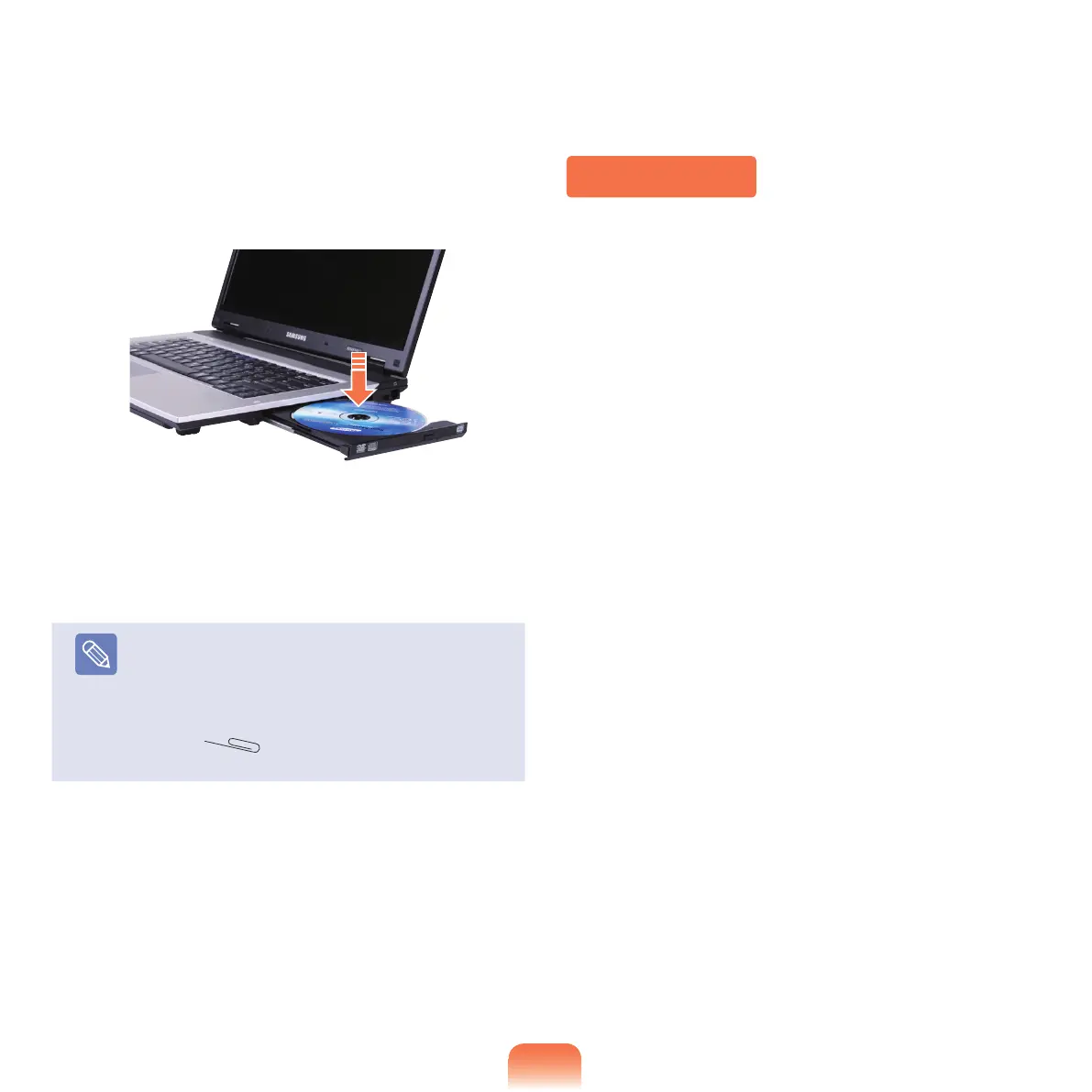
WhentheCDtraypopsout,insertaCDorDVDuntil
it clicks.
3
Push the CD tray inward until it clicks.
The CD drive status indicator is turned on.
Note
■
ACDdrive’sreadingandwritingspeedmay
differ depending on the condition and type of the
media.
■
ToejectaCDwhentheCDdrivedoesnotwork
orthecomputerisoff,placetheendofapaper
clip (
) into the Emergency Hole until the
CDtrayisejected.



 To Next Page