55
Viewing Through a Monitor / TV
You can switch the display device using the shortcut key.
Switching the Display Device using the
Shortcut Key
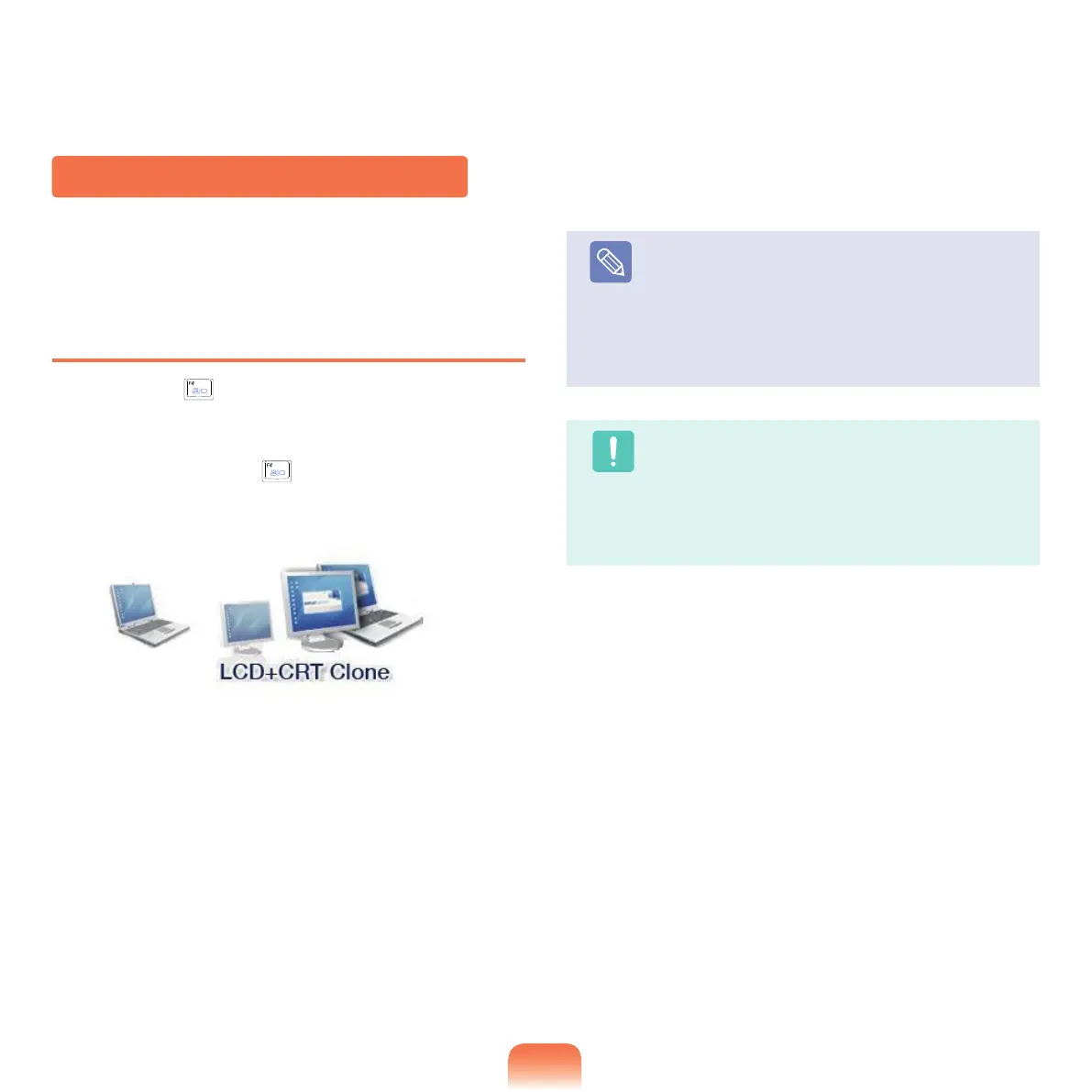
Press the Fn + ( )keycombinationonce.Thenthe
Easy Display Manager screen appears in which you can
select a display device.
Wheneveryoupressthe(
) key while holding down the
Fnkey,theselectedoptionischanged.
Note
LCD:NotebookScreen
CRT:
ExternalMonitorScreen
TV:TV
Screen(WhenconnectingTVport)
LCD+CRT Clone : N
otebook+ External Monitor
Screen
LCD+TV Clone:
Notebook+TVScreen
Caution
■
Only computer models with a TV output port
(S-VIDEO)supporttheTVscreenoption.
■
Displaying the screen over all of LCD + CRT +
TV is not supported.
■
TV o utp u t i s not s u ppo r ted i n t h e D O S
environment.
Example) Selecting LCD+CRT Clone



 To Next Page