103
3
Ifthereareavailablesoftwareordriverupdatesfor
yourcomputer,theavailableupdateswillbelisted.
Select the required updates from the list and click
Install Update to start the update. (The update list
on the screen may differ depending on the computer
model.)
Updates that must be installed separately.
If you select Install
asanupdateitemthatmustbe
installedseparately,amessageappearsinformingyou
of this. Follow the instruction message to correctly install
it.
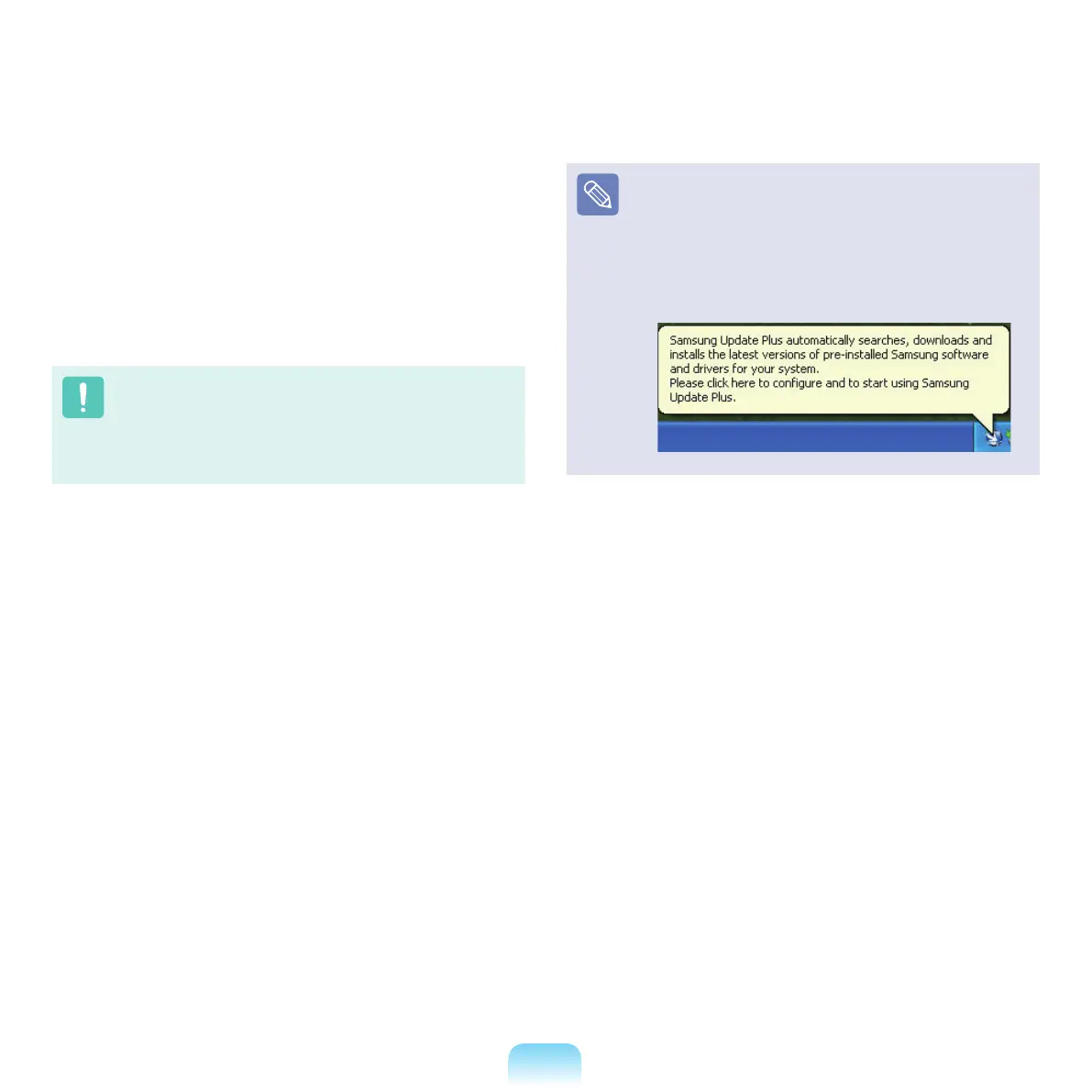
Automatic update items display
Bydefault,yourcomputerisconguredtoautomatically
searchforupdates.Ifthereisanewupdateavailable,
thisisnotiedinthenoticationarea.Clicktheballoon
helpiconinthenoticationarea.Hereyouwillbeableto
ndthelatestavailableupdates.



 To Next Page