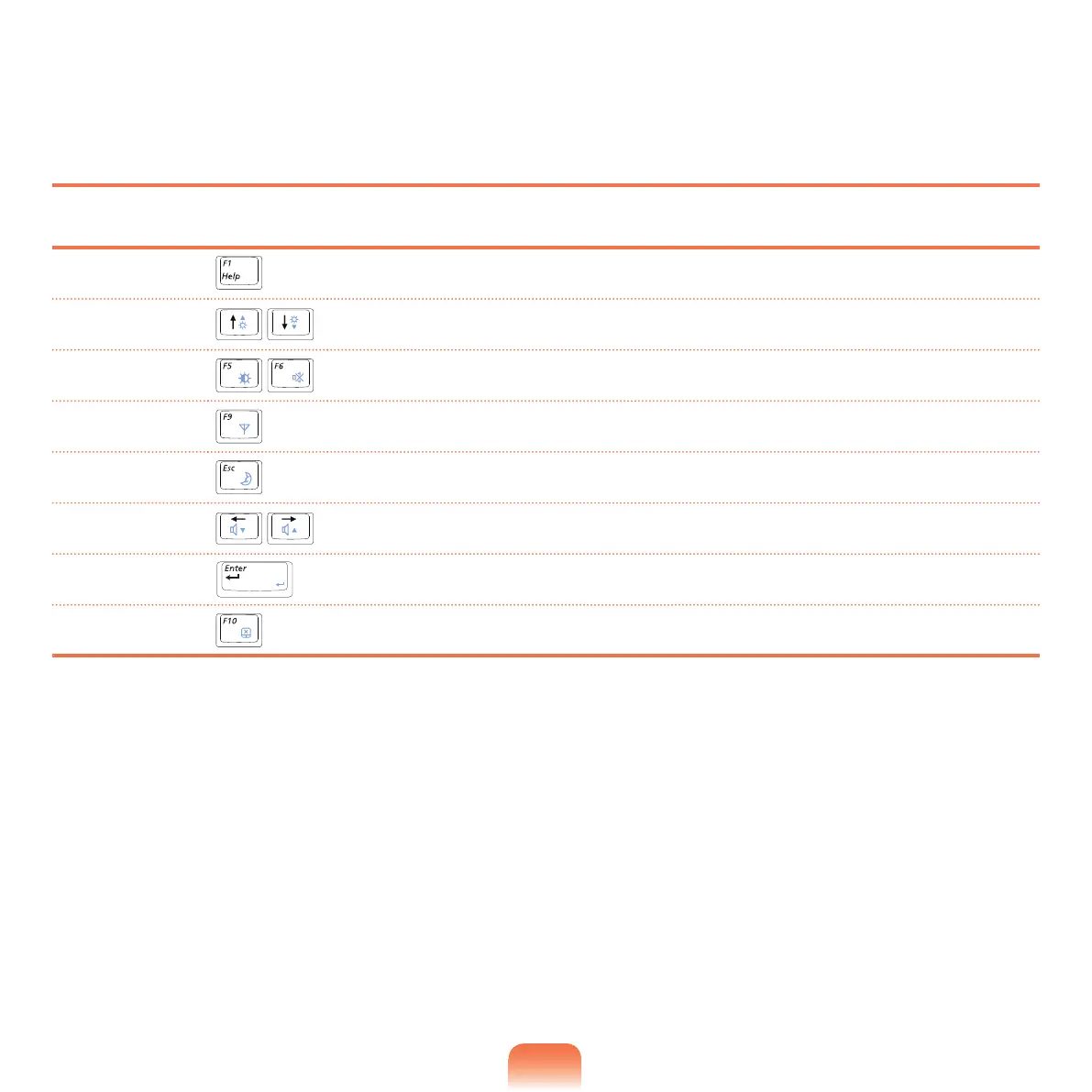
System Setup Keys
IntheSetup,youhavetousethekeyboard.
F1 Press to view the Setup Help.
Up & Down Keys
Press to move up and down.
F5/F6
Press to change the item value.
F9
Press to load the default Setup settings.
ESC
PresstoreturntoahigherlevelmenuortomovetotheExitmenu.
Left & Right Keys
Press to move to another menu.
Enter
Presstoselectanitemortoenterasubmenu.
F10
PresstosavethechangesandexitSetup.



 To Next Page