133
3
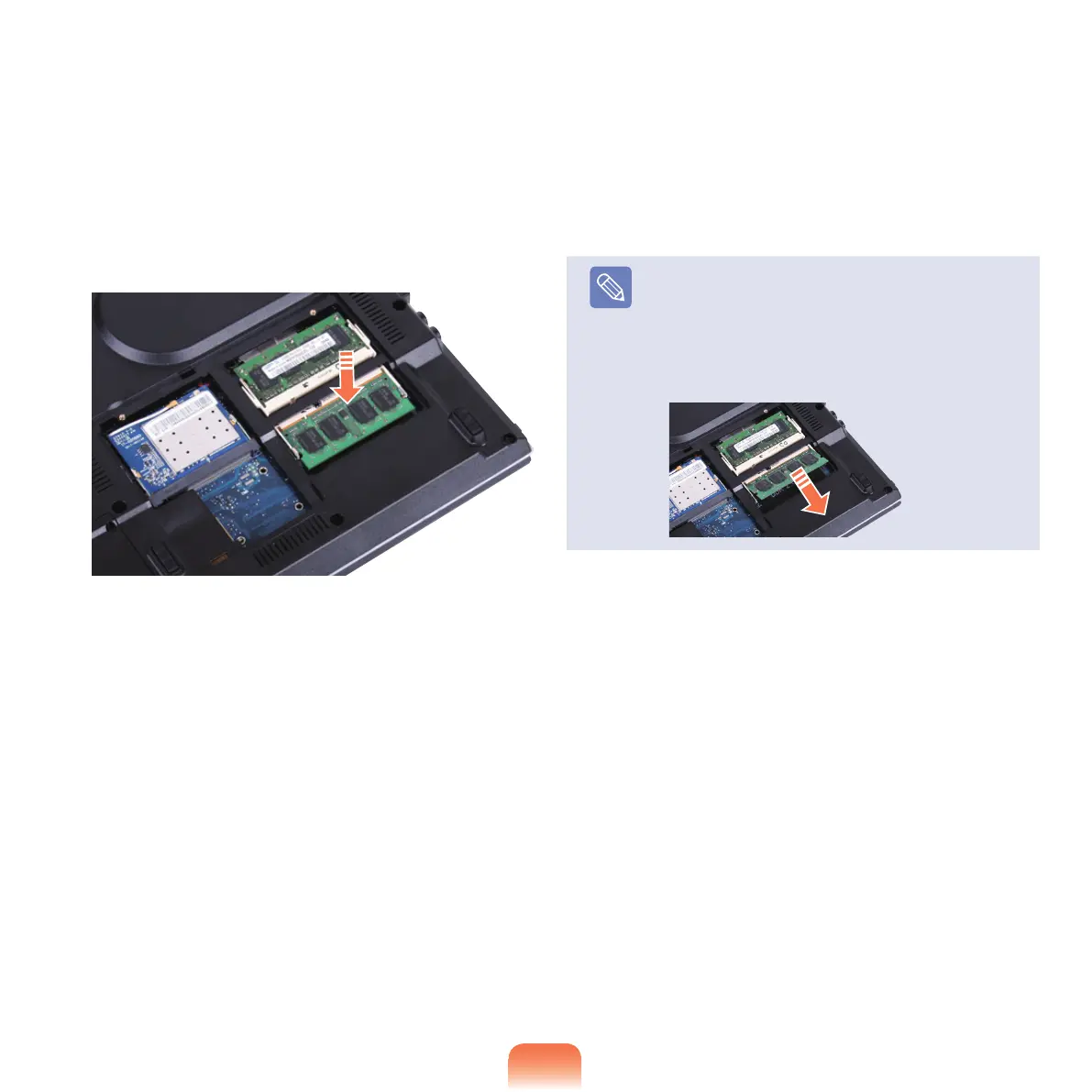
Push the memory module down so that it is
completelyxed.Ifthememorydoesnotteasily,
push the memory module down while pulling the
memory module latches outward.
4
Close the memory compartment cover and fasten
the screw.
Note
Removing a memory module
Pull the memory module latches outward. The
memory module will pop up.
Remove the memory module out at an angle of
30
degrees.



 To Next Page