65
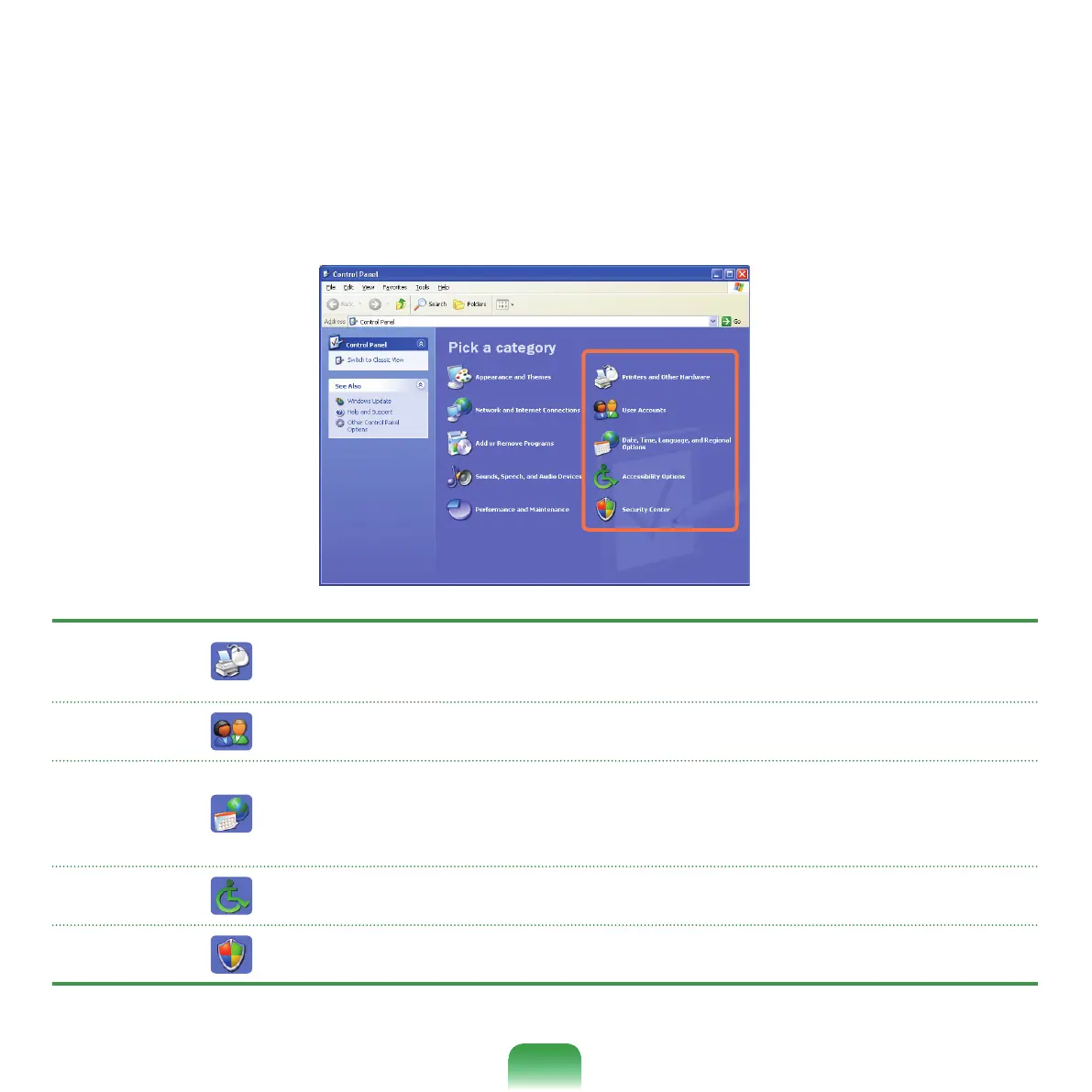
Click Start > Control Panel.
Printers
and Other
Hardware
Changethesettingsforyourprinter,keyboard,mouse,camera,andotherhardware.
User
Accounts
Changeuseraccountsettings,passwords,andpictures.
Date, Time,
Language,
and Regional
Options
Changethedate,time,andtimezoneforyourcomputer,thelanguagetouse,andtheway
numbers,currencies,dates,andtimesaredisplayed.
Accessibility
Options
Adjustyourcomputersettingsforvision,hearing,andmobility.
Security
Center
View your current security status and access important settings to help protect your PC.



 To Next Page