81
7
WhenthePrinterSettingwindowappears,click
Finish.Toaddaprinter,clickAdd Printer. The Add
PrinterWizardappears.Setuptheprinteraccording
totheinstructionsdisplayedonthescreen.When
theprinterhasbeenadded,clicktheShow printer
button,selectthenewlyaddedprinterandthenclick
the Finishbutton.
Tonotaddaprinter,selectNo Default Printer and
then click the Finish button.
Whenthenetwork
settingiscomplete,the’Do you want to move to
newly added location now?’ message appears. If
you select ’Yes’,
thenetworksettingsfortheadded
locationareapplied.Whenthenetworksettingsfor
theaddedlocationareapplied,theaddedplaceand
the corresponding network connection information is
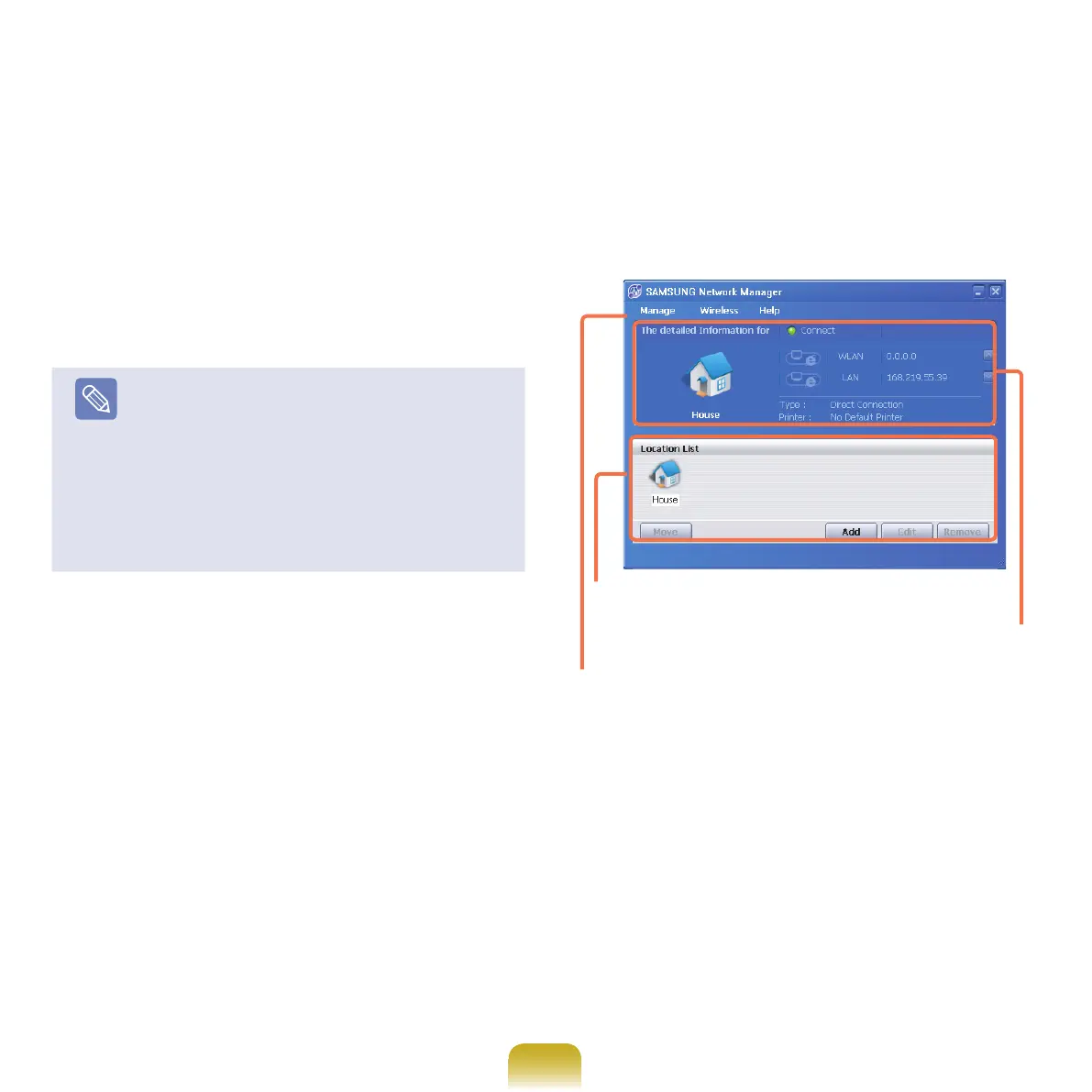
displayed in The detailed Information for window.
Whenthenetworksettingiscomplete,aniconforthe
added location is created within
theSavedLocationswindow.Nowyoucanusethe
Internet or add a new network location.
Menu
Current Place
Information
Saved Locations



 To Next Page