Confidential
Chapter 2 Installing System
RFV01U-D2A Installation Manual v2.0 39
Copyright © 2017, All Rights Reserved.
Table 11. Tools for Marking
Category Description
Working Tools
Tape Measure
Permanent Maker
Level
To mount the system on a wall, perform the leveling test by referring to System
Leveling to check the positions are marked to be horizontal or vertical before
drilling. If the result shows they are not horizontal or vertical, modify the marking
positions.
When the position where the system will be placed is determined, place the system
on that position and then mark the positions where anchor bolts will be fixed. This
reduces the marking error range.
2
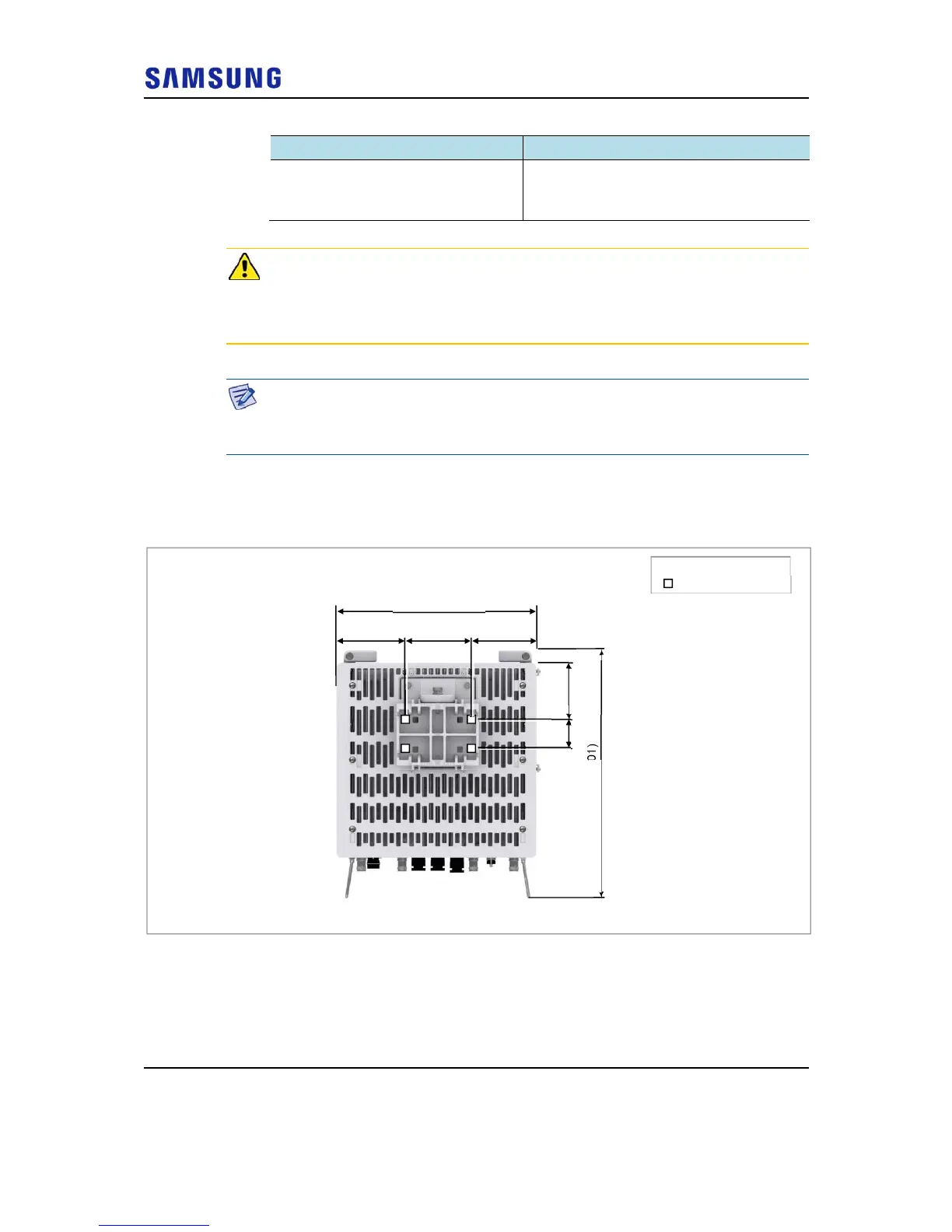
Check the distance between the locations for fixing the RRH and the anchor
bolt hole.
Figure 38. RRH marking dimensions_1 Sector Wall Type (Standard Installation)
[Rear View]
Unit: in. (mm)
4.48
5.11 (130)
15.88 (403)
5.48 (139)
5.28 (134)
19.73 (501)
: Anchor Bolt Hole
2.36
(60)
(114)



 To Next Page