Chapter 3 BFM136 Graphical Display Operations Navigation Buttons
Branch Feeder Monitor 136_Installation Operation and Manual 24
3.3 Navigation Buttons
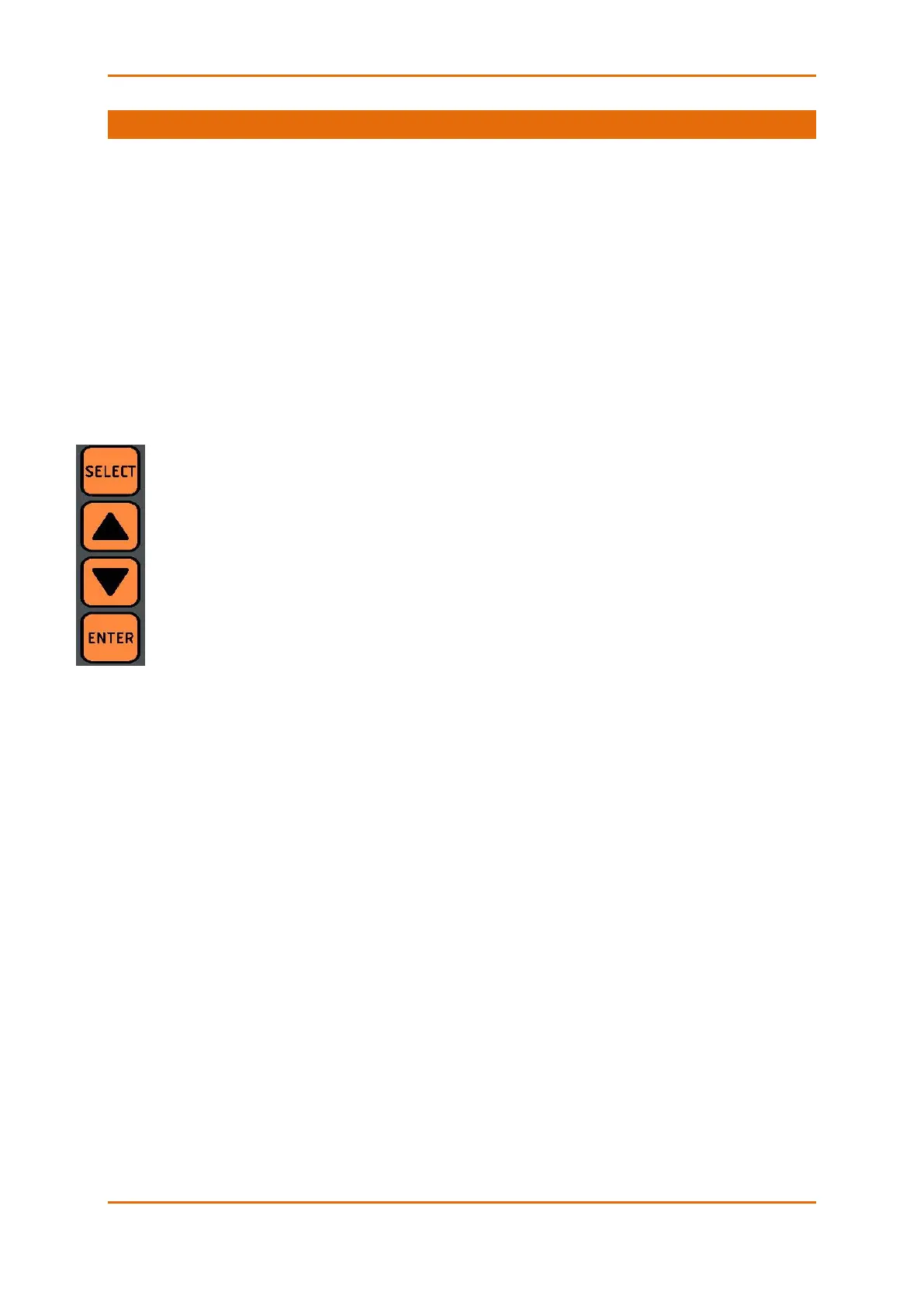
The BFM136 has four push buttons that are normally used to navigate between screen modes and pages.
In programming mode, the buttons allow you to navigate through device setup menus and to change the
device settings.
The SELECT button functionality:
• In display mode
Hold down the SELECT button, and then use the UP or DOWN button to scroll through the submeters.
Press the SELECT button for more than 5 seconds to enter programming mode.
• In programming mode
Press briefly the SELECT button to highlight/activate a menu item or to highlight a digit for changing
when entering numbers.
The UP and DOWN buttons functionality:
• In display mode
Press briefly the UP or DOWN button to scroll through the display pages.
Hold down the SELECT button and then press briefly the UP or DOWN button to scroll through the
submeters.
Press the UP and DOWN buttons together to move to the default display page.
• In programming mode
Use the UP and DOWN buttons to scrolls through the menu options or to change a selected digit
when entering numbers.
The ENTER button functionality:
• In display mode
Press briefly the ENTER button to scrolls through the different screen modes
• In programming mode
Press briefly the ENTER button to select a highlighted menu item and to enter a submenu, or to store
a changed item.



 To Next Page