Chapter 3 BFM136 Graphical Display Operations Menu Operations
Branch Feeder Monitor 136_Installation Operation and Manual 34
3.5.7 Communication Ports
These two menus allow you to configure parameters for communication ports COM1 and COM2. The
BFM136 automatically detects a replaceable communication module and will not allow you to change the
baud rate and data format for the Dial-up modem, and for the Ethernet and RF modules.
To enter the menu, select the COM1 or COM2 entry from the main menu, and then press the ENTER
button. For instructions on navigating in the menu, see Viewing and Changing Setup Items.
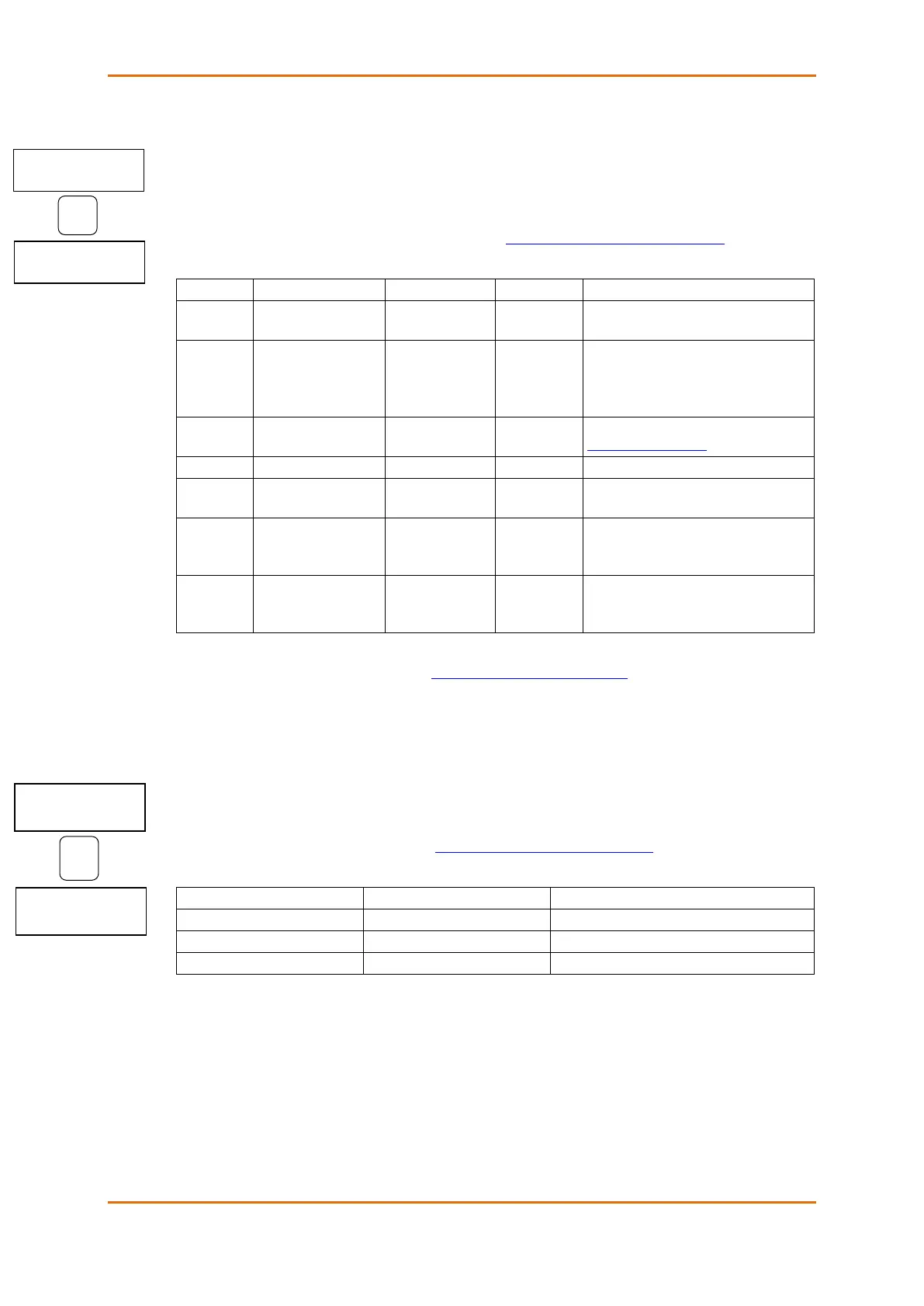
The following table lists available port options.
The communications protocol for the
port
RS485
RS485, RS232,
Modem, Ethernet,
RF
Not changeable; automatically detected
by the device
Device’s base network address (see
Submeter Addressing )
7E data format should not be used with
the Modbus RTU protocol
The minimum time after the last request
character is received to start the
transmission.
The maximum time the line is allowed to
idle before closing a connection in the
Modbus RTU protocol
NOTE
When using the ExpertPower client (see Configuring eXpertPower Client), submeter address 99 on the
Ethernet port COM2 is reserved for the BFM136 router and must not fall inside the range of the submeter
addresses for this port.
3.5.8 Local Network Settings
This menu allows you to configure the Ethernet modem (if present) for direct communications through the
LAN or the Internet.
To enter the menu, select the Net entry from the main menu, and then press the ENTER button. For
instructions on navigating in the menu, see Viewing and Changing Setup Items.
The following table lists available Ethernet options.
Net IP Address
192.168.000.203



 To Next Page