Chapter 4 PAS Application Software Data Monitoring
Branch Feeder Monitor 136_Installation Operation and Manual 59
4.12.2 Retrieving Log Files
Using PAS, you can retrieve the event and data log files from the BFM136 submeters and save them to
files on your PC in the MS Access database format.
Historical data is uploaded on demand any time you need it, or periodically through the Upload Scheduler
that retrieves data automatically on a predefined schedule, for example, daily, weekly or monthly. If you
do not change the destination database location, new data is added to the same database so you can
have long-term data trends and energy profiles in one database regardless of the upload schedule you
selected.
For information on uploading files and configuring the Upload Scheduler for the BFM136 submeters, see
the PAS Getting Started Guide.
Retrieving the Event Log
The BFM136 provides a separate Event log file for each metering submeter. All general device events,
like device diagnostics, are recorded to the first Event log file that is accessed via the device base address.
Each Event log file is organized as a wrap-around file that keeps 200 most recent events. The Event log
files need not to be cleared explicitly though it can be done via PAS (see Clearing Maximum Demands
and Log Files).
See the PAS Getting Started Guide for information on the event log viewing options.
Retrieving the Data Log and Daily Profile Log
Data log files are recorded and retrieved separately for each submeter. When uploading data log files refer
to a regular data log file as Data Log #1, and to the daily profile data file as Data log #16.
Viewing Daily Profile Data
Energy and maximum demand register’s data is recorded to a separate table in the database. A daily
profile record always contains the total energy reading of the register at the end of the day, and, if TOU is
enabled for the register, readings of tariff registers for all tariffs defined in the daily tariff schedules.
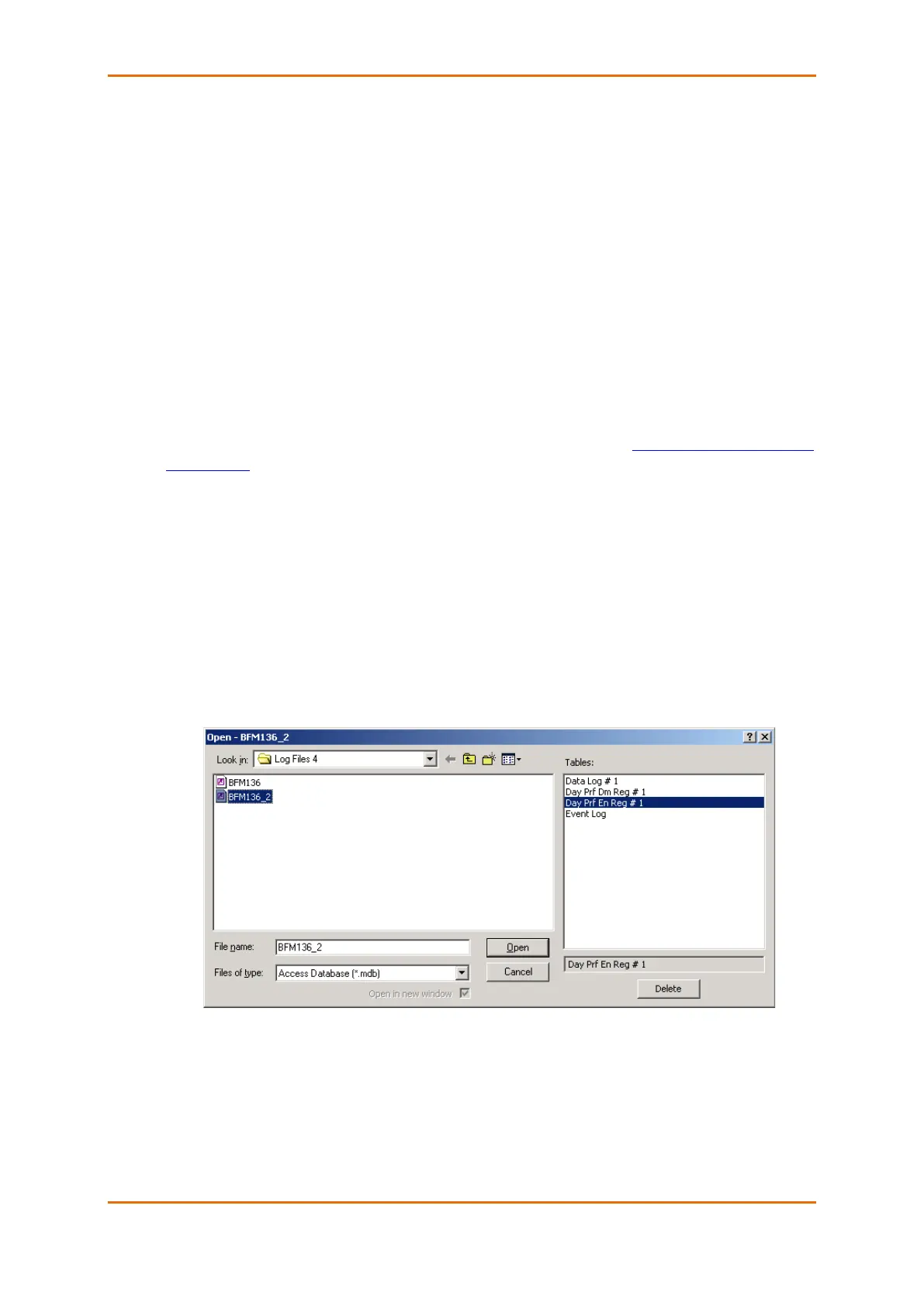
Daily profile tables for energy and maximum demand registers are named as shown in the following
picture.



 To Next Page