Chapter 4 PAS Application Software Configuring Billing Energy and TOU Registers
Branch Feeder Monitor 136_Installation Operation and Manual 52
Totalization Submeters
If you wish to automatically totalize energy measured by a number of submeters by using a separate
totalization submeter, select a source submeter in the Source Input column on the Register Source List
pane (starting with source 5), and then select the desired target totalization submeter in the Target column.
Repeat these steps for all source submeters while selecting the same totalization submeter as the target.
Selecting a submeter as a target automatically connects all active energy registers of the source submeters
to its energy registers, thus making it a totalization submeter. Note that each totalization submeter takes
its own communication address in a sequential order along with the metering submeters (see Submeter
Addressing).
4.7.2 Configuring the Daily Tariff Schedule
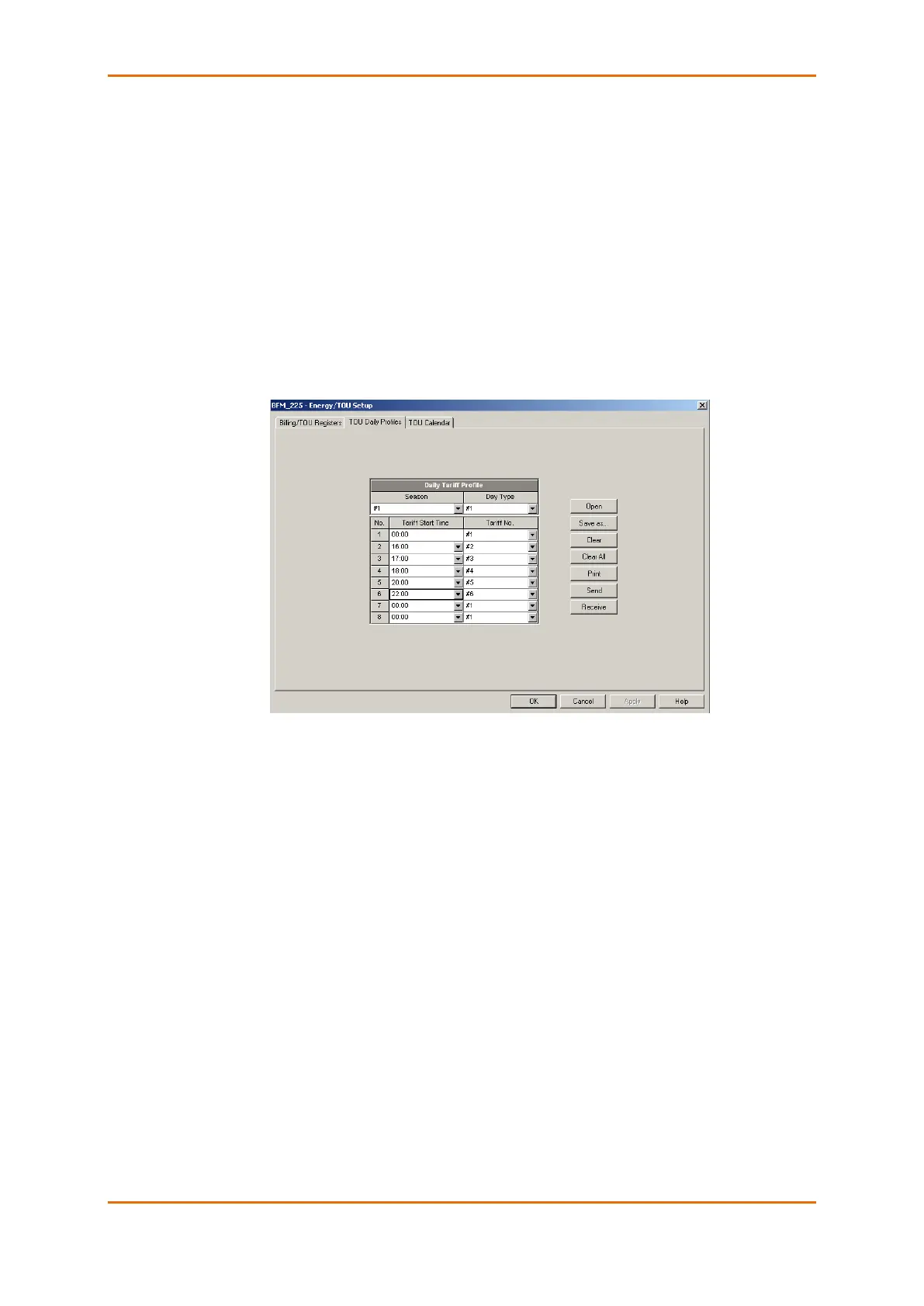
To configure your daily tariff schedule, select Energy/TOU from the Meter Setup menu, and then click on
the TOU Daily Profiles tab.
The daily profile setup allows you to specify the daily tariff change points with a 15-minute resolution for
six tariffs and four seasons.
To configure your daily profiles:
1. Select the desired season and day type.
2. Select the start time for each tariff change point and the corresponding active tariff number.
3. Repeat the setup for all active profiles.
The first tariff change point is fixed at 00:00 hours, and the last tariff change you specified will be in use
until 00:00 hours on the next day.
The energy daily profile log will be automatically configured for the number of active tariffs you defined in
the BFM136 TOU daily profile.



 To Next Page