Chapter 4 PAS Application Software General Meter Setup
Branch Feeder Monitor 136_Installation Operation and Manual 48
4.6.4 Local Settings
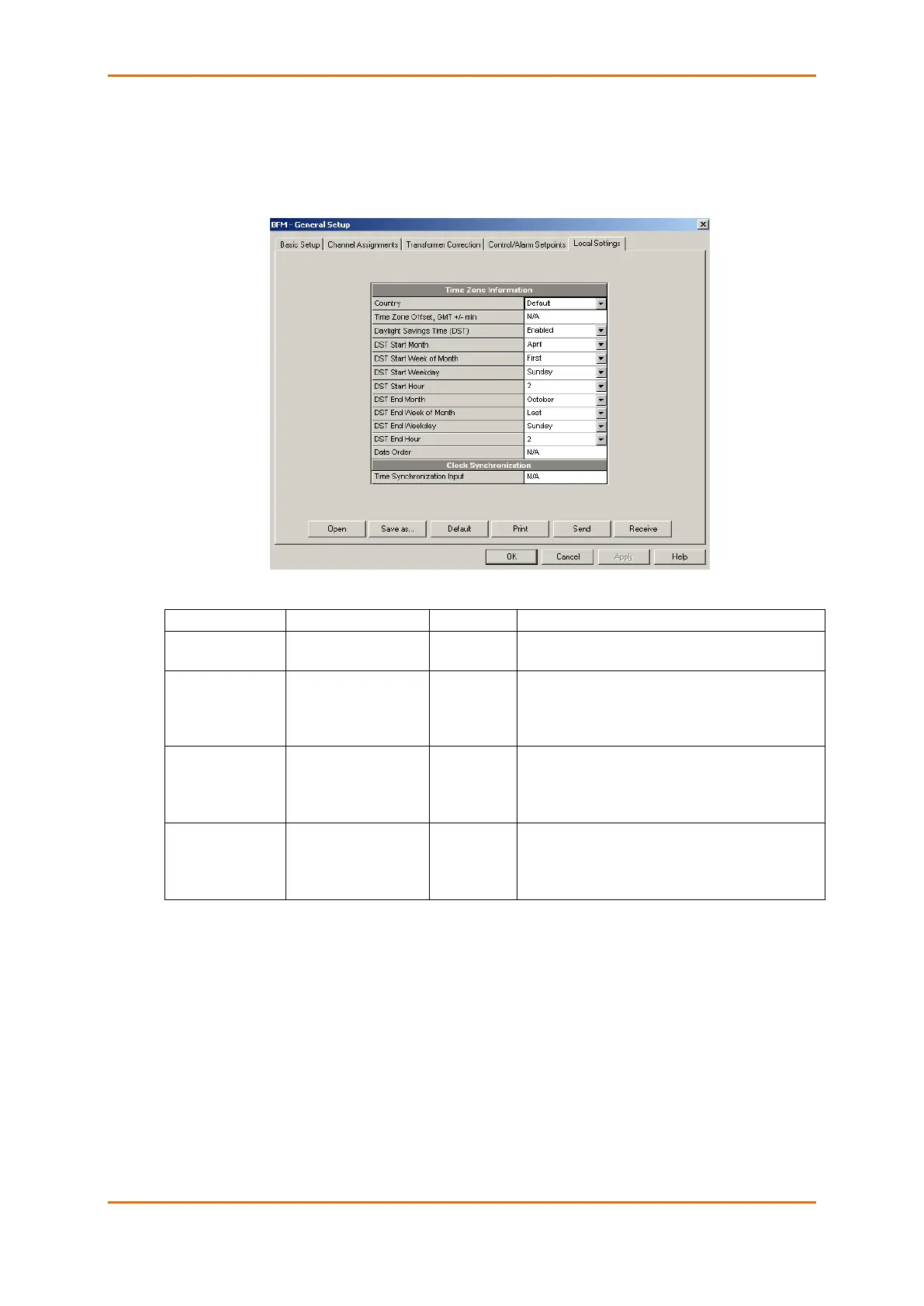
The Local Settings setup allows you to specify your time zone and daylight saving time options.
To configure the time zone options for your device, select the device site from the list box on the PAS
toolbar, select General Setup from the Meter Setup menu, and then click on the Local Settings tab.
The available options are described in the following table:
Defines a currency and calendar settings. The default
setting stands for the U.S.A.
Daylight saving time
option
When DST is disabled, the RTC will operate in
standard time only. When enabled, the device will
automatically update the time at 2:00 AM at the pre-
defined DST switch dates.
DST start month
DST start week
DST start weekday
Month-week-weekday
Week = 1
st
, 2
nd
, 3
rd
, 4
th
or
Last (last week of the
month)
The date when Daylight Saving Time begins. The
DST switch point is specified by the month, week of
the month and weekday. By default, DST starts at
2:00 AM on the first Sunday in April of each year.
DST end month
DST end week
DST end weekday
Month-week-weekday
Week = 1
st
, 2
nd
, 3
rd
, 4
th
or
Last (last week of the
month)
The date when Daylight Saving Time ends. The DST
switch point is specified by the month, week of the
month and weekday. By default, DST ends at 2:00 AM
on the last Sunday in October of each year.
When the daylight saving time is enabled, the BFM136 automatically adjusts the device clock at 02.00 AM
when daylight saving time begins/ends. The default daylight saving time change points are set for the
U.S.A.
If the daylight saving time option is disabled, you need to manually adjust the device clock for daylight
saving time.



 To Next Page