Chapter 4 PAS Application Software Setting up Communications
Branch Feeder Monitor 136_Installation Operation and Manual 38
4.2 Setting up Communications
You can communicate with your meter via a local RS-485 serial port, or remotely through a second
adjustable communication port. Depending on what was ordered, your meter may be equipped with an
RS-232 or RS-422/485 serial port, with a dial-up modem for communicating through public telephone lines,
with an Ethernet module for communicating through the Internet, or with an RF modem for wireless
communications.
The communication protocol and port settings in PAS must match the settings made in your device.
To configure your communications with the BFM136 :
1. Select Configuration from the Tools menu. Under the Communication group on the Instrument
Setup tab, select the type of connection for your device.
2. In the Address box, select an appropriate submeter address.
3. In the Sampling Rate box, select a rate at which PAS updates data on your screen when you
continuously poll the device via the PAS Data Monitor.
4.2.1 Communicating through a Serial Port
Select Serial Port/Modem Site on the Configuration tab, and then click on the Connection tab to configure
your serial port settings.
Configuring a Serial Port
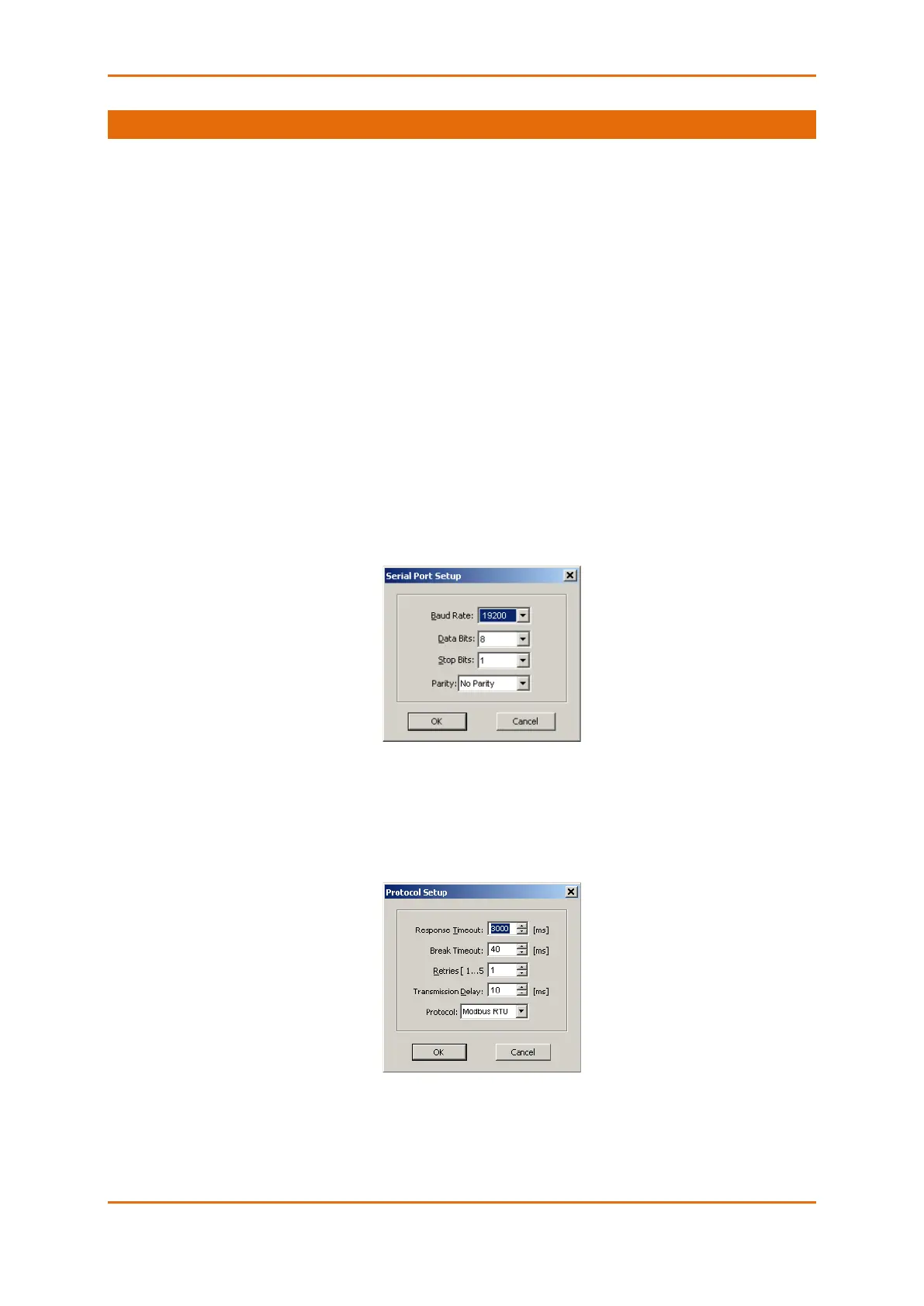
1. On the Connection tab, select a COM port from the Device box, and then click Configure.
2. Specify the baud rate and data format for the port. Choose the same baud rate and data format
as you have set in the BFM136 , and then click OK. The default settings for the local RS-232 and
RS-422/485 serial ports are 19200 baud, 8 bits with no parity.
Selecting the Communications Protocol
1. On the Connection tab, click Protocol.
2. In the Protocol box, select the same communications protocol as you have in your BFM136 . The
default protocol setting in the BFM136 for all ports is Modbus RTU.
For more information on configuring the protocol parameters, refer to the PAS Getting Started guide.



 To Next Page