Chapter 4 PAS Application Software Configuring Data Recorders
Branch Feeder Monitor 136_Installation Operation and Manual 54
4.8 Configuring Data Recorders
The BFM136 provides a separate Data recorder for each metering submeter. The recorder is triggered
via a setpoint periodically for recording interval data (see Using Alarm/Control Setpoints).
The device memory is factory partitioned to allow recording one data log file per submeter (Data Log #1)
with a maximum of 5000 records per file. A data log file is organized as a wrap-around file that needs not
to be cleared explicitly though it can be done via PAS (see Clearing Maximum Demands and Log Files).
When a file is filled up, the new records overwrite oldest records, so a file always keeps the 5000 latest
records.
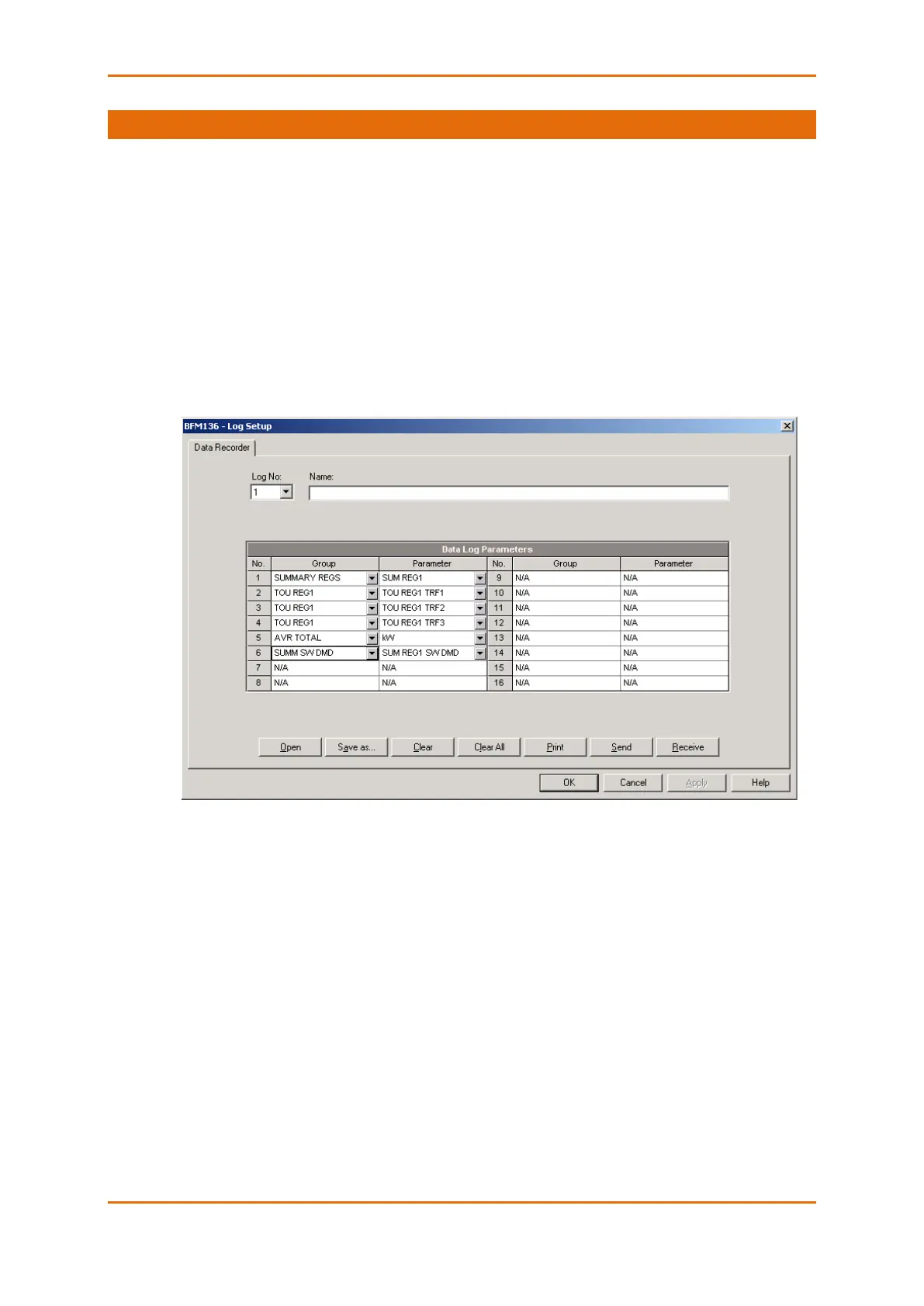
The Data recorder is programmable to record up to six data parameters per record. The list of parameters
is configured individually for each submeter and can be read and changed via the corresponding
submeter’s address.
To configure the data log for a submeter:
1. Select Log Setup from the Meter Setup menu.
2. Configure the list of parameters to be recorded in the data log file. See Parameters for Data
Monitoring and Logging in Appendix C for a list of the available parameters.
3. Add the name for your data log file in the Name box. It will appear in the data log reports.
4. Save your new setup to the device database, and send it to the meter.
5. Configure a setpoint for periodic triggering the Data recorder using the MINUTE INTERVAL
trigger (see Using Alarm/Control Setpoints).



 To Next Page