Chapter 4 PAS Application Software Data Monitoring
Branch Feeder Monitor 136_Installation Operation and Manual 58
6. Wait until PAS completes upgrading your device. It would take about 3-4 minutes at 115,200 bps
to download the file to the device.
7. After upgrading firmware is completed, the device restarts. If the meter is connected to your PC
through the modem, communications can be temporarily lost and you may need to wait until PAS
restores a connection with your device.
4.12 Data Monitoring
4.12.1 Viewing Real-Time Data
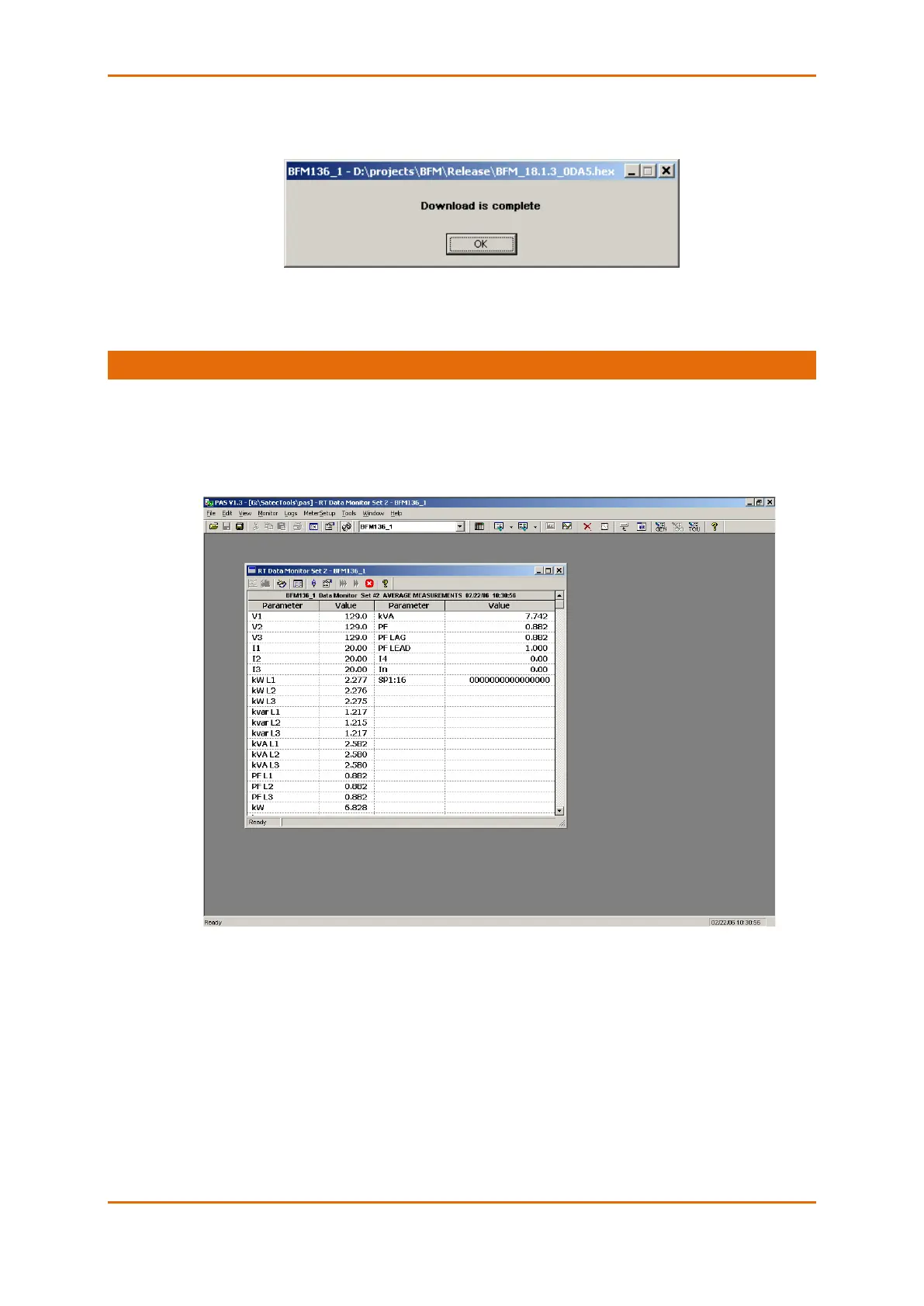
Real-time data can be continuously retrieved from the BFM136 submeters, updated on the screen at the
rate you defined in the Instrument Setup, and recorded to a file. You can view acquired data in a tabular
or in a graphical form as a data trend.
For information on the real-time data monitoring and recording options, see the PAS Getting Started Guide.
To get data from all submeters in a single window, click on the Multi-meter View button on the local toolbar.
Any energy and maximum demand registers in the BFM136 submeters can be read and recorded to files
through the PAS Data Monitor.



 To Next Page