Chapter 3 BFM136 Graphical Display Operations Navigating in Menus
Branch Feeder Monitor 136_Installation Operation and Manual 29
3.4 Navigating in Menus
The BFM136 setup is menu-driven. To enter the setup menus, press the SELECT button for more than 5
seconds.
3.4.1 Entering Numbers
Each digit in numbers is adjusted separately with the UP/DOWN buttons. A brief press on the button
increments or decrements the highlighted digit by one. A highlighted digit is flashing twice per second. To
move to the next digit, press briefly the SELECT button.
When the number is set to a desired value, press briefly the ENTER button to store your new setting.
3.4.2 Entering a Password
The setup menus are secured by an 8-digit user password. If the password entered is correct, you will
move to the main menu, otherwise you will return to the display mode.
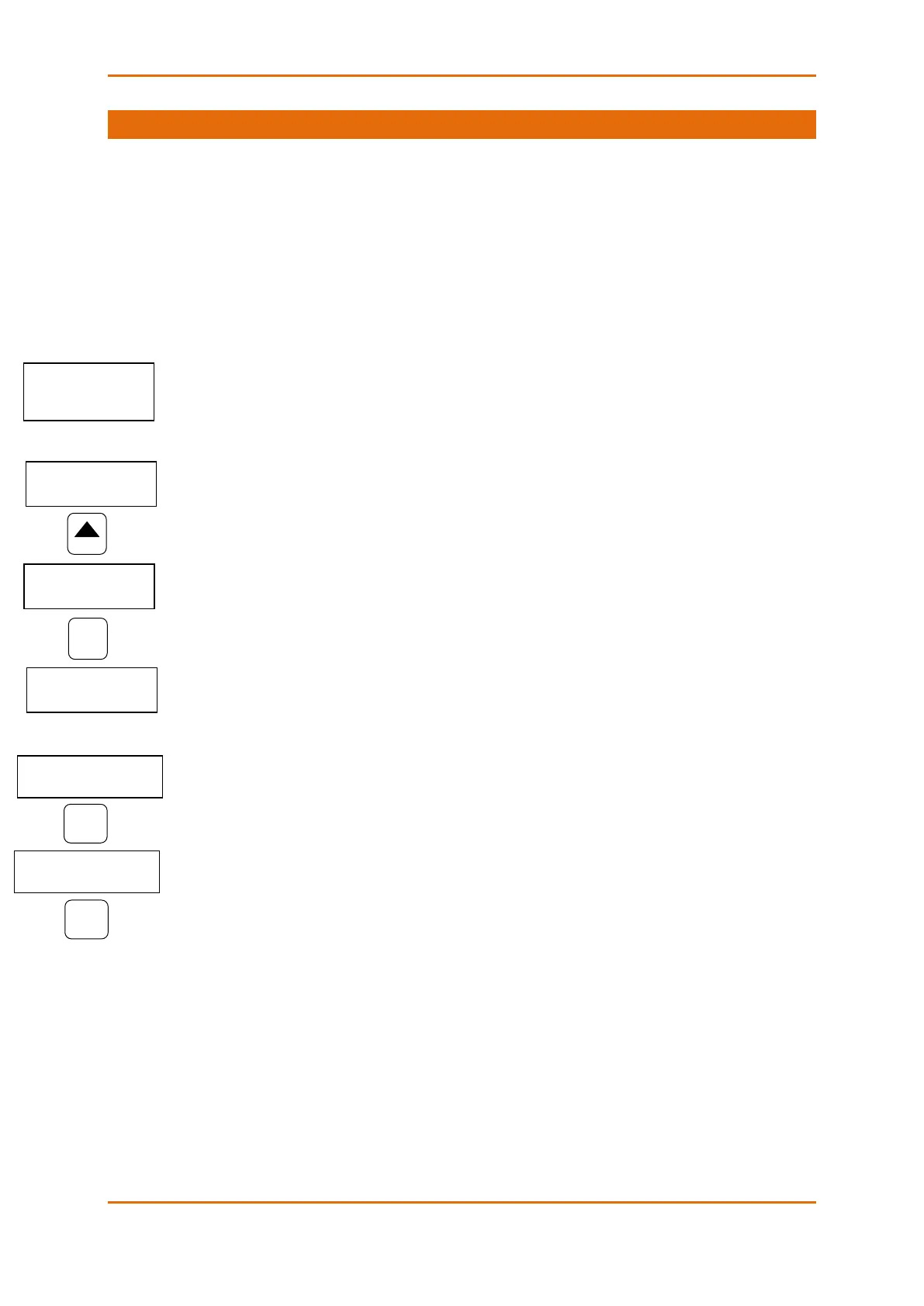
3.4.3 Selecting Menus
The main menu is represented by two entries; the left item shows a menu list, while the right item is an
assisting exit window that allows easy returning to the display mode. Flashing highlights a currently active
menu item (in the following diagrams, a highlighted item is pointed out by using a bold font). To highlight
a desired menu item, press briefly the SELECT button.
To select a menu entry from the menu list:
1. Highlight the left item by briefly pressing the SELECT button if it is not highlighted yet.
2. Scroll through the menu list by briefly pressing the UP and DOWN buttons until the desired menu
entry appears.
3. Press the ENTER button.
To exit the main menu:
1. Highlight the Exit item by briefly pressing the SELECT button.
2. Press the ENTER button.



 To Next Page